
Post-apocalyptic cyberpunk of a distant future. A suffocating city with a stale atmosphere, inhabited by robots. A lost lonely cat that wants to return home. The... Read more
HDR Simulation
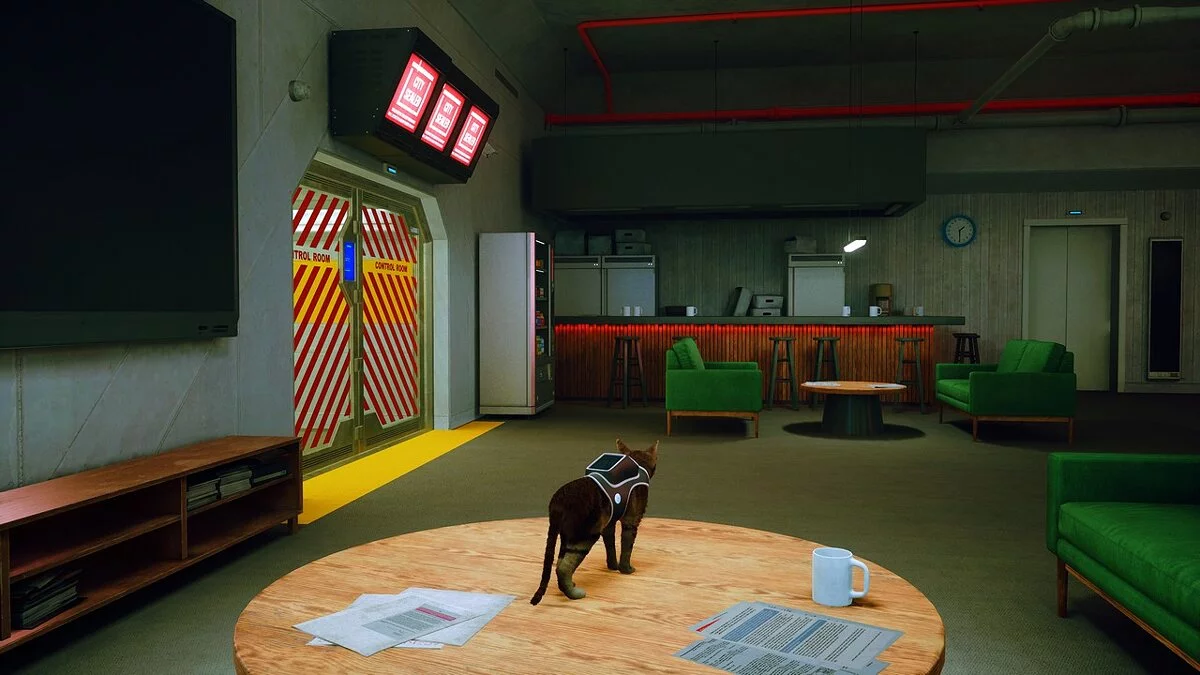
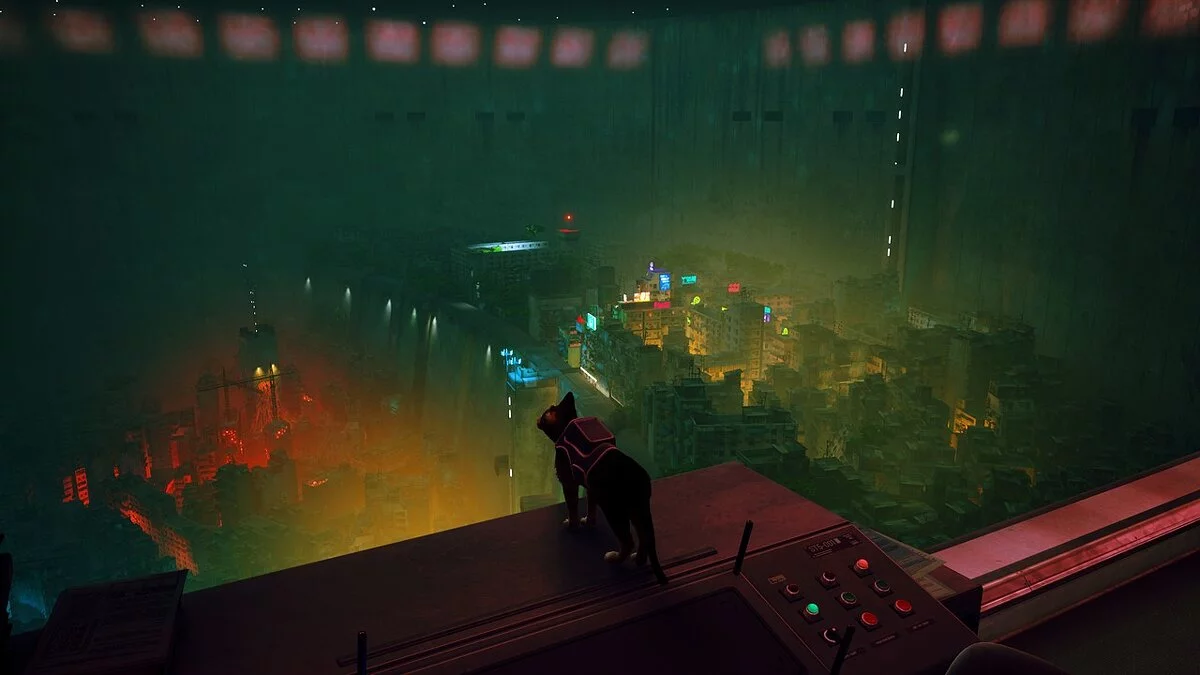

-
www.nexusmods.comDownload
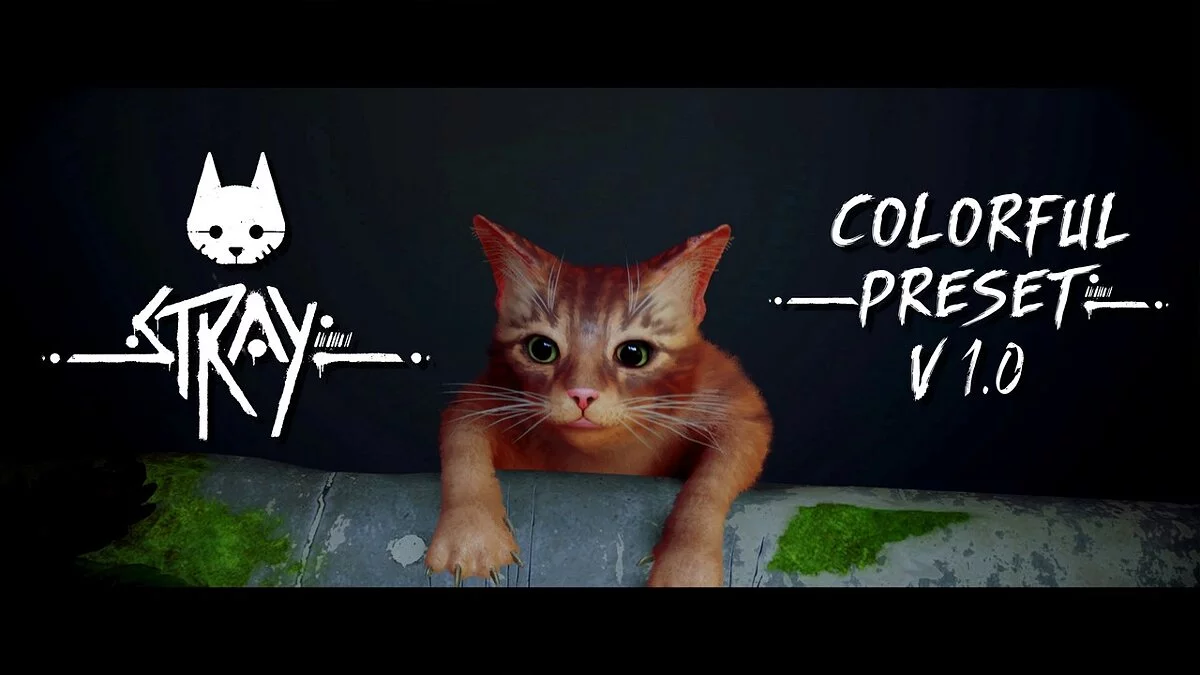
Stray SVReShade.
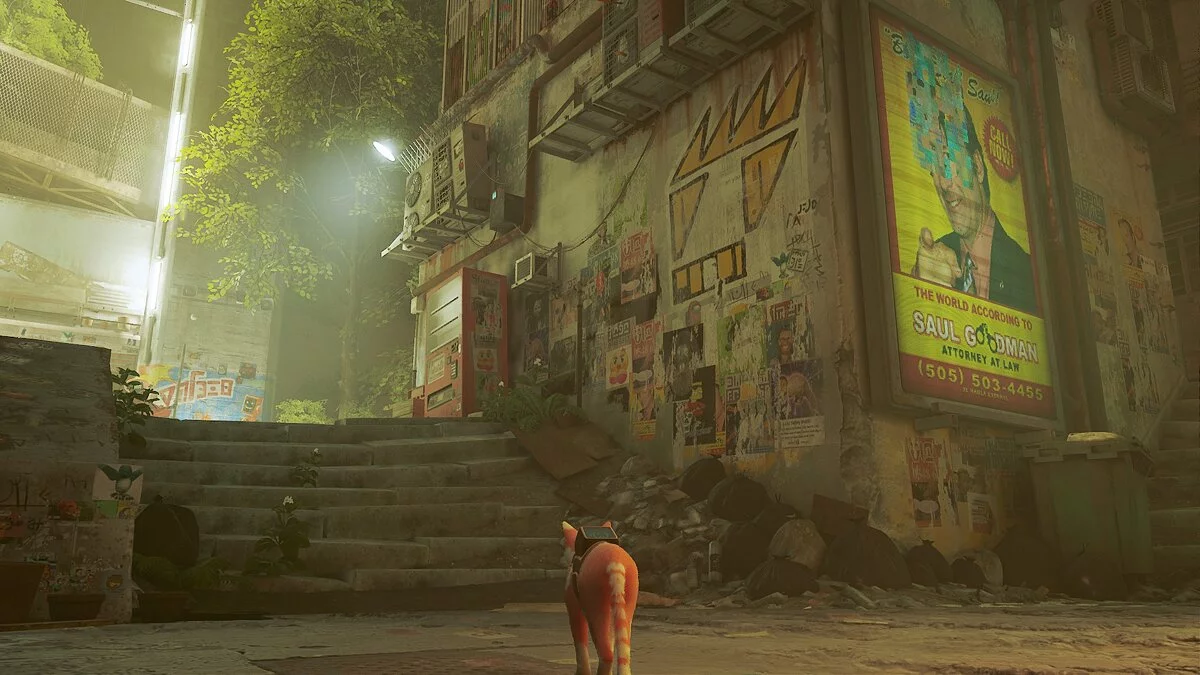
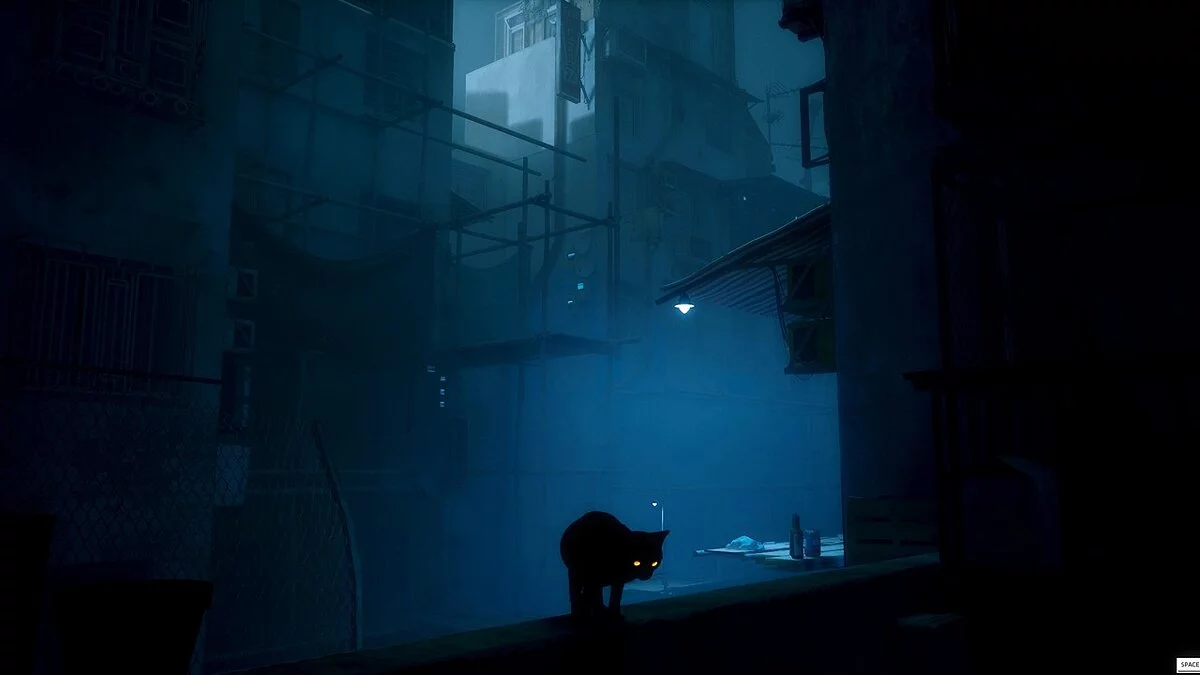
This mod enhances the game with a beautiful HDR simulation and more vibrant colors. It should not affect FPS at all.
Download SVReShade and extract the file into the Win64 folder located inside your main game folder named Binaries, which is in the Hk_project folder. Install the latest version of ReShade. Once the game is loaded and ReShade is correctly installed, go through the tutorial and use only the default values. After finishing, you can select CATT from the ReShade dropdown menu. Once you click 'Select', you will complete the installation, enjoy your very bright ReShade!
Stray SVReShade.
Этот мод улучшает игру с красивой имитацией HDR и более яркими цветами. Никак не должно влиять на FPS.
Загрузите SVReShade и извлеките файл в папку с надписью Win64, которая находится внутри вашей основной папки с игрой с надписью Binaries, которая находится в папке с названием Hk_project. Установите последнюю версию ReShade. как только игра будет загружена и ReShade будет правильно установлен, пройдите обучение и используйте только значения по умолчанию. после завершения вы можете выбрать CATT в раскрывающемся меню ReShade. Как только вы нажмете «Выбрать», вы закончите установку, наслаждайтесь своим очень ярким ReShade!
Useful links:
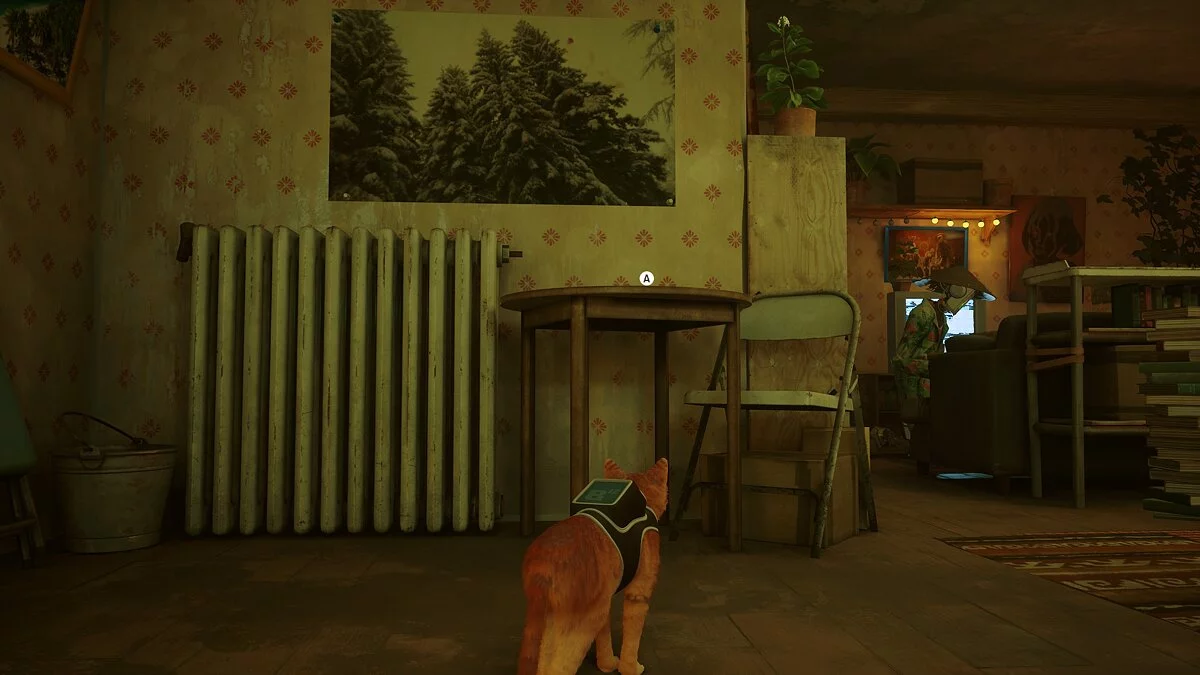
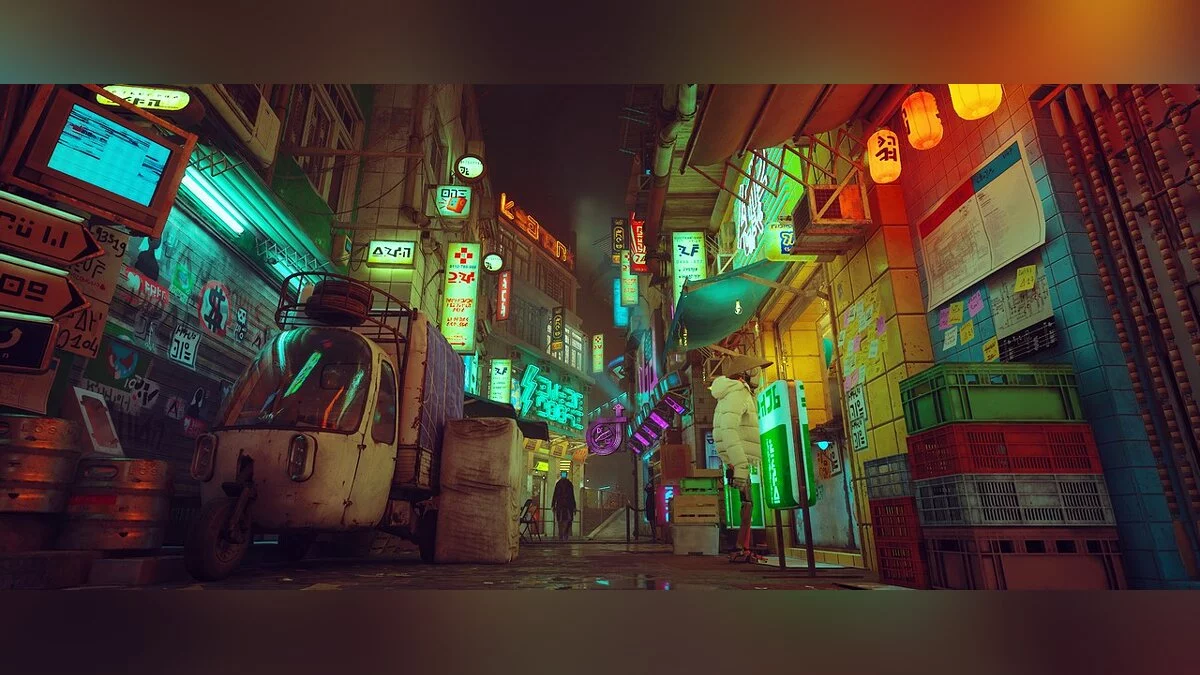

![Stray — Cheat Engine Table [12#211]](https://files.vgtimes.com/download/posts/2022-07/thumbs/1658568671_wmkfej45xluam9qxhk5epw-970-80.webp)
![Stray — Cheat Engine Table [UPD: 22.07.2022]](https://files.vgtimes.com/download/posts/2022-07/thumbs/1658568665_fysyfxtaiaaq_ts.webp)