
Post-apocalyptic cyberpunk of a distant future. A suffocating city with a stale atmosphere, inhabited by robots. A lost lonely cat that wants to return home. The... Read more
Clear ReShade with HDR
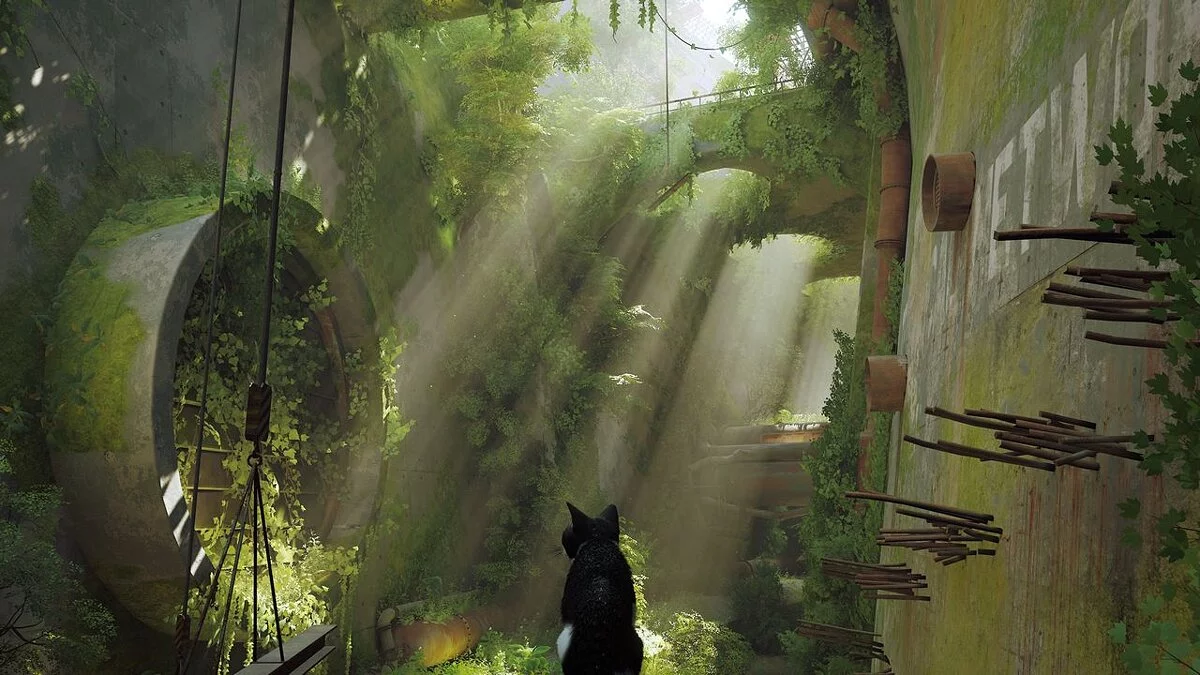
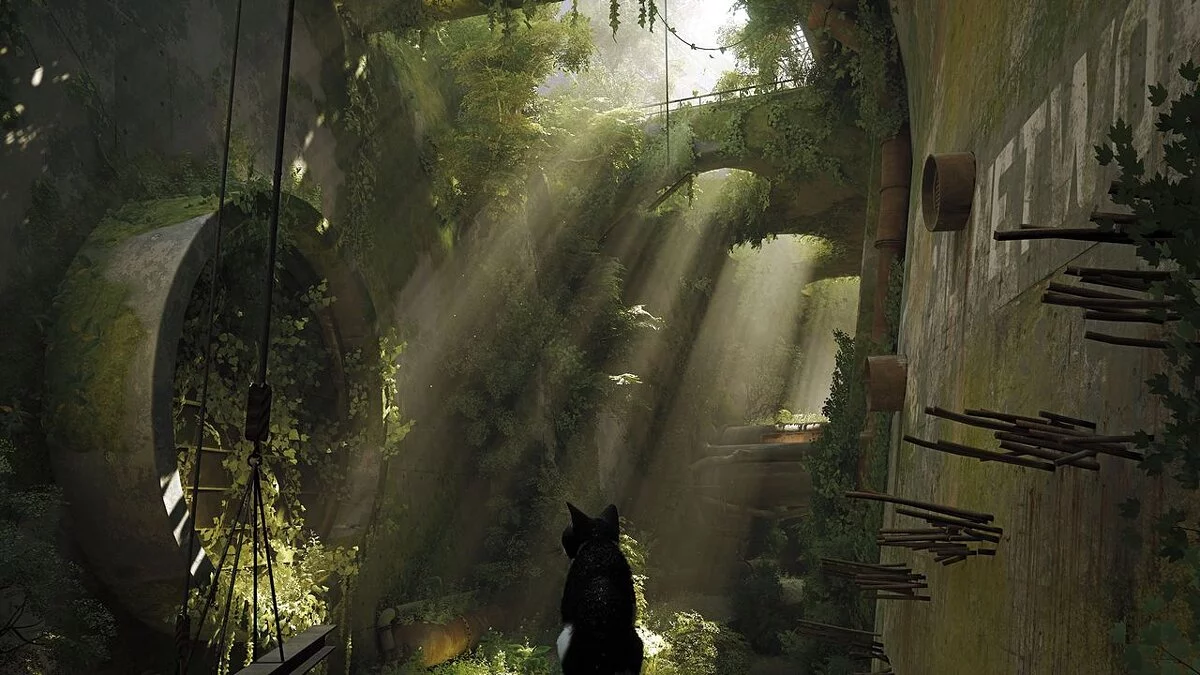
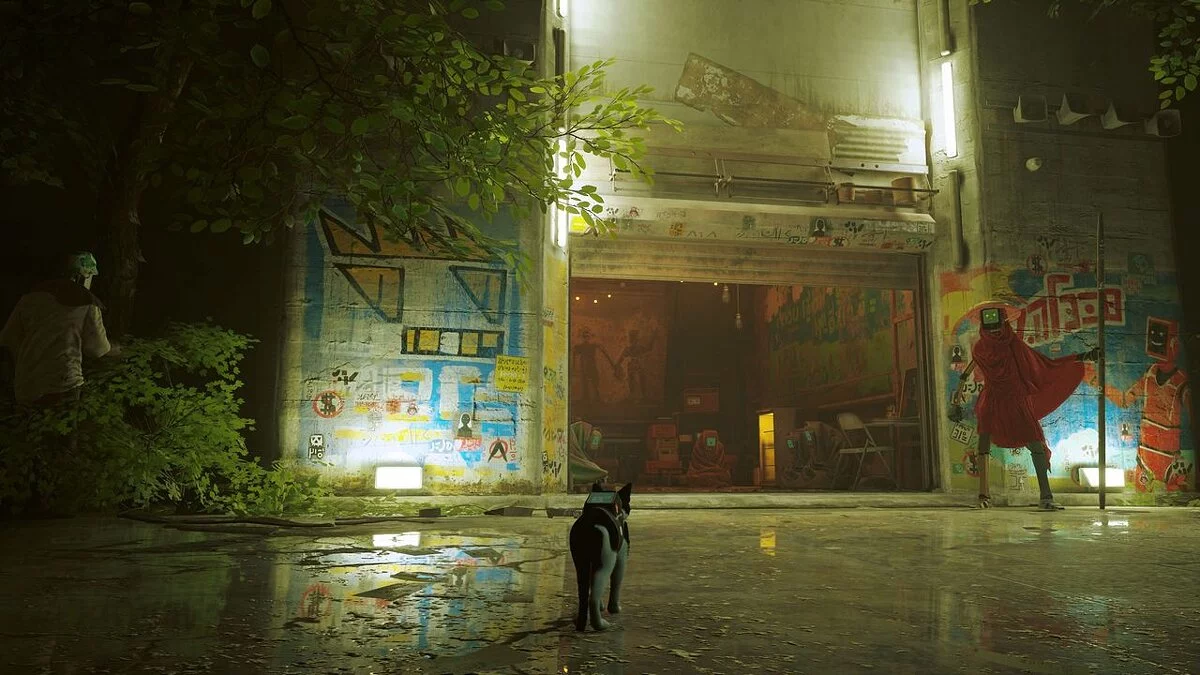
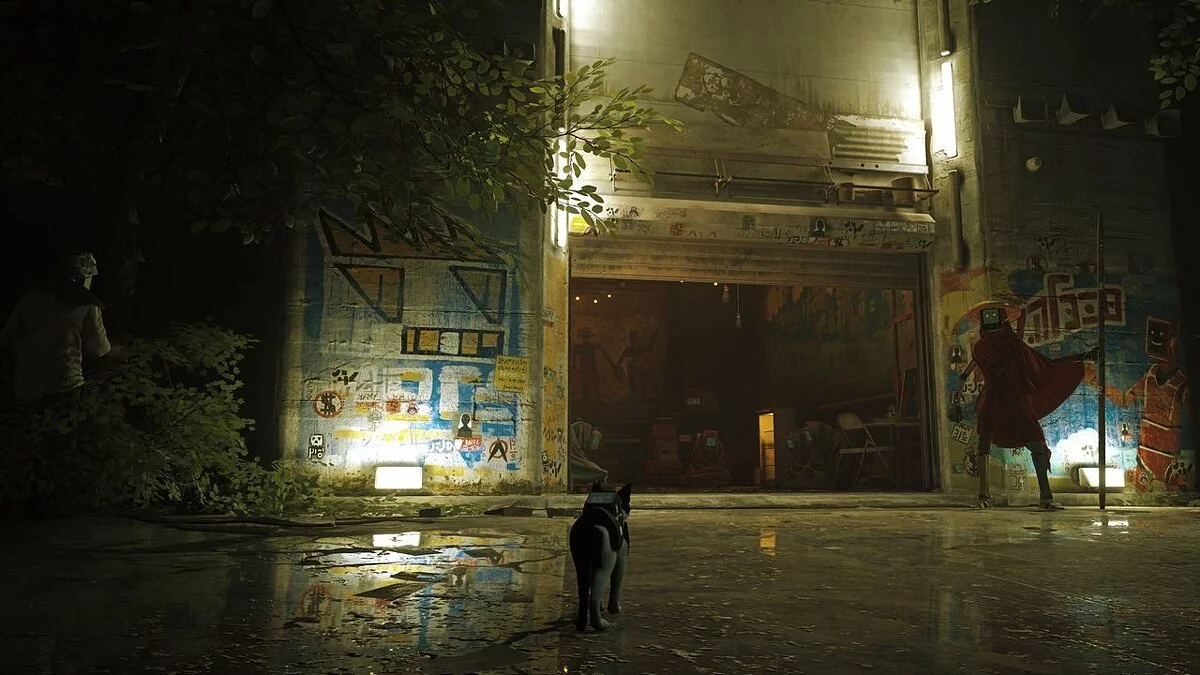

-
www.nexusmods.comDownload
ClearPlayHDR ReShade preset.
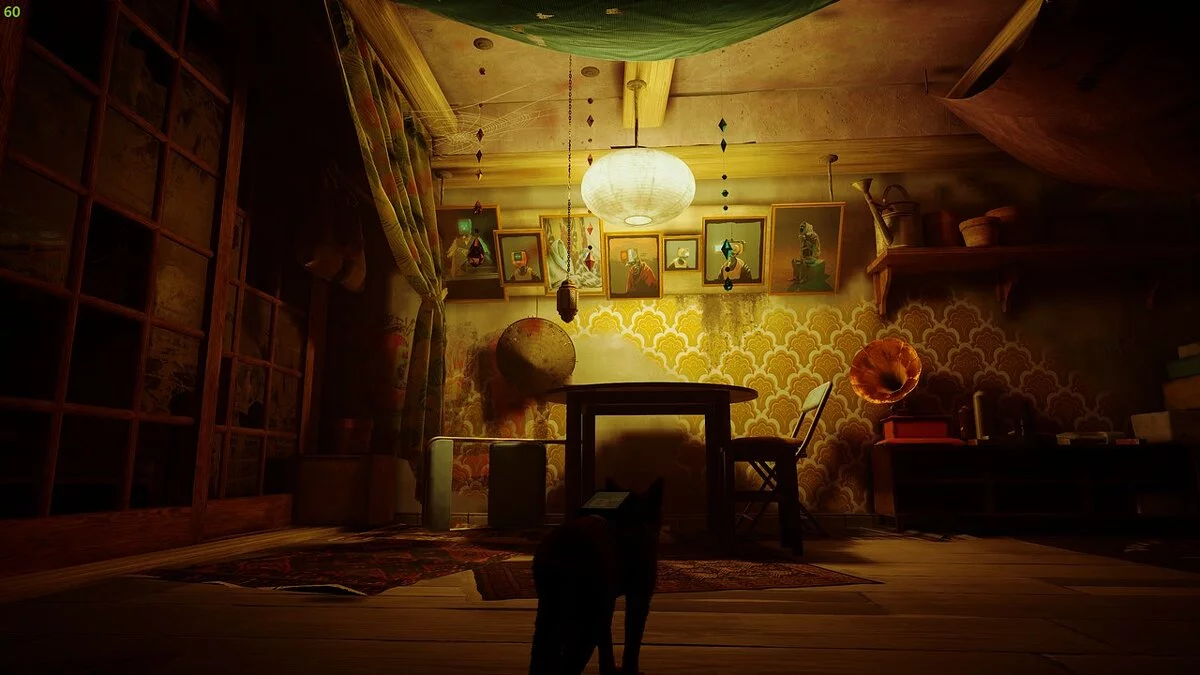
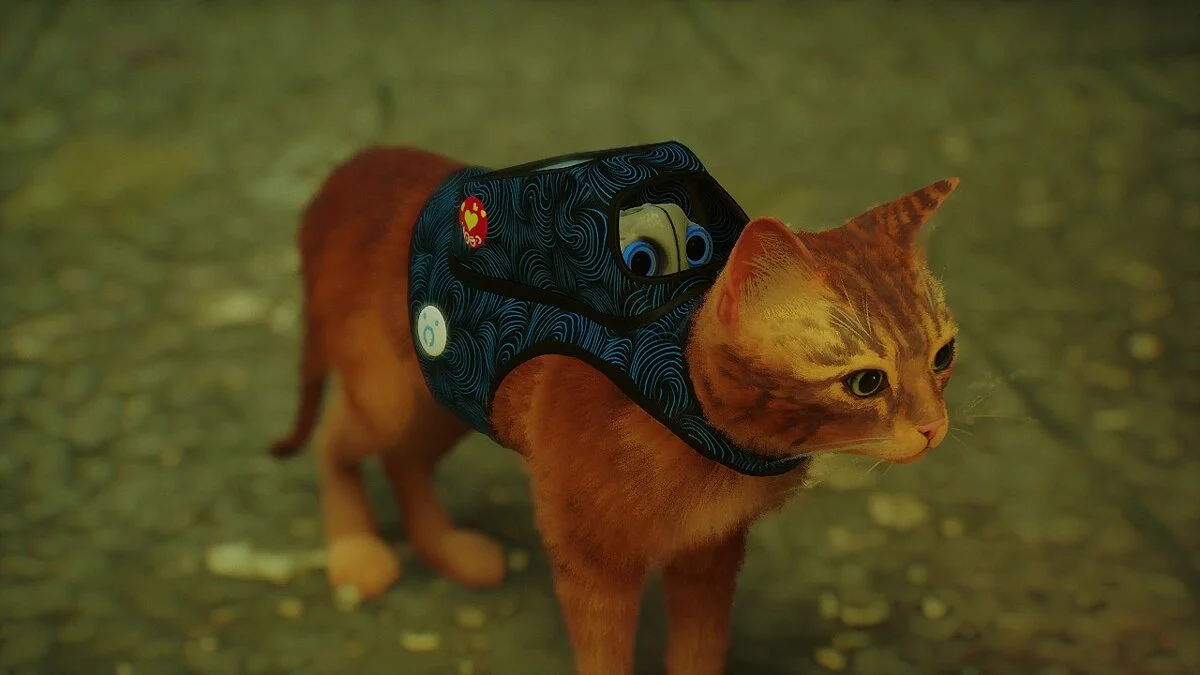
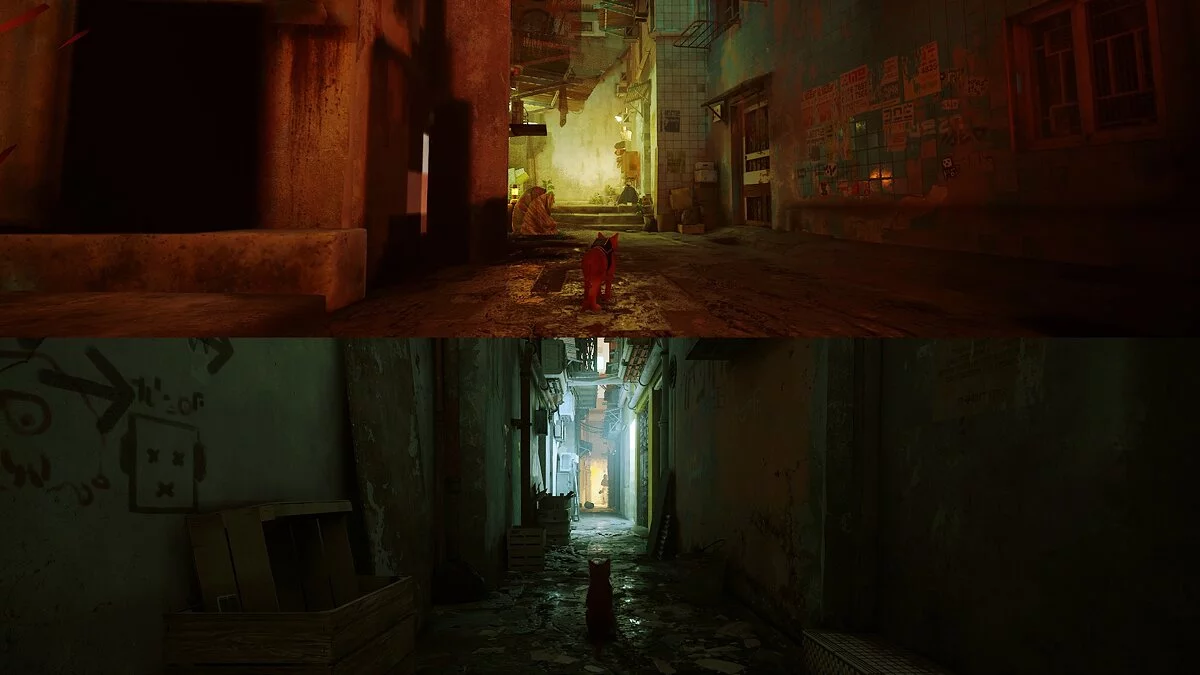
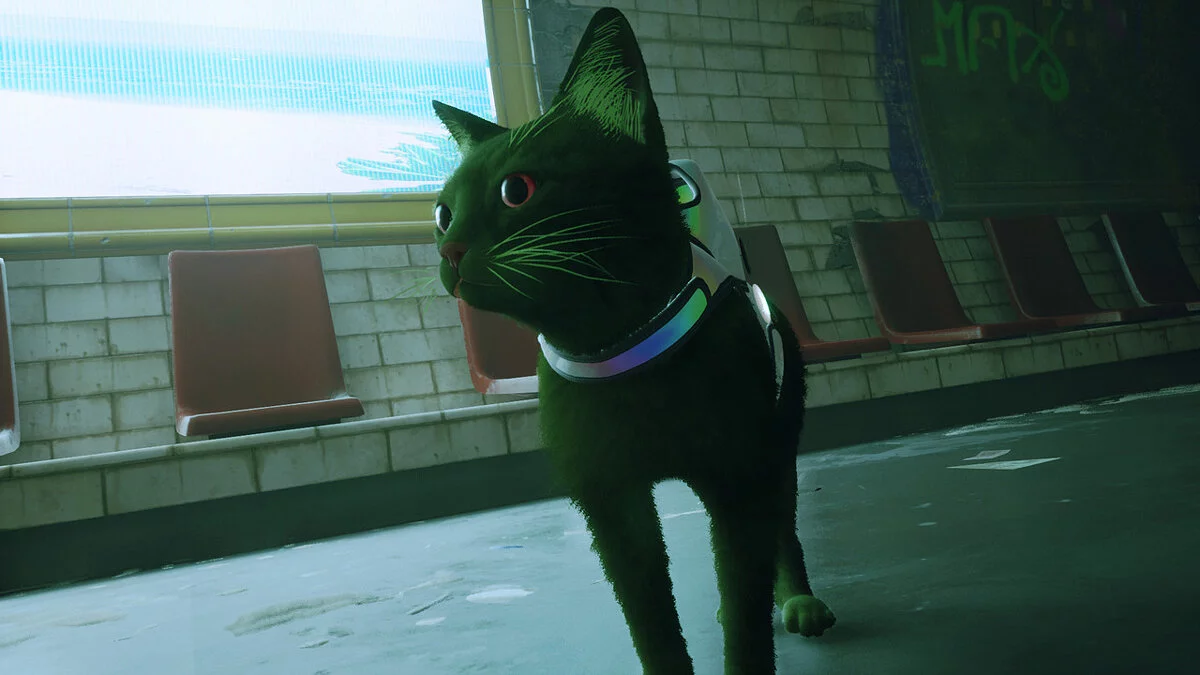
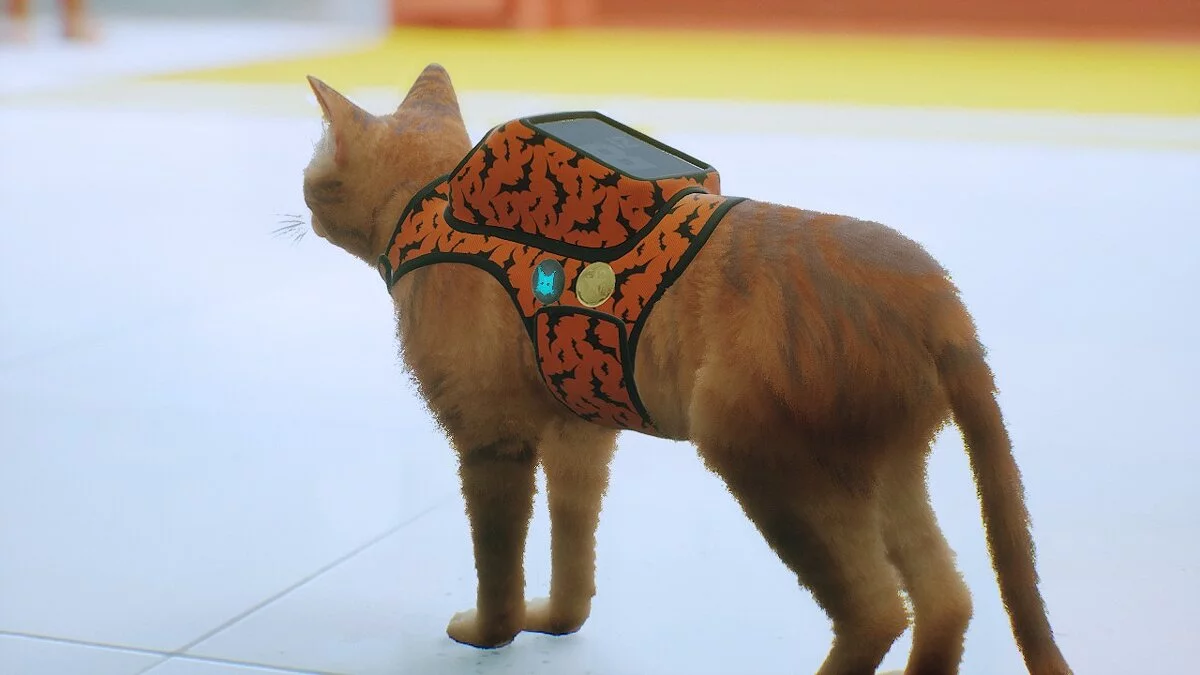
For those who prefer a more natural color palette, low glow, low saturation, and HDR-style clarity with frame rate reproduction. The HDR effect can crush details in dark shadows, although I think it works in favor of the game in this case. To compensate for this, I slightly increased the brightness of the shadows. I also recommend increasing the in-game brightness by 1 or 2 points.
Installation:
1. Find the installation folder for the Stray game executable (EXE): Stray-Win64-Shipping.exe (not Stray.exe!)
2. Download the zip file from the FILES tab and extract the preset ini file into the EXE installation file.
3. Download the latest version of ReShade EXE from https://reshade.me
4. Run the ReShade EXE from the 'Downloads' folder, navigate to the Stray-Win64-Shipping.exe game EXE file, and select the DirectX 10/11/12 option by default. Then go back to the folder with the game EXE file and select the ClearPlayHDR-ReshadePreset_1.0.ini file, and wait for it to load the necessary ReShade shaders.
5. Let's start the game!
ClearPlayHDR ReShade preset.
Для тех, кто любит более естественную цветовую палитру, низкое свечение, низкую насыщенность и четкость в стиле HDR с воспроизводимой частотой кадров. Эффект HDR может раздавить детали в темных тенях, хотя я думаю, что в данном случае он работает на пользу игре. Чтобы компенсировать это, я немного увеличил яркость теней. Я также рекомендую увеличить яркость в игре на 1 или 2 пункта.
Установка:
1. Найдите папку для установки исполняемого файла игры Stray (EXE): Stray-Win64-Shipping.exe (не Stray.exe!)
2. Загрузите zip-файл со вкладки ФАЙЛЫ и извлеките предустановленный ini-файл в установочный файл EXE.
3. Загрузите последнюю версию ReShade EXE с https://reshade.me
4. Запустите ReShade EXE из папки «Загрузки», перейдите к EXE-файлу игры Stray-Win64-Shipping.exe и выберите параметр DirectX 10/11/12 по умолчанию. , снова перейдите в папку с EXE-файлом игры и выберите файл пресета ClearPlayHDR-ReshadePreset_1.0.ini.а затем подождите, пока он загрузит необходимые шейдеры ReShade.
5. Запускаем игру!
Useful links:
![Stray — Trainer (+8) from 26.07.2022 [WeMod]](https://files.vgtimes.com/download/posts/2022-07/thumbs/1658827188_2022-07-26_121747.webp)
![Stray — Trainer (+5) [1.4]](https://files.vgtimes.com/download/posts/2023-03/thumbs/trejjner-5-1-4_1680183110_780450.webp)
![Stray — Trianer (+7) [1.5]](https://files.vgtimes.com/download/posts/2025-10/thumbs/trejjner-7-1-5_1759751106_548425.webp)
![Stray — Trainer (+8) [1.2 - 1.3]](https://files.vgtimes.com/download/posts/2022-07/thumbs/1658914730_wwt9blspxlpb0umlq_rkig.webp)