
Post-apocalyptic cyberpunk of a distant future. A suffocating city with a stale atmosphere, inhabited by robots. A lost lonely cat that wants to return home. The... Read more
Players:
Steam:
Metacritic:
Files for Stray / Page 15
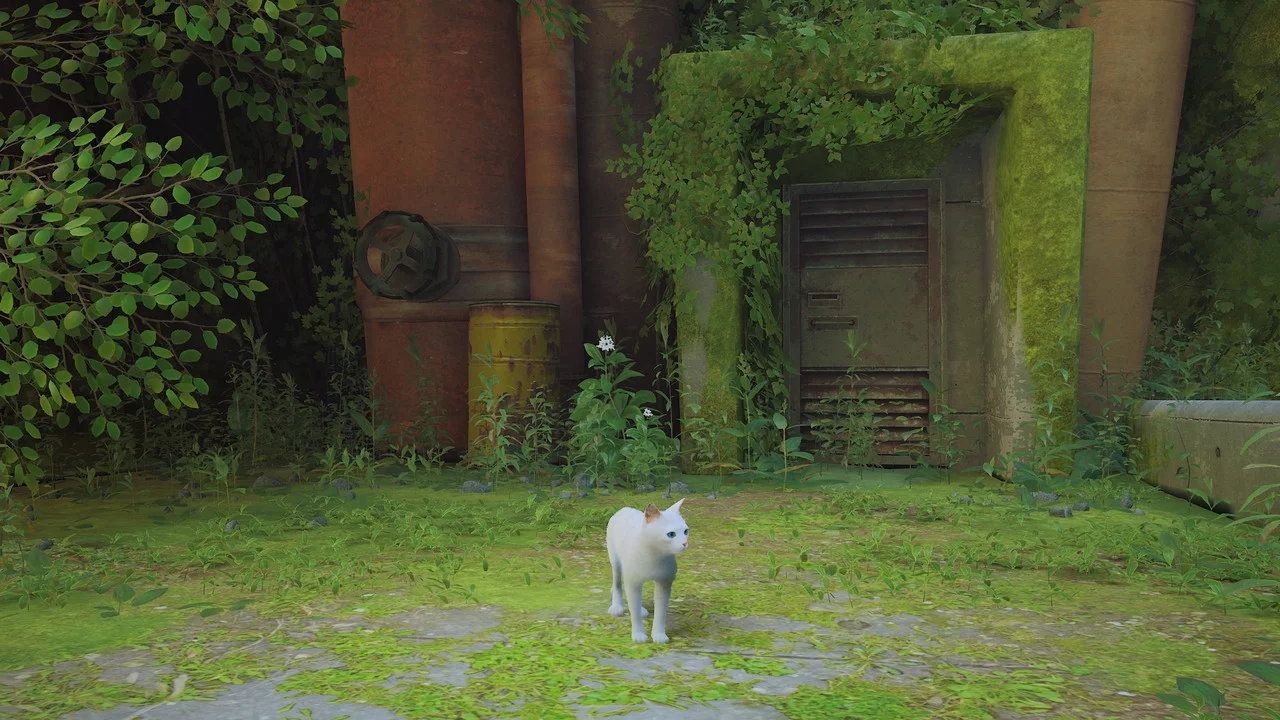
White Cat with Blue Eyes

Download
White cat with different colored eyes. This white cat with blue eyes replaces the original cat. To install, extract the downloaded archive to this path steam/steamapps/common/Stray/Hk_project/Content/Paks.
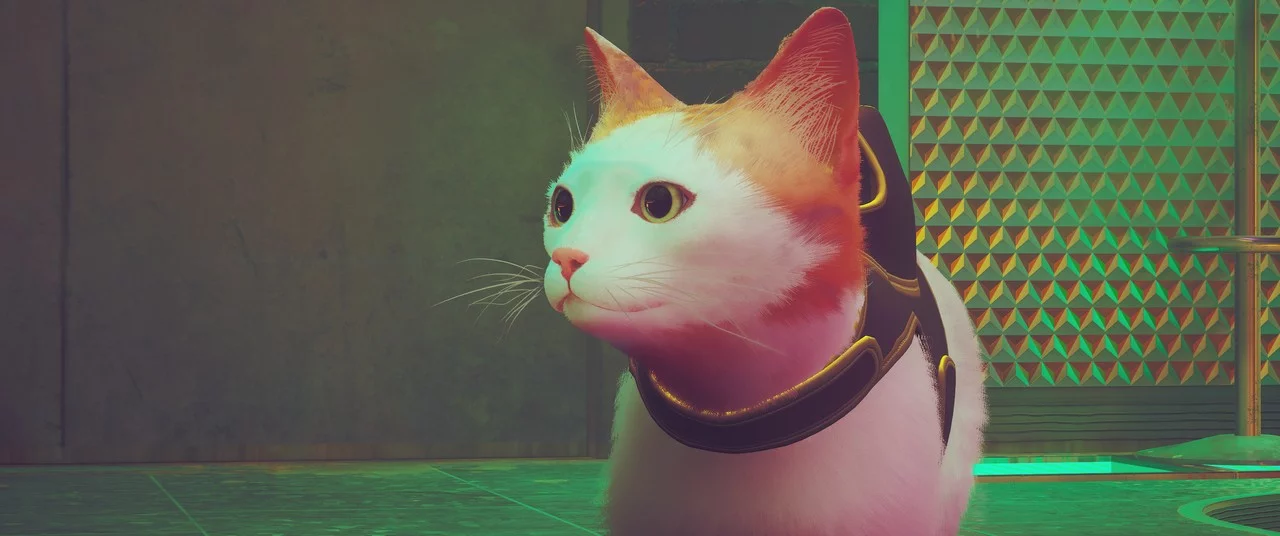
White Cat with Orange Markings
Download
White cat with orange markings. White cat with orange marking. Installation: Place the pak file in Stray/Hk_project/Content/Paks.
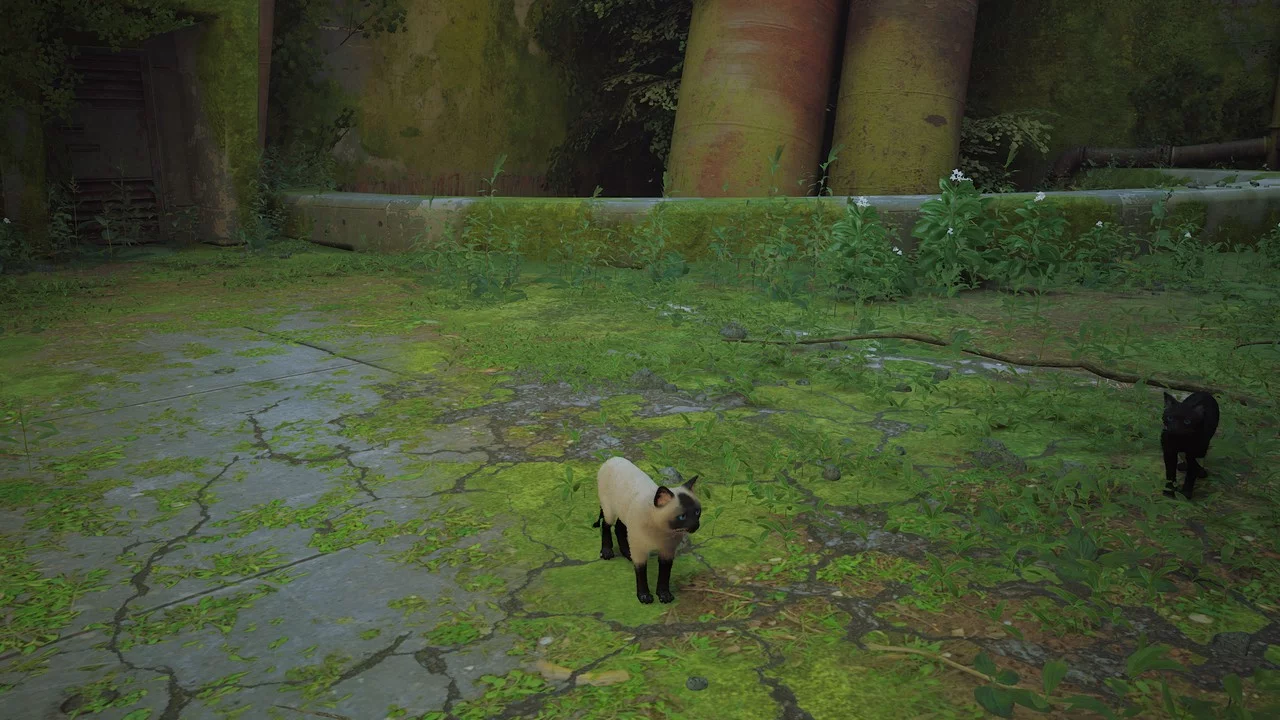
Siamese Blue-Eyed Cat
Download
Siamese cat with blue eyes to replace the main character. To install, unpack the downloaded archive to this path steam/steamapps/common/Stray/Hk_project/Content/Paks.
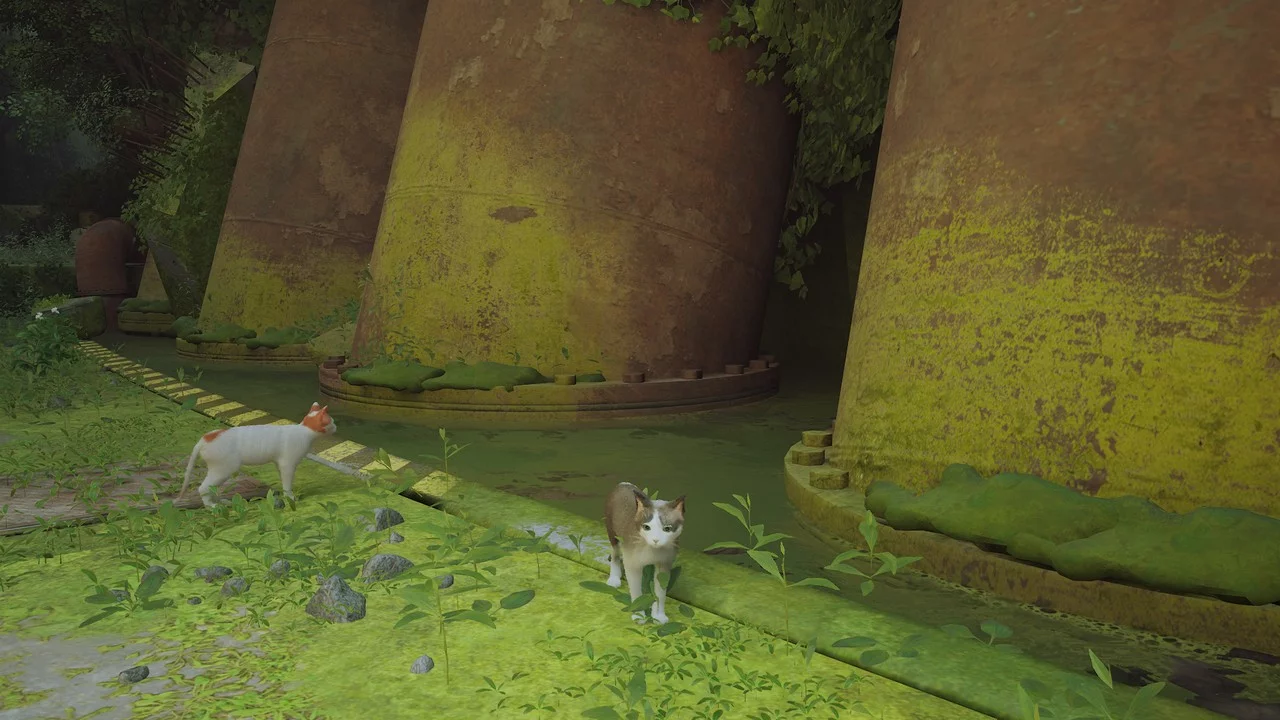
White and Gray Cat with Blue Eyes
Download
A white and gray cat with blue eyes (request). This is a replacement for the original color scheme of the main cat. To install, unpack the downloaded archive to this path: steam/steamapps/common/Stray/Hk_project/Content/Paks.
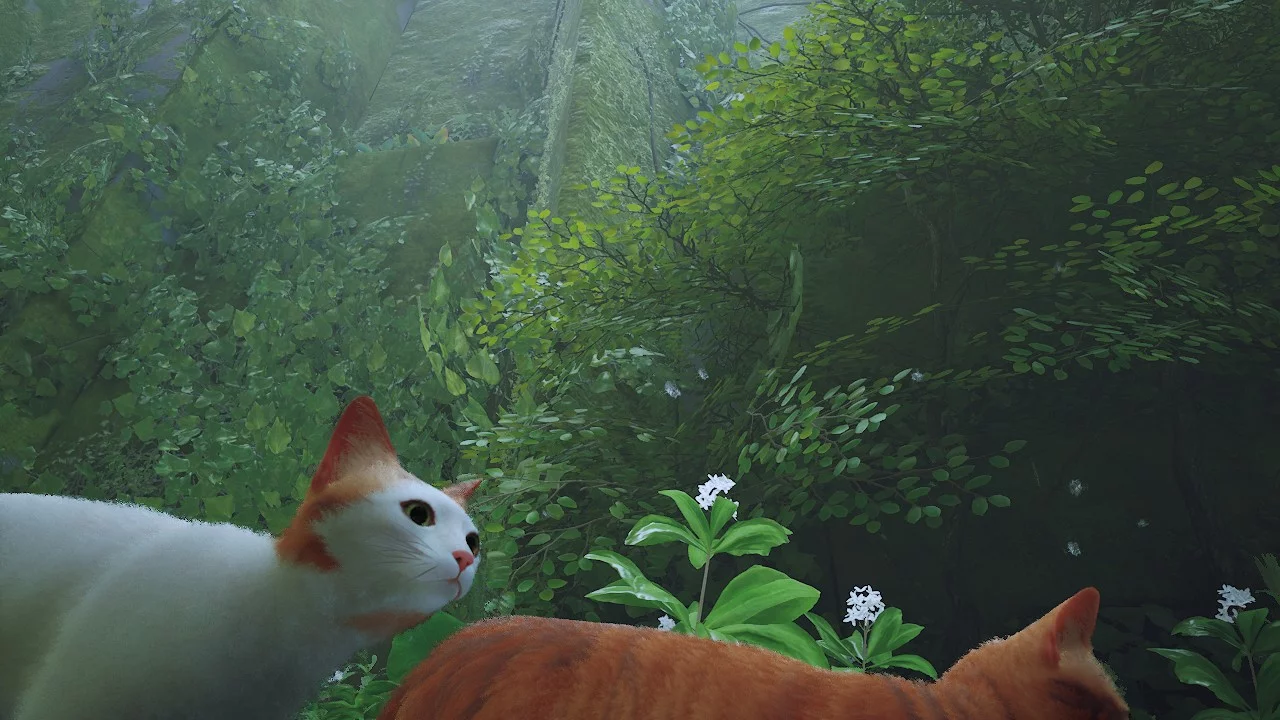
Natural Shade
Download
Natural Reshade. This mod enhances colors. Performance-friendly. Install the latest Reshade preset.
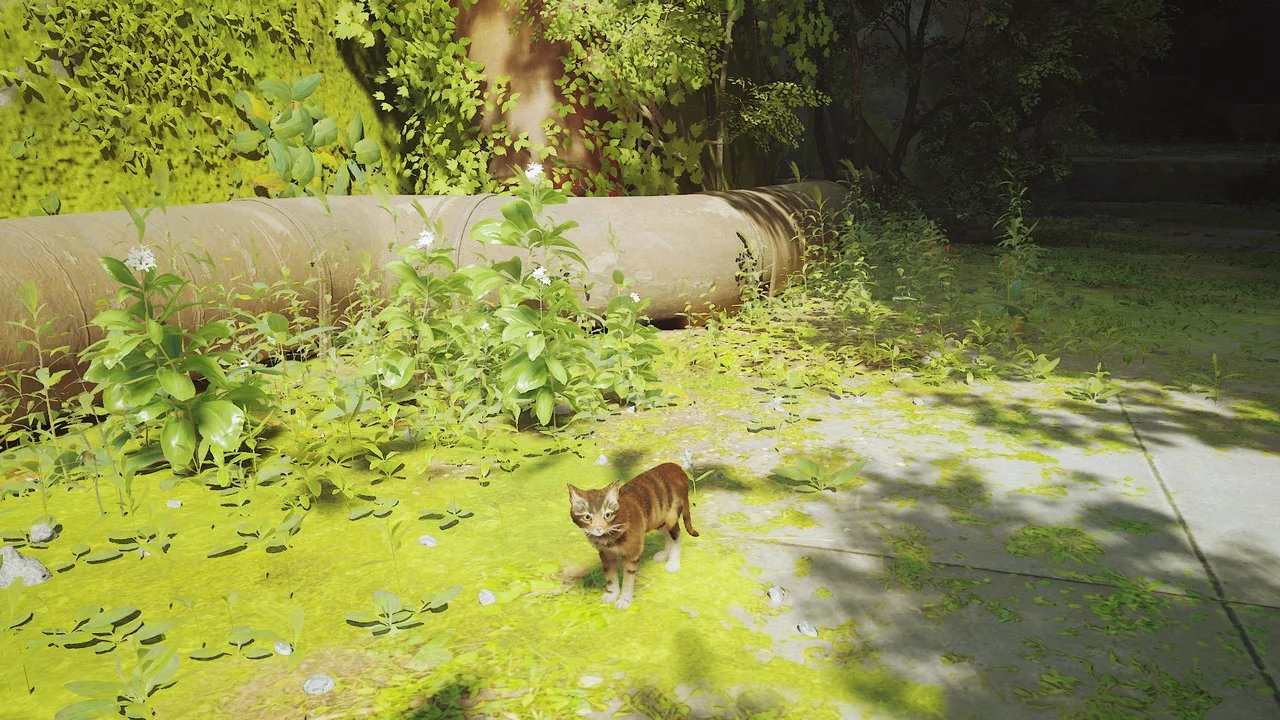
Brown Cat
Download
Brown cat (request). This small mod changes the main character's cat color to brown. To install, extract the downloaded archive to this path: steam\/steamapps\/common\/Stray\/Hk_project\/Content\/Paks.
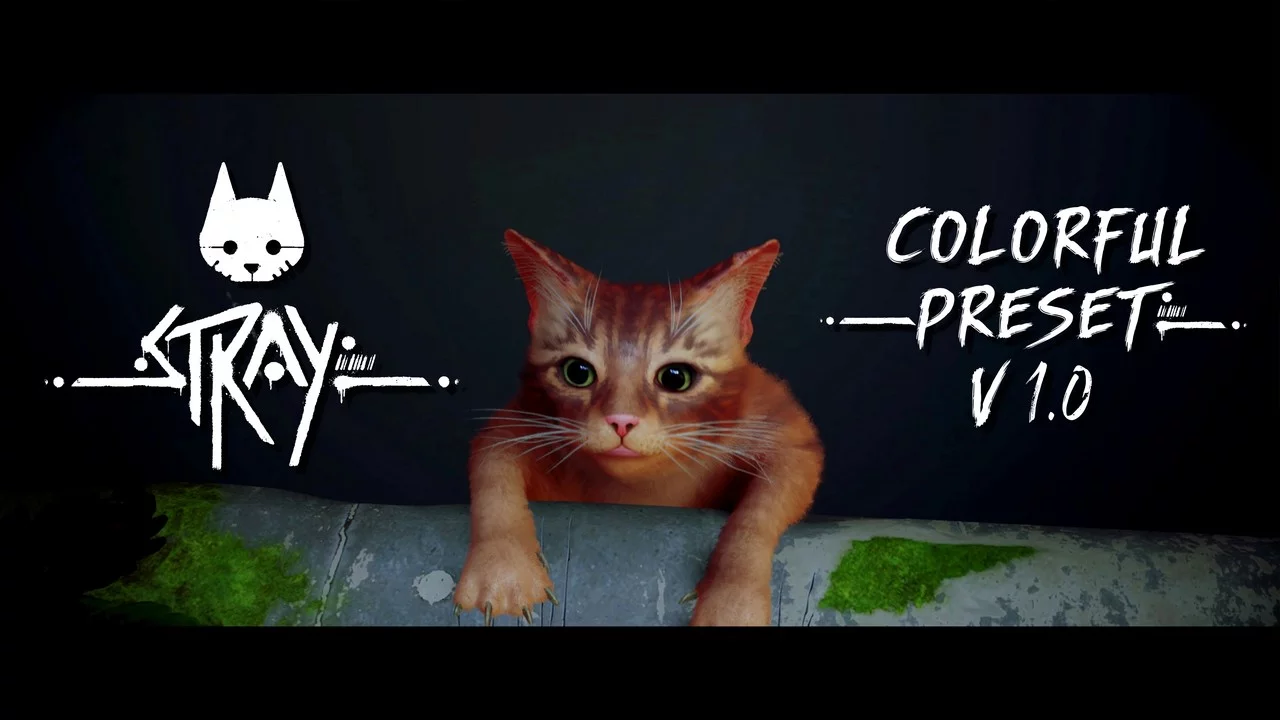
Vibrant Reshade Preset
Download
COLORFUL PRESET v1.0. This reshade preset adjusts the game's color correction to enhance its appearance. Installation: 1 Download Reshade (latest version can be used). 2 Open Reshade and select the Stray application at C:\Program Files (x86)\Stea ...
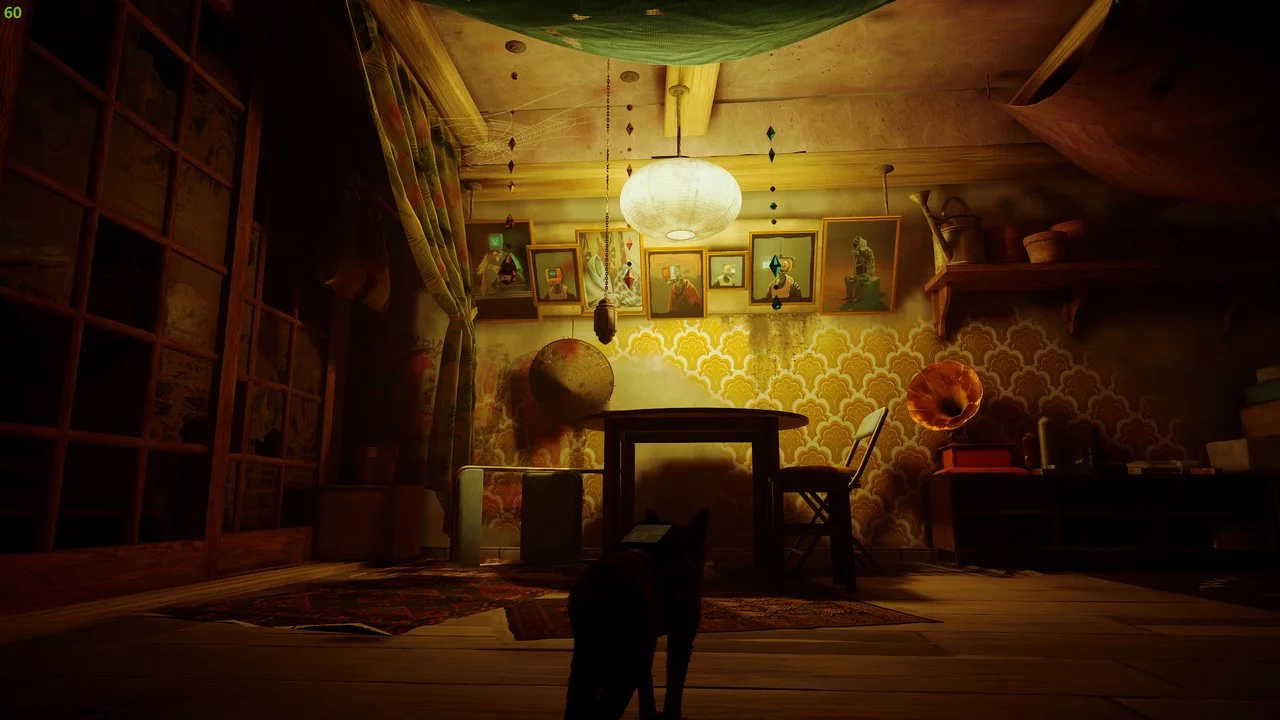
Realistic Cyberpunk Colors
Download
Zurk RTGI. Attempt to use ReShade to achieve a more realistic, slightly harsher cyberpunk aesthetic. How to install: 1) Use the ReShade installer to install ReShade into the executable found in the Steam installation directory under Stray/Hk_project ...
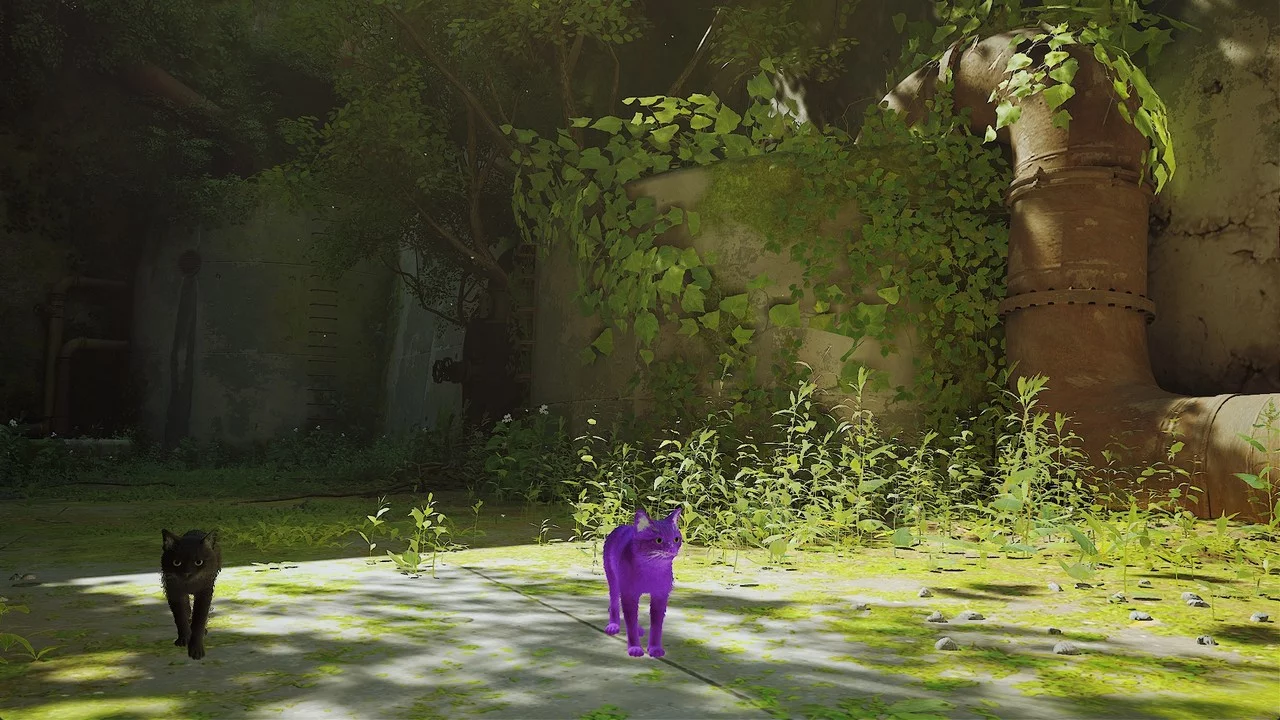
Purple Cat
Download
Purple Cat. The mod applies purple textures to the playable cat. It changes the color of all cats' whiskers to white. Installation: Copy the contents of the archive to the root folder of the game (Stray folder).
Loading 'Nyan Cat'

Download
Nyan Cat Loading Icon. A simple modification that replaces the cat paw loading screen with an icon from a popular meme. Installation: Copy the contents of the archive to the root folder of the game (Stray folder).
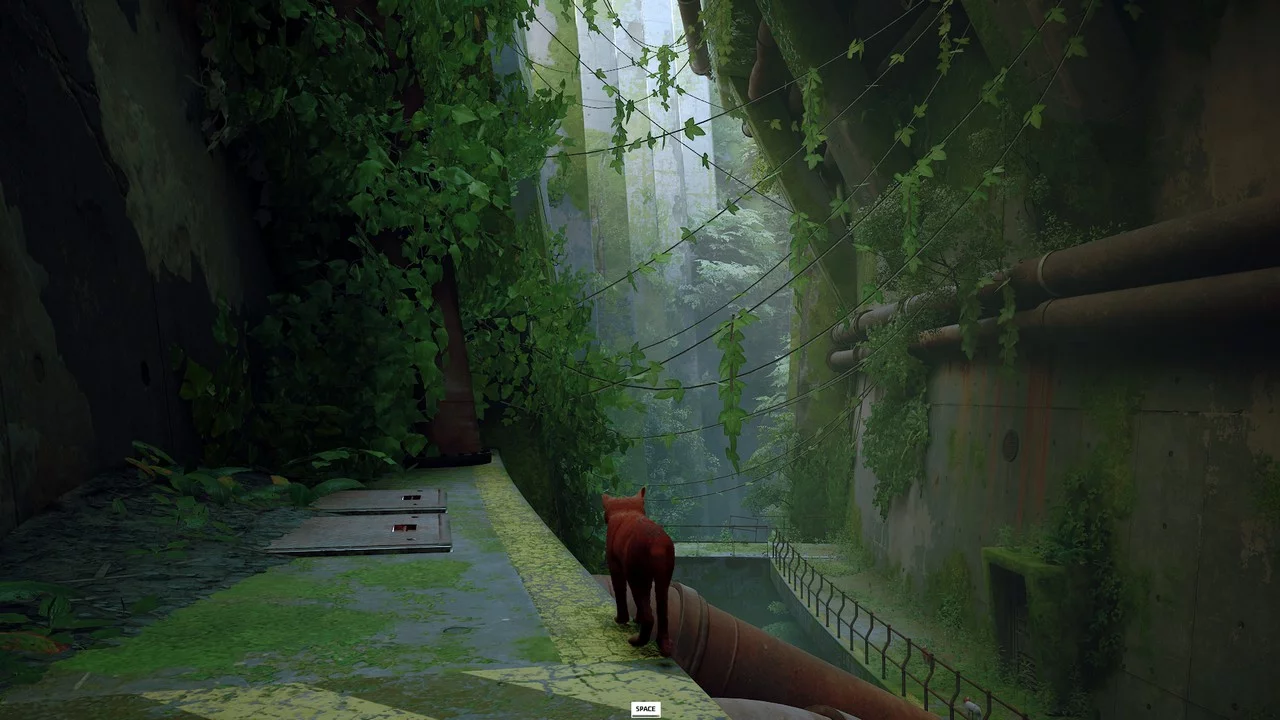
Vibrant Reshade
Download
Colorful Reshade. A reshade preset created to my taste. How to install: 1) Install the latest version of Reshade and check all effects. Choose the main exe from the following path: Stray/Hk_project/Binaries/Win64. 2) Download and place my reshade ...
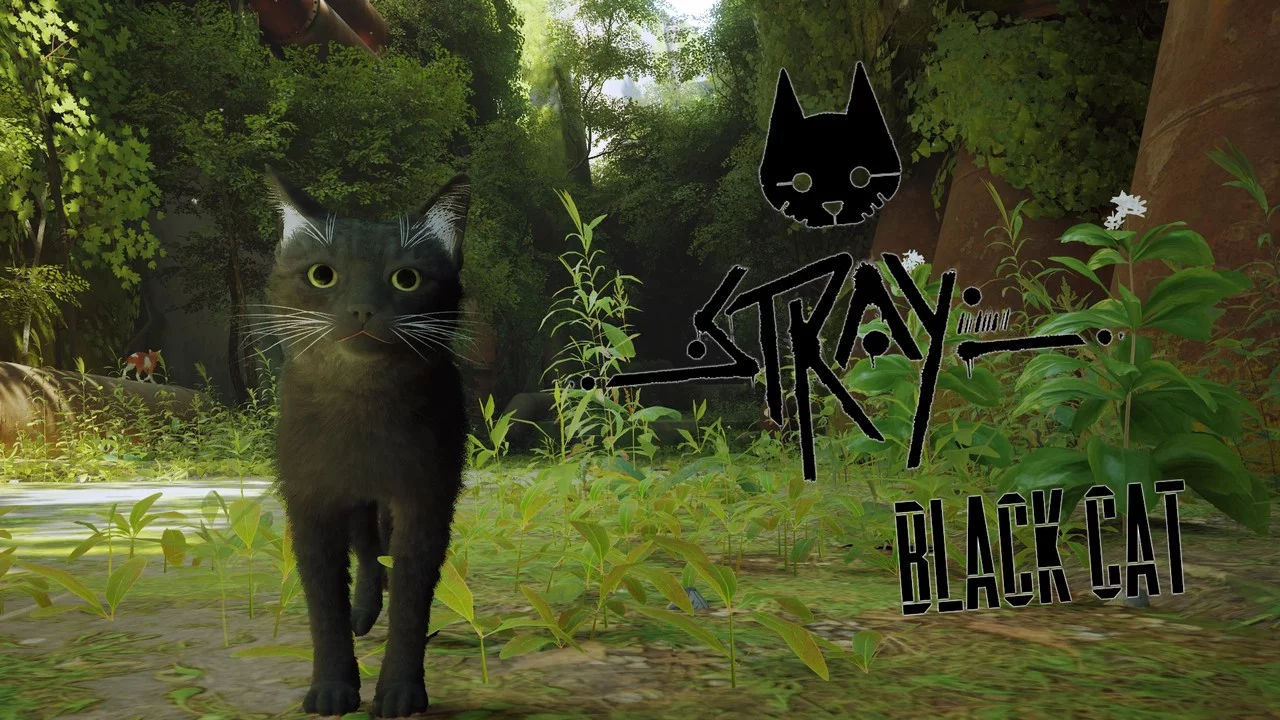
Black Cat with White Whiskers
Download
The mod applies textures of a black cat to the in-game cat and changes the whisker color of all cats to white. To install, copy the contents of the archive to the root folder of the game (Stray folder).
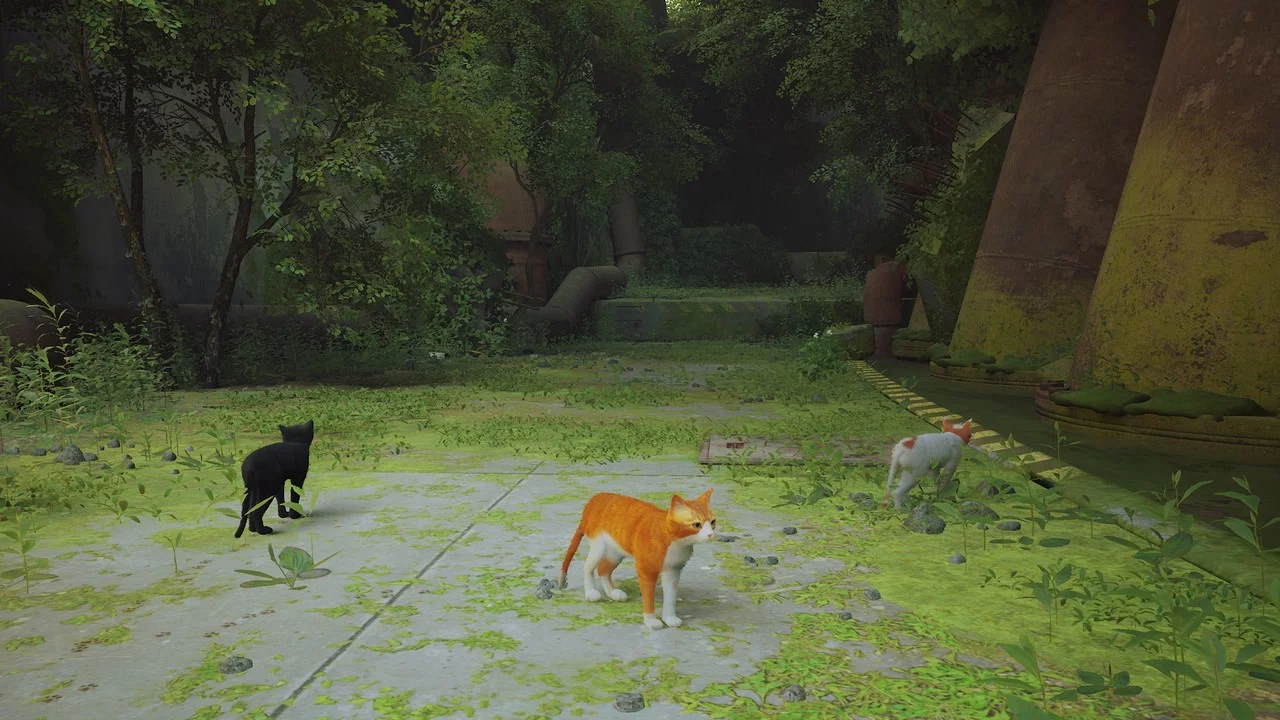
Orange Cat
Download
This small mod will make the main cat more orange.
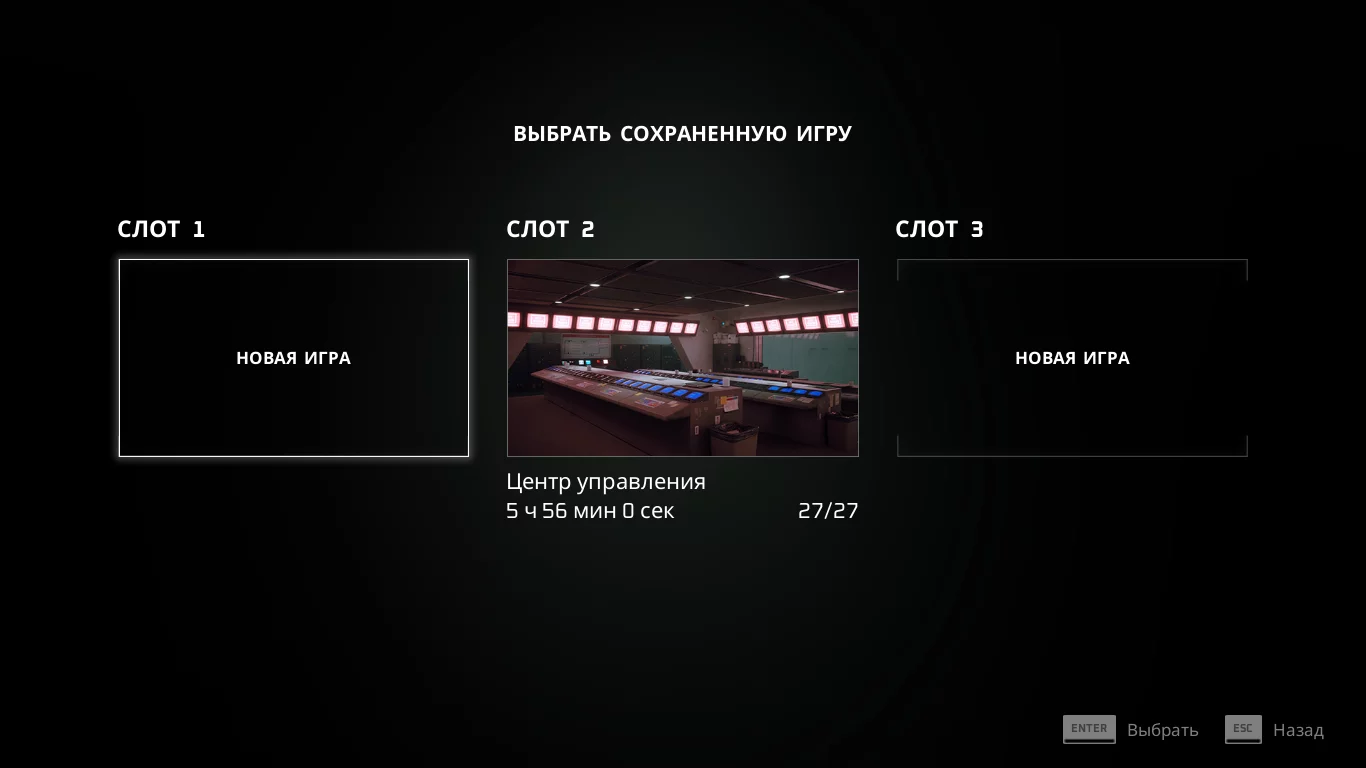
Save File — 100% Completion

Download
The game is completed at 100%. All memories, badges, and scratches have been collected. I gathered all achievements, but they may not save. Collecting all memories will unlock a new skin, which can be seen in chapter 12. All levels can be replayed. G ...
Cheat Engine Table [12#210]
![Cheat Engine Table [12#210]](https://files.vgtimes.com/download/posts/2022-07/1658398142_l2tutekypnspxgvtshefxc-1200-80.webp)
Download
Cat Character - Edit cat attributes Drone - Edit drone attributes Launch Process: Start Cheat Engine, "Load" and select the table "Select a process to open", choose the desired process. Select the desired option, check the box.