Modern rethinking of a cult role -playing game, recreating the atmosphere of the original at a new level. Syrodil comes to life again with updated graphics... Read more
Players:
Steam:
Metacritic:
Enhanced light radius
Author:
Tewix
Uploaded by:

Size:
4.31 kB
Date:
May 9, 2025, 05:58 AM
Downloads:
13
-
Download (4.31 kB)May 9, 2025, 05:58 AMх2 UE4SS - Steam and Gamepassuvelichennyjj-radius-osveshhenija_1746759532_136440.zip
-
Download (239 байт)May 9, 2025, 05:58 AMх2 engine.iniuvelichennyjj-radius-osveshhenija_1746759532_240564.zip
-
Download (4.31 kB)May 9, 2025, 05:58 AMх3 UE4SS - Steam and Gamepassuvelichennyjj-radius-osveshhenija_1746759532_74949.zip
-
Download (239 байт)May 9, 2025, 05:58 AMх3 engine.iniuvelichennyjj-radius-osveshhenija_1746759532_856794.zip
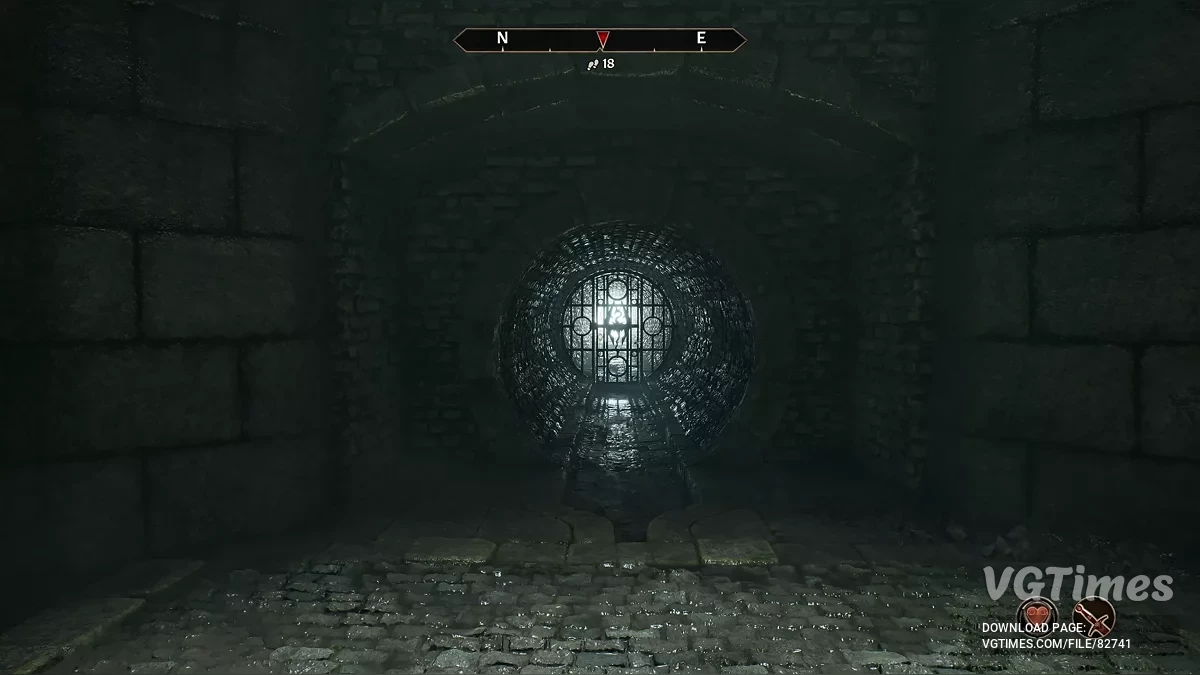
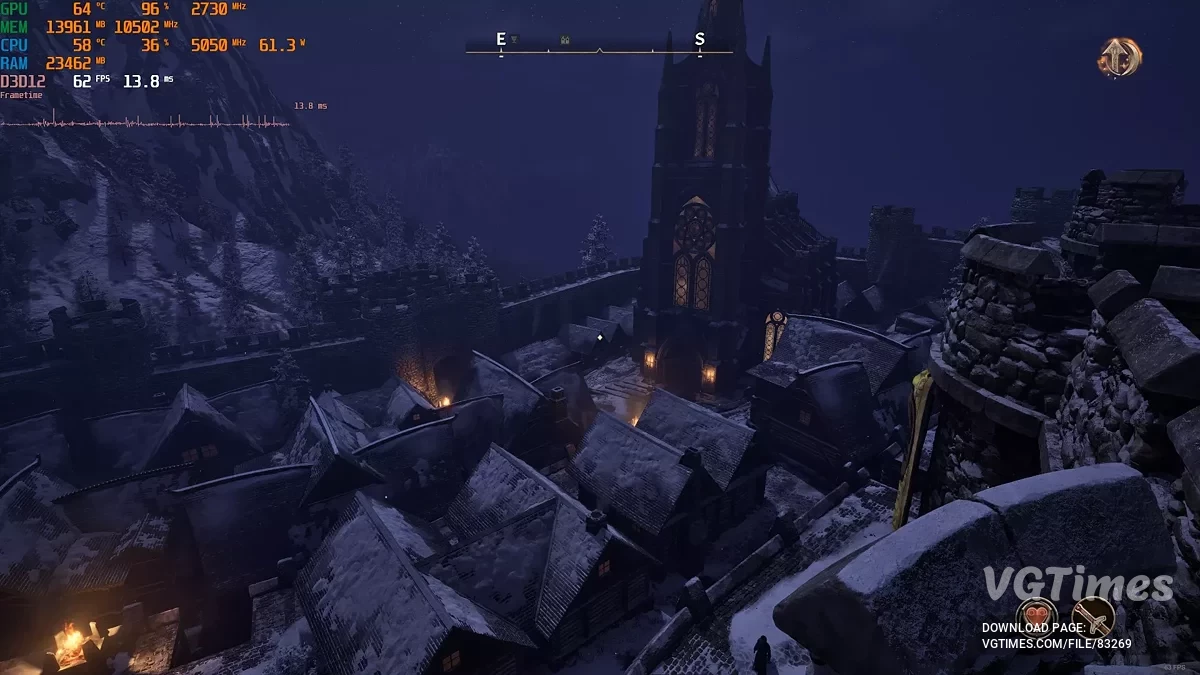
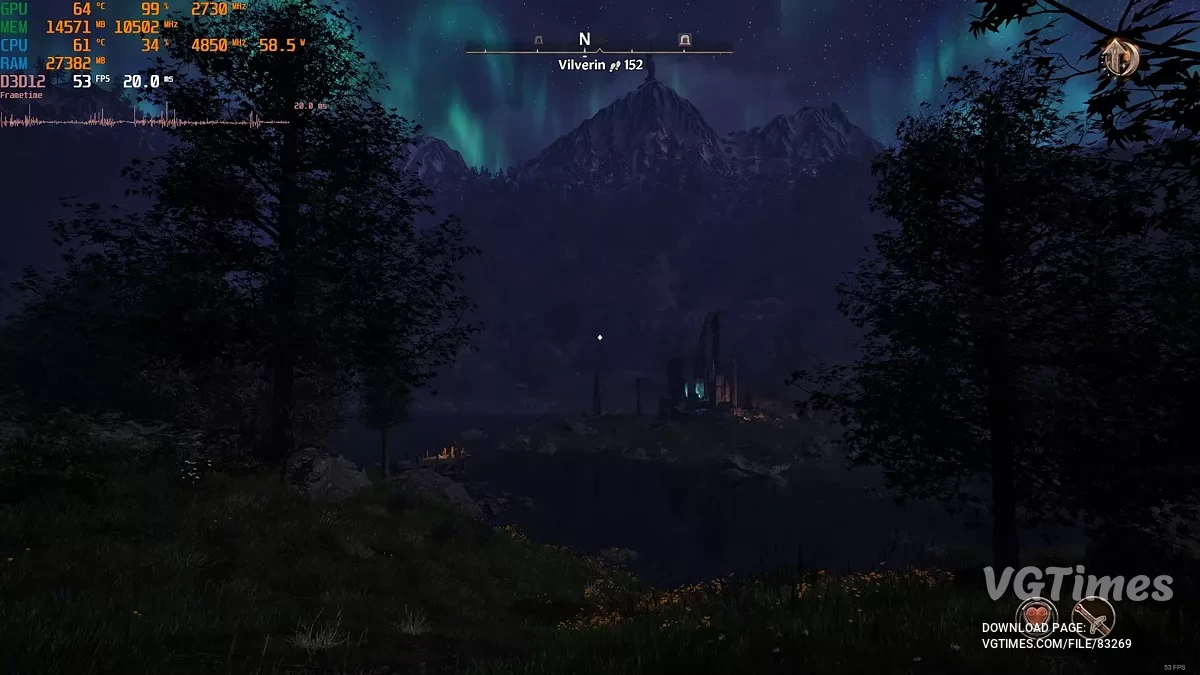
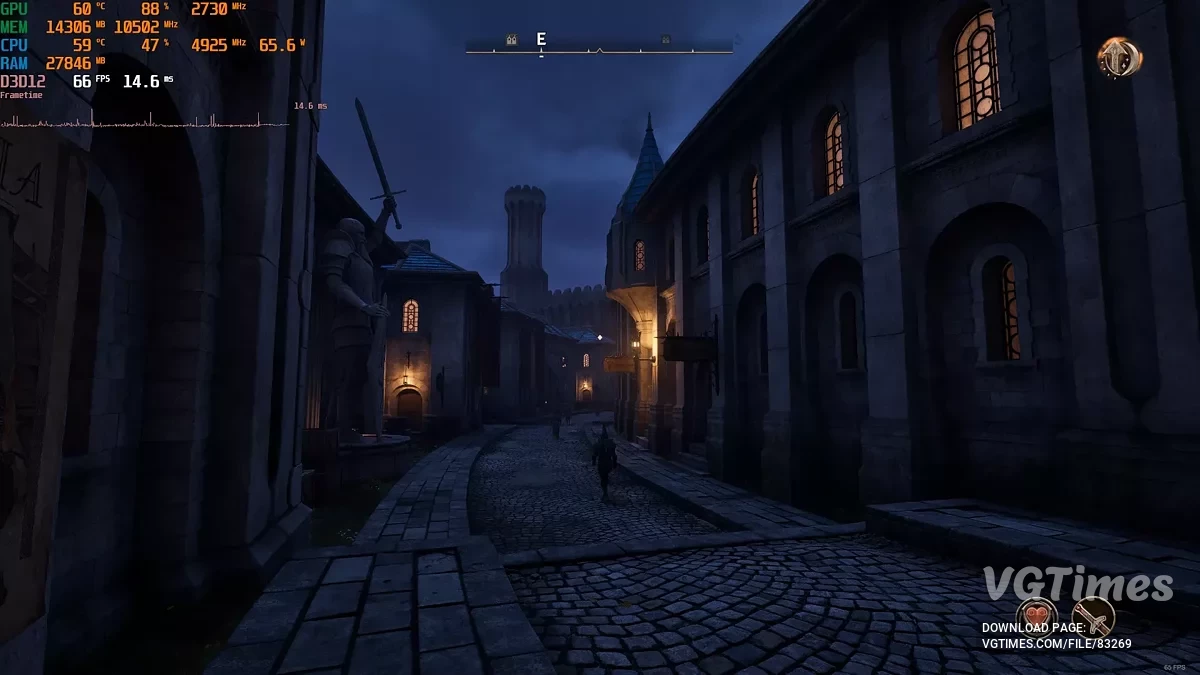
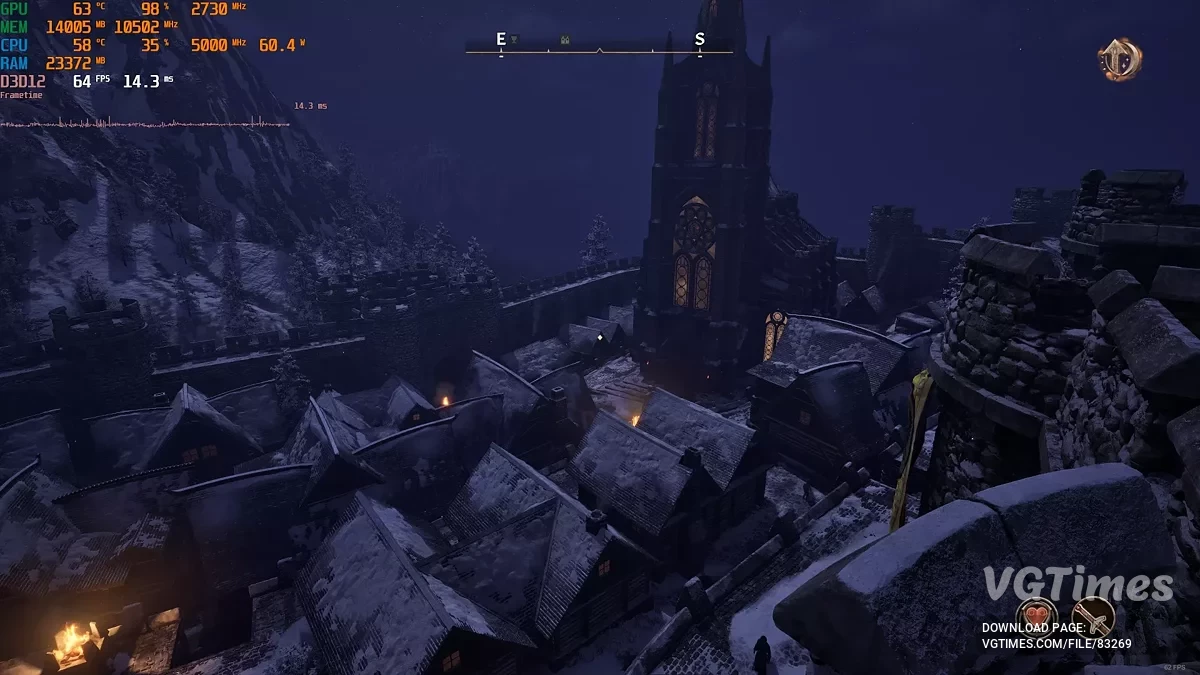
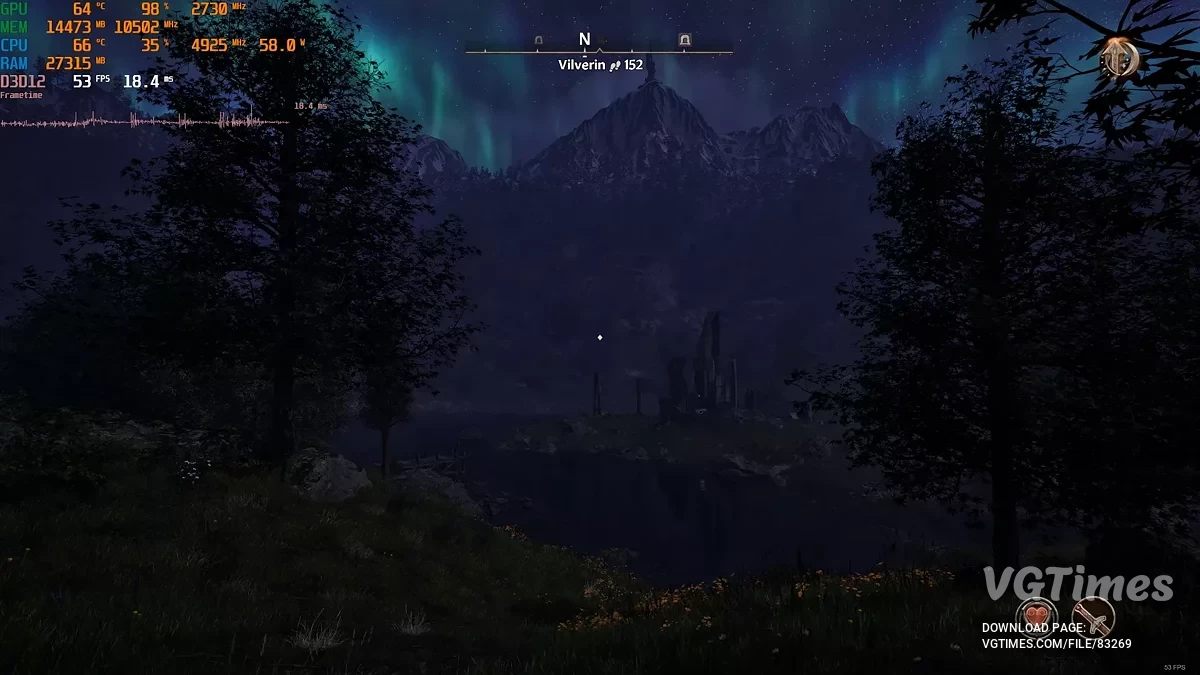
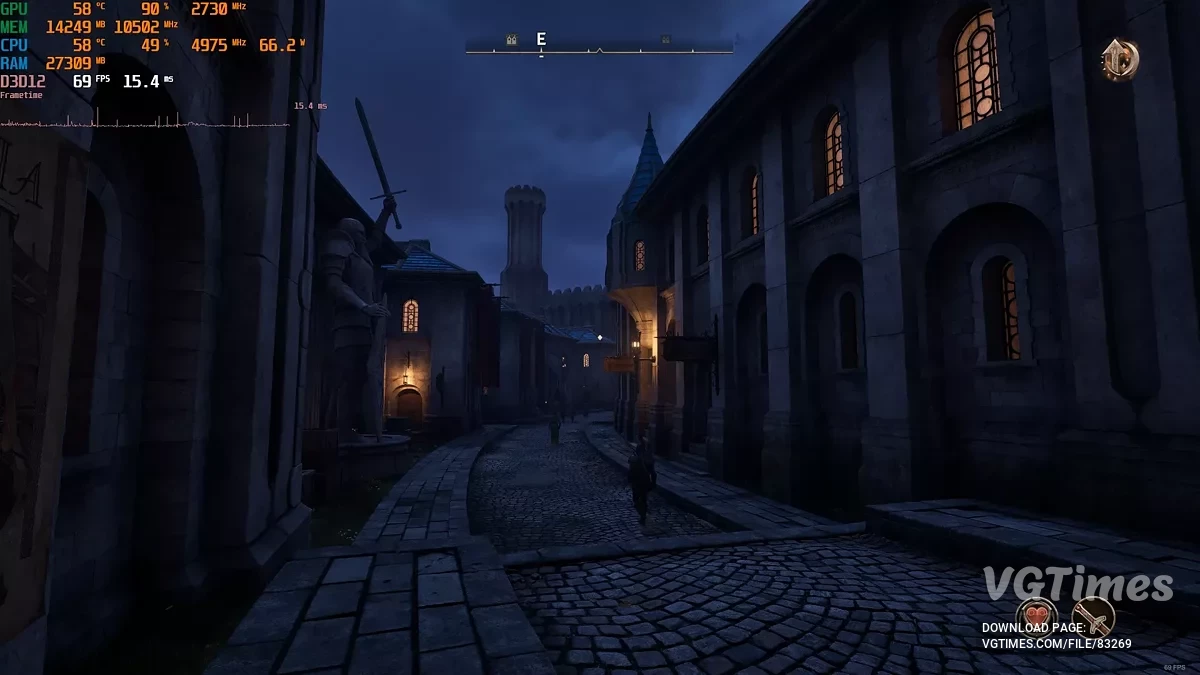
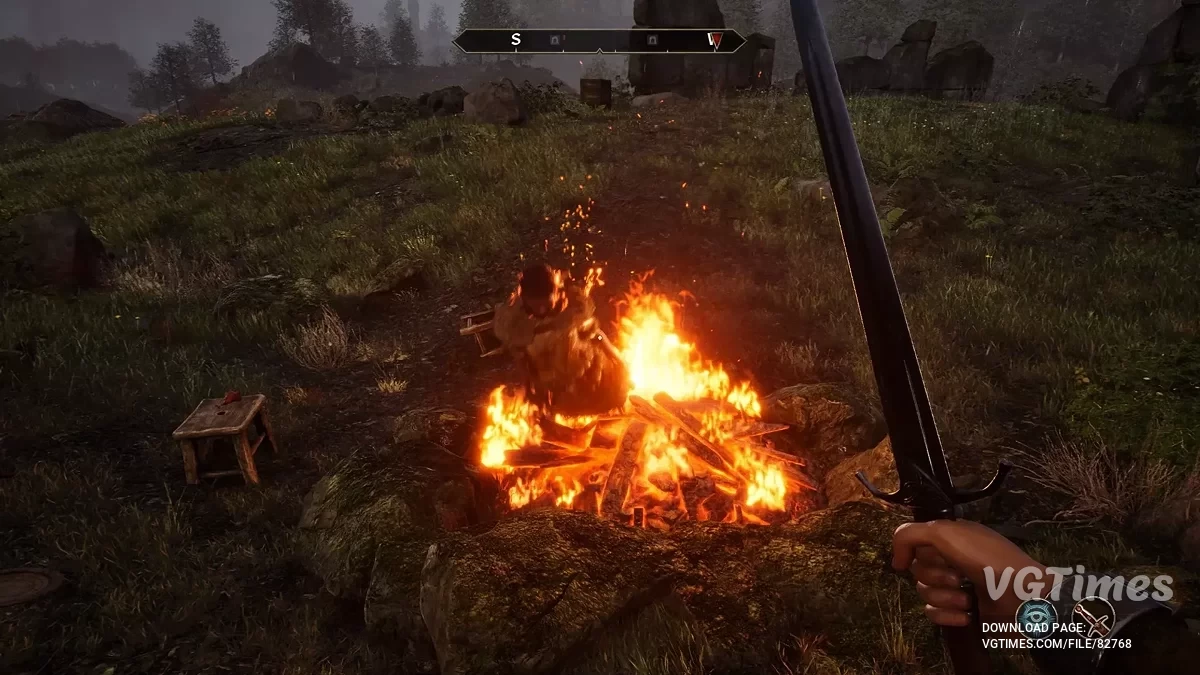
Simple ini tweak to increase the draw distance of most light sources. Works on torches, campfires, doomstones, ayleid wells, etc.
Performance impact:
- 2x: 0–3 FPS drop depending on location. In the Imperial City — up to 3 FPS, in the forest — 0–1 FPS;
- 3x: an additional 1–3 FPS;
- Impact depends on your hardware. Tested on 7800x3d / 4090.
How to run:
- Download UE4SS, unzip EnhancedLightRadius and place it in the OblivionRemastered folder in your game directory (where OblivionRemastered.exe is located);
or
- You can manually edit engine.ini at UserProfile\Documents\My Games\Oblivion Remastered\Saved\Config\Windows.
How to remove:
- Go to \Steam\steamapps\common\Oblivion Remastered\OblivionRemastered\Binaries\Win64\ue4ss\Mods and delete EnhancedLightRadius.
Related files:
Useful links:
![The Elder Scrolls 4: Oblivion Remastered — Baka Achievement Enabler — achievement unlocker when playing with cheat codes [1.2]](https://files.vgtimes.com/download/posts/2025-04/thumbs/baka-achievement-enabler_1745570674_110629.webp)