
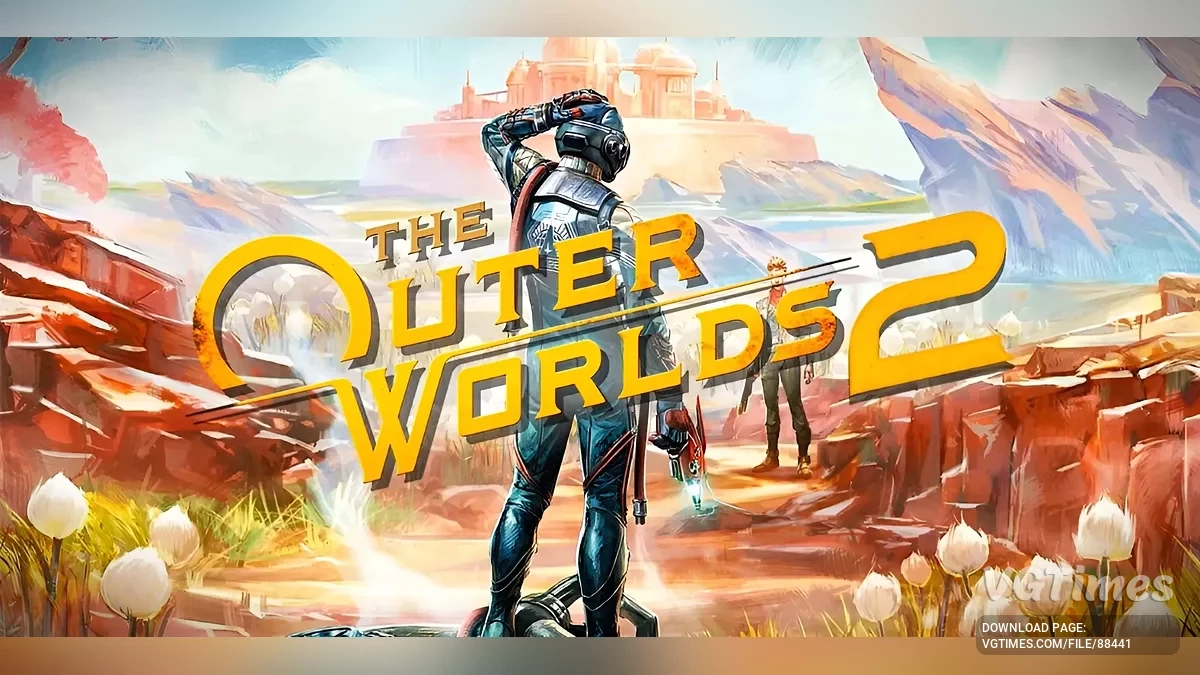
The game takes place on the new colony of Arcadia, where rifts threaten the destruction of all humanity. An agent of the Earth Authority finds himself at the center... Read more
Players:
Steam:
Metacritic:
Optimized tweaks
Author:
VynnGfx
Uploaded by:

Size:
4.12 kB
Date:
October 28, 2025, 06:05 AM
Downloads:
173
-
Download (4.12 kB)October 28, 2025, 06:05 AMBaseoptimizacija_1761620721_727726.zip
-
Download (4.11 kB)October 28, 2025, 06:05 AMBoostoptimizacija_1761620721_955638.zip
-
Download (4.11 kB)October 28, 2025, 06:05 AMBoost2optimizacija_1761620721_909563.zip
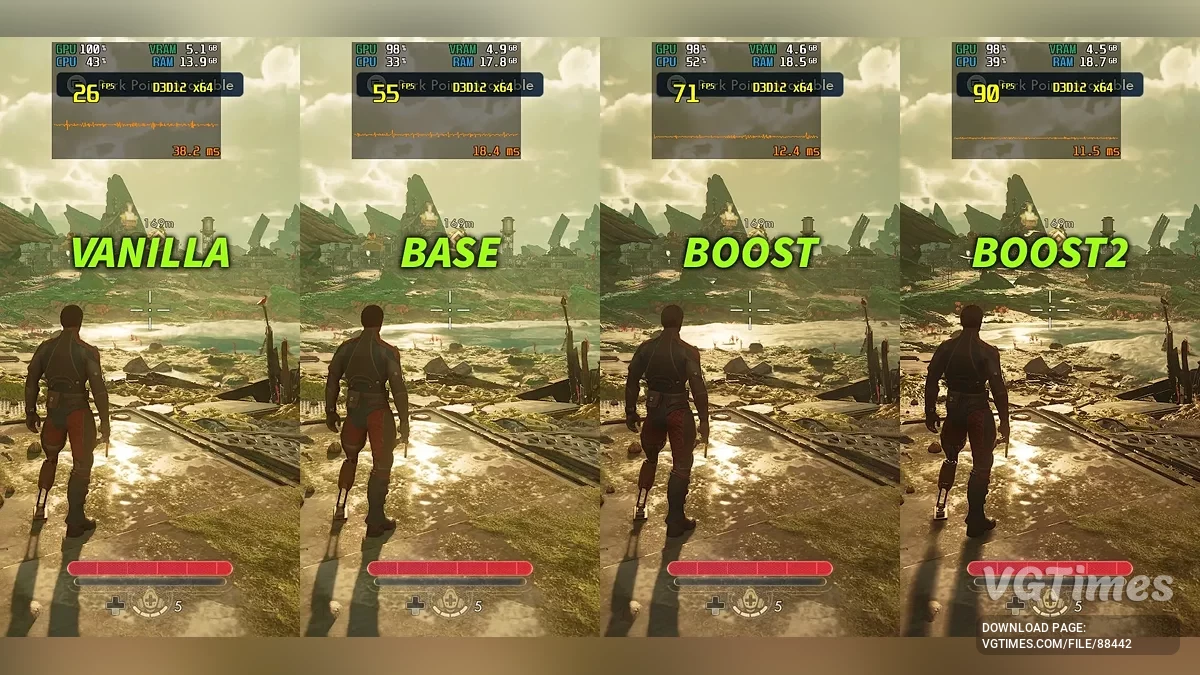
An effective solution for reducing stuttering and improving performance. The mod optimizes CPU and GPU load, reduces latency, improves streaming and memory management — all without sacrificing graphics or image quality. The mod is compatible with future patches, but incompatible with other optimization/performance/tweaks mods.
Versions:
- Base – the original main version of the mod — reduces stutter, lowers latency, improves frametimes, and more;
- Boost – same as the base mod, but with downgraded visuals and higher performance (10-35 fps more compared to the base version). Not a potato version. Recommended for old/weak GPUs (Steam Deck, RX 470, 480, GTX 1060, 1070, etc.) or for those who need more fps;
- Boost2 – use this version if the BOOST mod above is not enough. Not a potato version, but some areas in the game will appear overbright.
Recommended:
- If you use Vsync: turn off Vsync in-game -> enable Vsync in the NVIDIA (or AMD) Control Panel;
- If you don’t use Vsync: set FPS to "Unlimited" in-game -> limit FPS via RivaTuner;
- (you can also use both: Vsync in NVIDIA Panel + FPS limit in RivaTuner).
How to install:
- Download one of the main files;
- Extract the pak file to ....\Arkansas\Content\Paks\~mods (create the ~mods folder if it doesn’t exist).
Uninstallation:
- Delete the pak file from the ~mods folder.
Useful links:
![The Outer Worlds 2 — Table for Cheat Engine [V8]](https://files.vgtimes.com/download/posts/2025-10/thumbs/tablica-dlja-cheat-engine-v8_1761894918_602291.webp)
![The Outer Worlds 2 — Trainer (+37) [1.0 - UPD: 01.11.2025]](https://files.vgtimes.com/download/posts/2025-11/thumbs/trejjner-37-1-0-upd-01-11-2025_1762241513_150871.webp)
![The Outer Worlds 2 — Trainer (+37) [1.0]](https://files.vgtimes.com/download/posts/2025-10/thumbs/trejjner-37-1-0_1761386300_124875.webp)

![The Outer Worlds 2 — Trainer (+37) [1.0 - UPD:28.10.2025]](https://files.vgtimes.com/download/posts/2025-10/thumbs/trejjner-37-1-0-upd28-10-2025_1761834061_130034.webp)
![The Outer Worlds 2 — Table for Cheat Engine [Gamepass]](https://files.vgtimes.com/download/posts/2025-12/thumbs/tablica-dlja-cheat-engine-gamepass_1764595068_967159.webp)