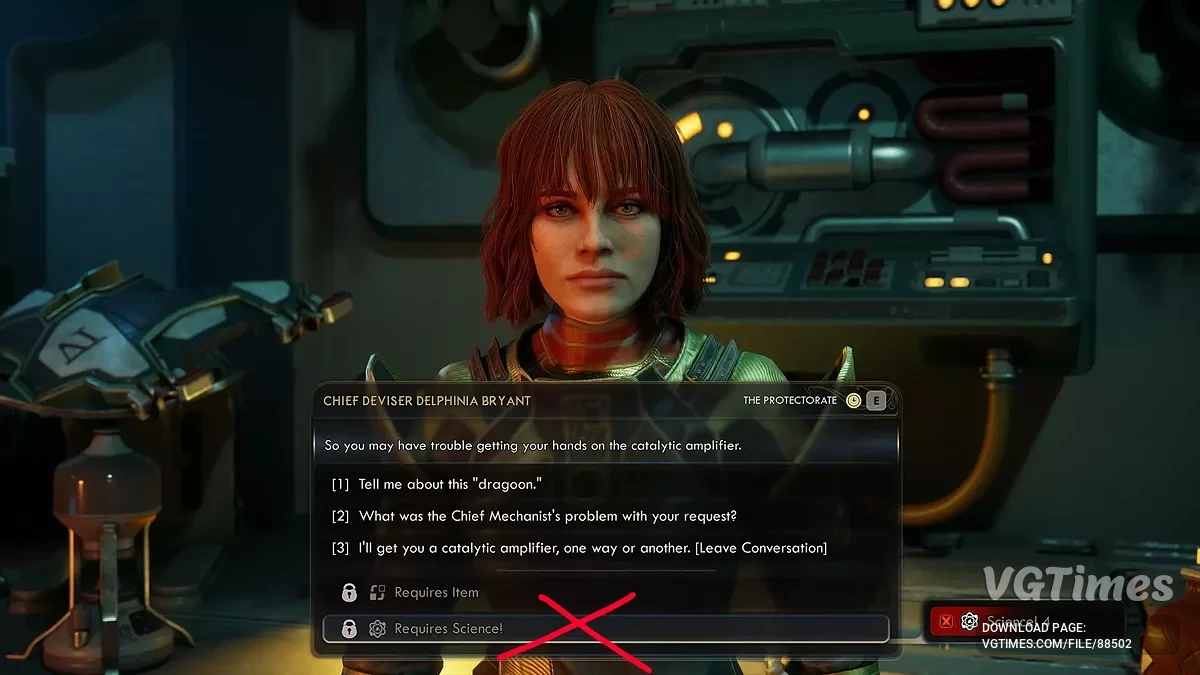
The game takes place on the new colony of Arcadia, where rifts threaten the destruction of all humanity. An agent of the Earth Authority finds... Read more
Players:
Steam:
Metacritic:
Console Enabler and BP ModLoader

Author:
KeinZantezuken
Uploaded by:

Size:
54.32 kB
Date:
November 11, 2025, 03:51 PM
Downloads:
249
-
Download (54.32 kB)November 11, 2025, 03:51 PMSML and Console Enableraktivator-konsoli-i-bp-modloader_1762865463_134014.zip
-
Download (26.93 kB)November 11, 2025, 03:51 PMConsole Cheatsaktivator-konsoli-i-bp-modloader_1762865463_294668.zip
-
Download (3.39 kB)November 11, 2025, 03:51 PMGodModeaktivator-konsoli-i-bp-modloader_1762865463_947166.zip
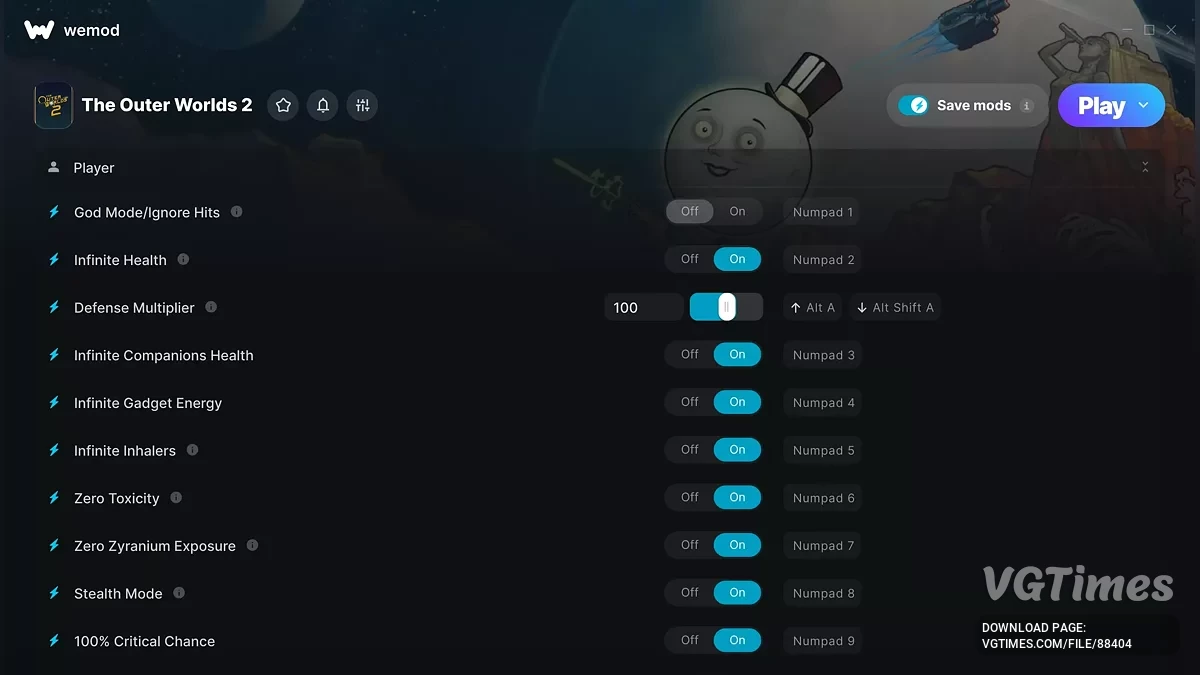
This mod adds a developer console to the game, allowing you to enter various commands and change settings. It also serves as a simple mod loader for Blueprints or CME-format mods.
Install:
Steam: Go to your Steam Library, find "The Outer Worlds 2", right-click, Manage -> Browse Local Files. This is your <game_root> folder>.
- Create directory "~mods" inside "<game_root>\Arkansas\Content\Paks\".
- Extract content of the zip-archive inside the folder:
<game_root>\Arkansas\Content\Paks\~mods - Confirm that all "SML.*" files from the archive is inside that folder.
- OPTIONAL: alteratively, you can extract content into just "<game_root>\Arkansas\Content\Paks\"
Example: D:\Steam\steamapps\TheOuterWorlds2\Arkansas\Content\Paks.
Useful links: