An atmospheric first-person RPG set in a dark, oppressive version of modern-day Seattle, where vampires secretly rule the politics, streets, and shadow economy. A... Read more
VGTimes:
Players:
Steam:
Metacritic:

Performance optimization
Author:
Hybred
Uploaded by:

Size:
1.11 MB
Date:
November 2, 2025, 06:15 AM
Downloads:
27
-
Download (1.11 MB)November 2, 2025, 06:15 AMoptimizacija-proizvoditelnosti_1762053318_631458.zip
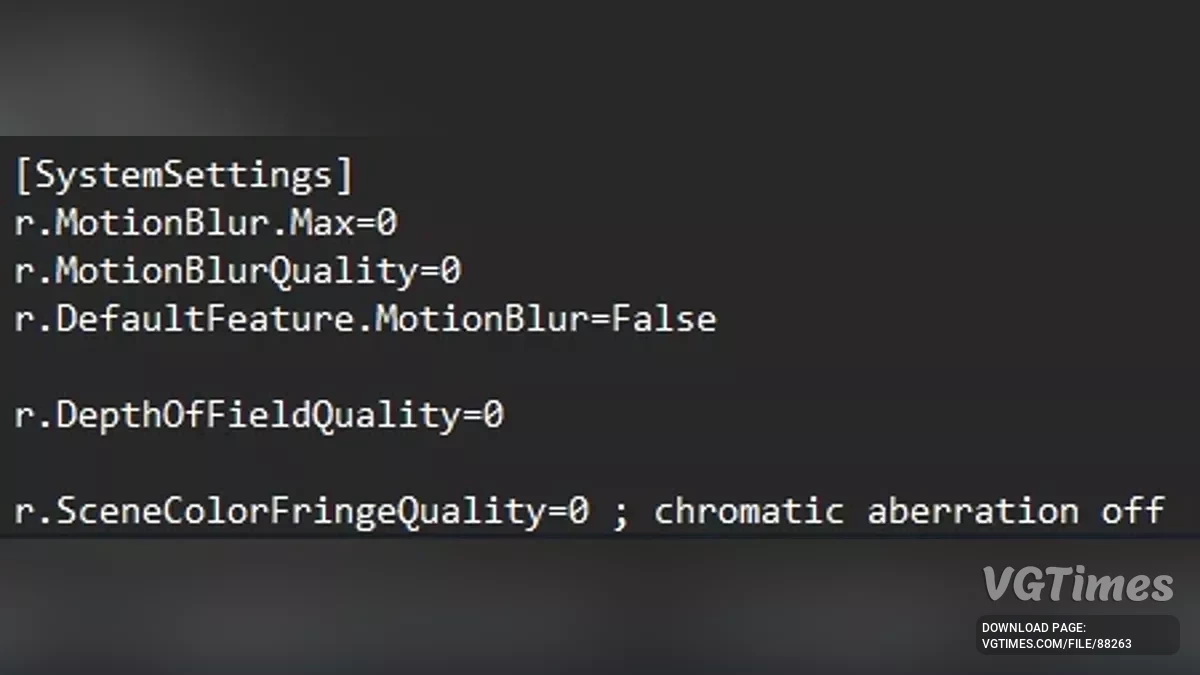
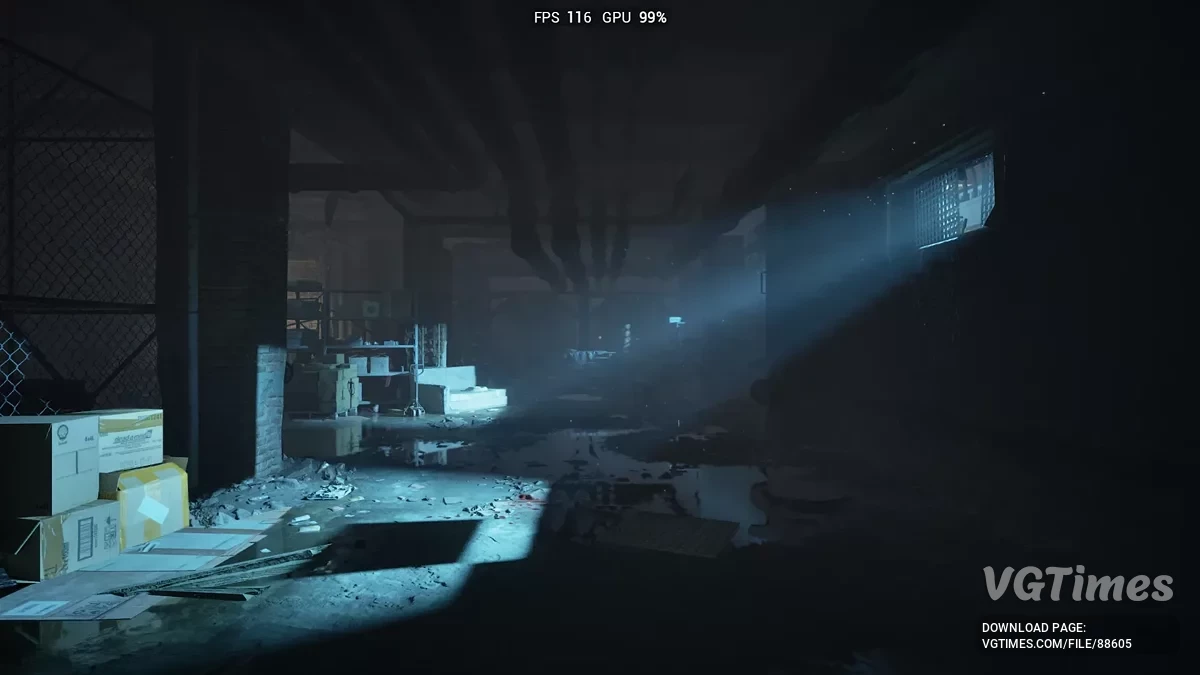
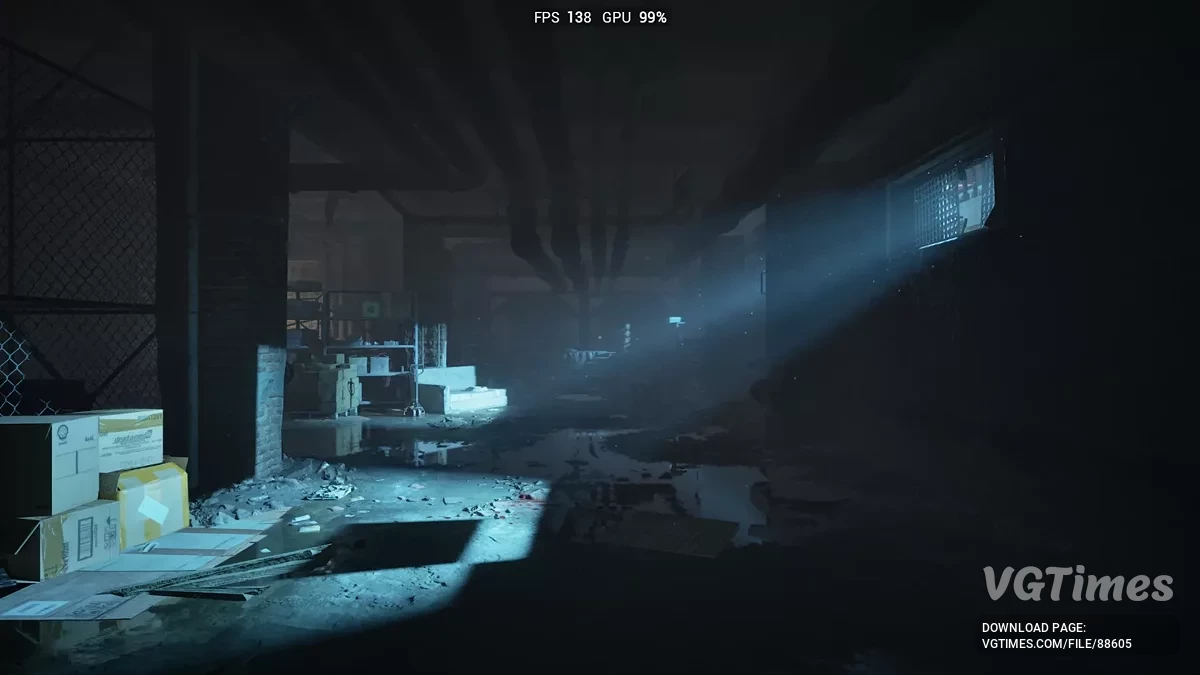
Improves framerate. Reduces stutter and hitching. Decreases loading times. Reduces input latency. Denoises Unreal Engine effects.
Presets explained:
- Ultra Quality: Looks the same or better than the original game’s graphics, while providing an FPS boost;
- Quality, Balanced & Performance: Looks very similar to the base game’s graphics. Minor downgrades and some improvements, while providing a noticeable FPS boost;
- Ultra Performance & Low Spec Gaming: Visuals are noticeably worse than the base game, but FPS boost is extremely high;
- Ultra Low Spec Gaming: Maximally optimized for performance to achieve the highest possible framerate.
Note: The "Lumen Off" mode may cause lighting issues, since games using Lumen lack fallback lighting. This can make areas appear unlit, too bright, or hair appear whitish. I’ve replicated SSGI and re-tonemapped the game to minimize these problems as much as possible.
How to run:
- Download the mod archive and extract it
- Inside, choose the preset you want to use
- Copy the INI files
- Go to your game’s configuration folder where GamerUserSettings.ini is located
- Copy the ini files from your selected preset into this folder
- Right-click on the copied files, select "Properties", and set them to "Read-only"
- Launch the game.
INI file locations:
- Steam & Epic: %LocalAppData%\Bloodlines2\Saved\Config\Windows;
- SteamOS: /home/.steam/steam/steamapps/compatdata/532790/pfx/.
Useful links:
![Vampire: The Masquerade - Bloodlines 2 — Ultra Plus [v0.1.7]](https://files.vgtimes.com/download/posts/2025-11/thumbs/ultra-plus-v0-1-7_1762884103_343247.webp)

![Vampire: The Masquerade - Bloodlines 2 — Table for Cheat Engine [v.48487]](https://files.vgtimes.com/download/posts/2026-03/thumbs/tablica-dlja-cheat-engine-v-48487_1773398959_128155.webp)
![Vampire: The Masquerade - Bloodlines 2 — The beginning of the game [Steam]](https://files.vgtimes.com/download/posts/2025-10/thumbs/nachalo-igry-steam_1761857033_852736.webp)
![Vampire: The Masquerade - Bloodlines 2 — Step-by-step saves [Steam]](https://files.vgtimes.com/download/posts/2025-10/thumbs/pojetapnoe-prokhozhdenie-steam_1761856470_968838.webp)