
Post-apocalyptic cyberpunk of a distant future. A suffocating city with a stale atmosphere, inhabited by robots. A lost lonely cat that wants to return home. The... Read more
Cinematic Reshade
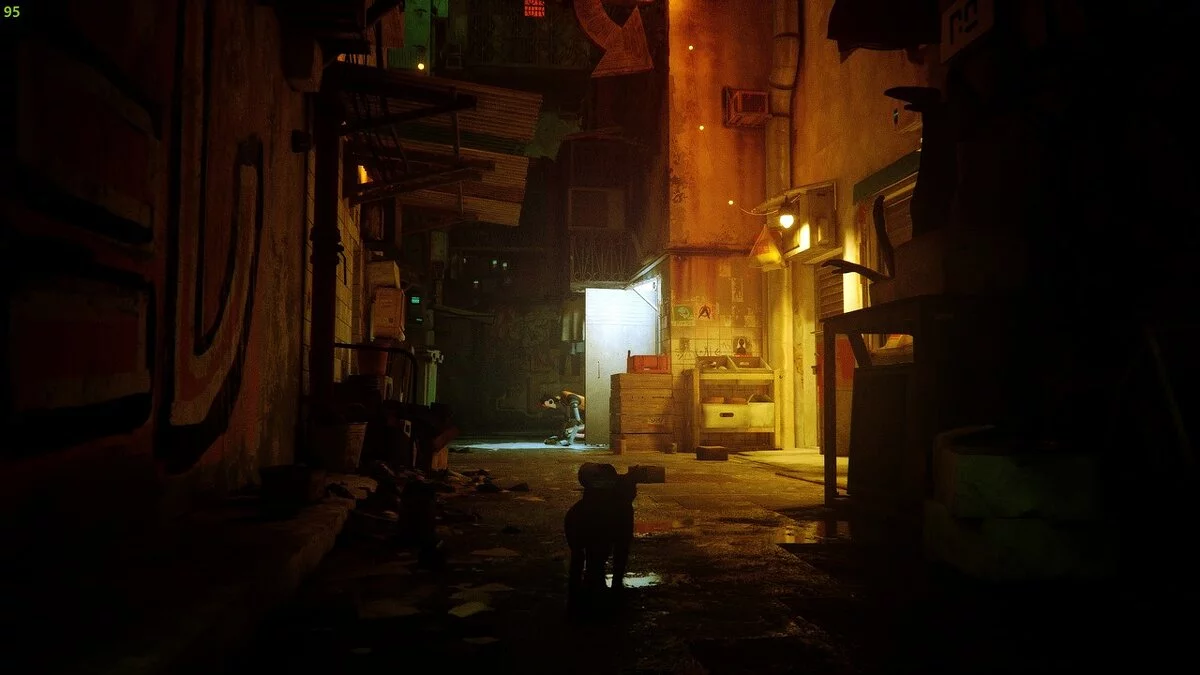
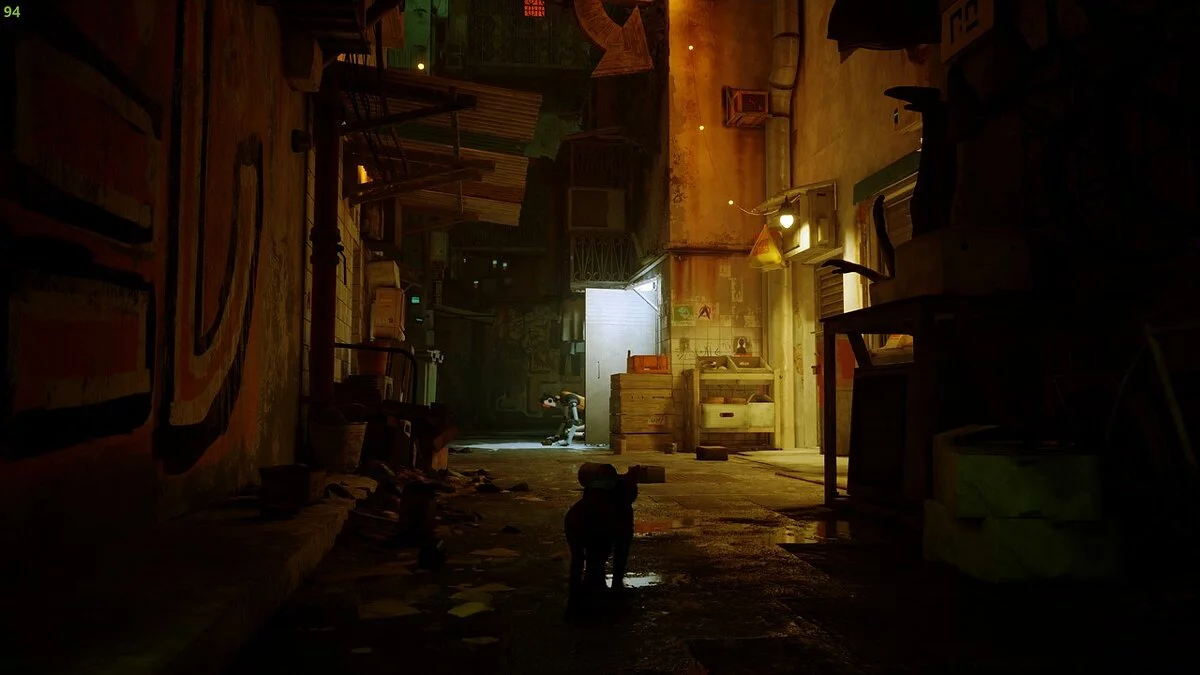


-
www.nexusmods.comDownload
Zurk Cinematic Reshade.
Enhanced lighting and visual effects utilizing techniques found in horror games, featuring a rougher aesthetic and noise to create a cinematic appearance.
Installation Instructions:
1) Use the ReShade installer to set up ReShade in stray.exe located in the Steam installation directory under Stray/Hk_project/Binaries/Win64
2) After that, copy the mod's ini file to the same location
3) Enjoy
Zurk Cinematic Reshade.
Лучшее освещение и визуальные эффекты с использованием методов, используемых в играх ужасов, таких как более грубая эстетика и шум, чтобы придать кинематографический вид.
Как установить:
1) С помощью установщика ReShade установите ReShade в stray.exe, который находится в каталоге установки Steam в каталоге Stray/Hk_project/Binaries/Win64
2) После этого скопируйте ini-файл мода в то же место
3 ) Наслаждайтесь
Useful links:
![Stray — Cheat Engine Table [UPD: 22.07.2022]](https://files.vgtimes.com/download/posts/2022-07/thumbs/1658568665_fysyfxtaiaaq_ts.webp)
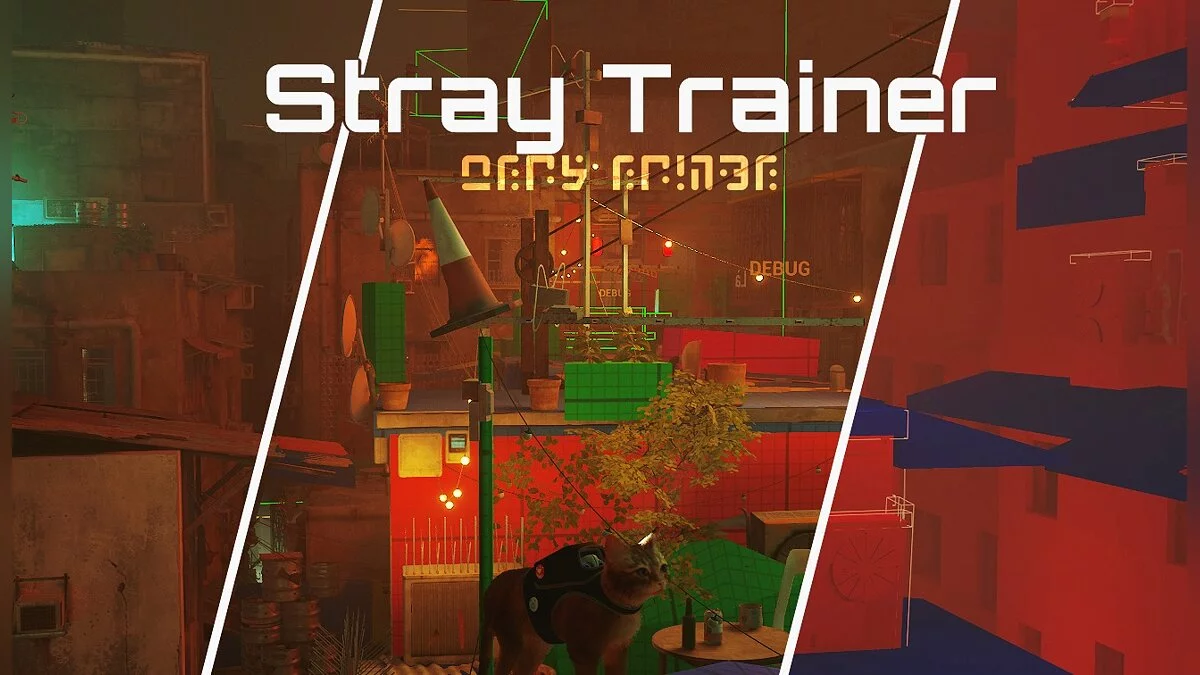
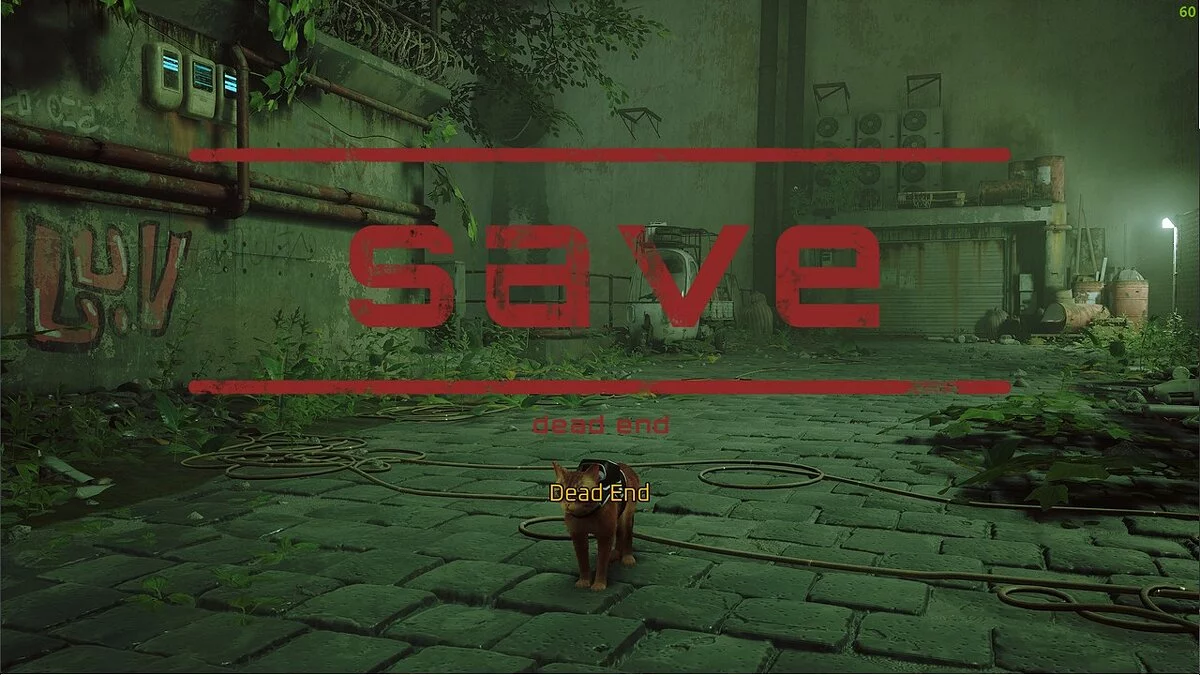
![Stray — Trianer (+7) [1.5]](https://files.vgtimes.com/download/posts/2025-10/thumbs/trejjner-7-1-5_1759751106_548425.webp)
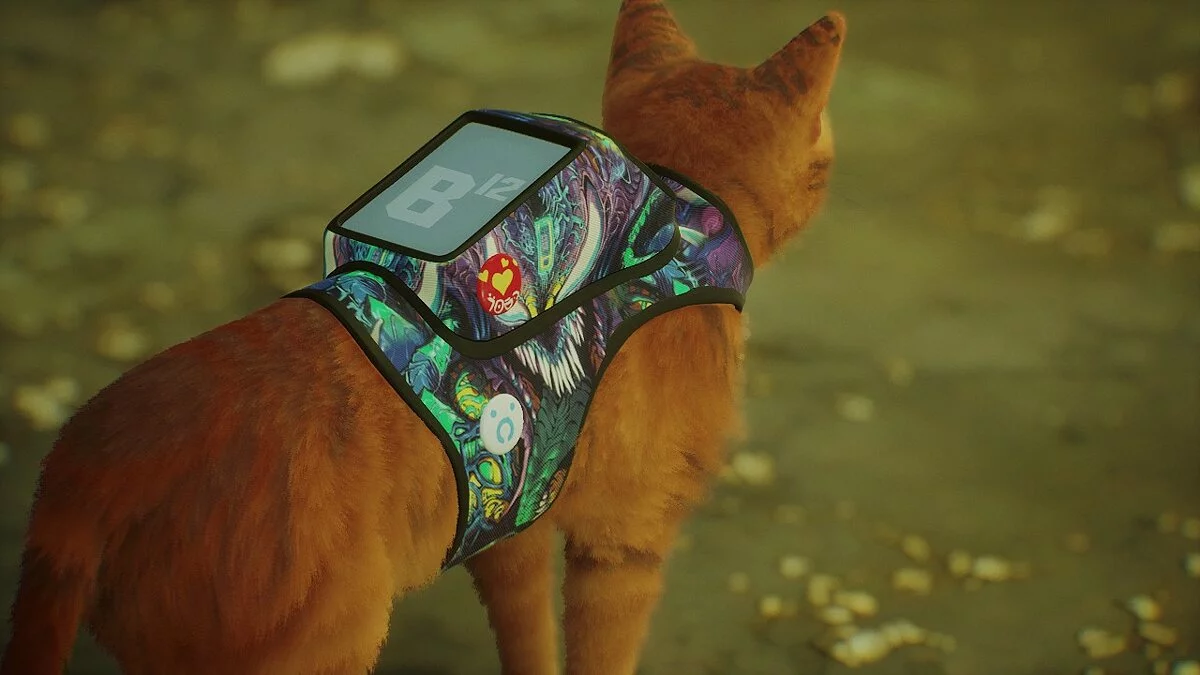
![Stray — Trainer (+8) [1.2 - 1.3]](https://files.vgtimes.com/download/posts/2022-07/thumbs/1658914730_wwt9blspxlpb0umlq_rkig.webp)