A simulator of social and public life, a continuation of the popular game series The Sims. The character creator will open new facets of creativity thanks to an... Read more
Video System on the Computer

-
1617449694_ksuihuh_novideostationmod.zipDownload (1.77 MB)
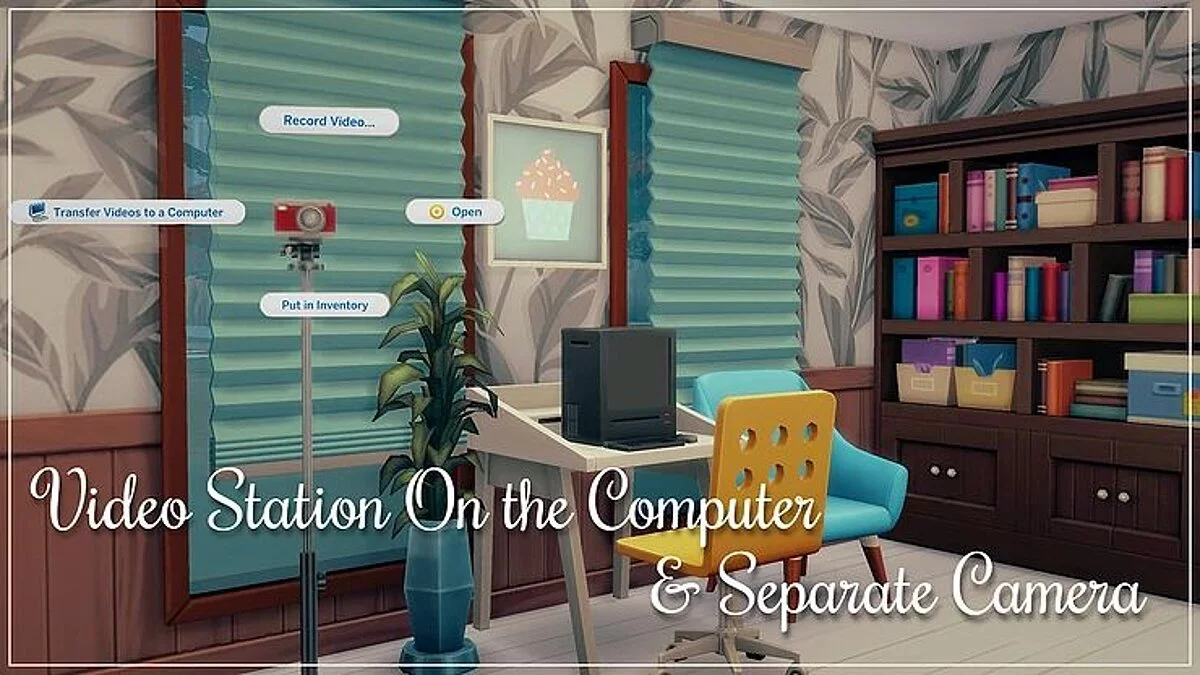
This mod overrides computer settings and adds a video station inventory to all computers. You can transfer video from the mod camera (also works with the AEP camera) or streaming drone, edit, and upload them online.
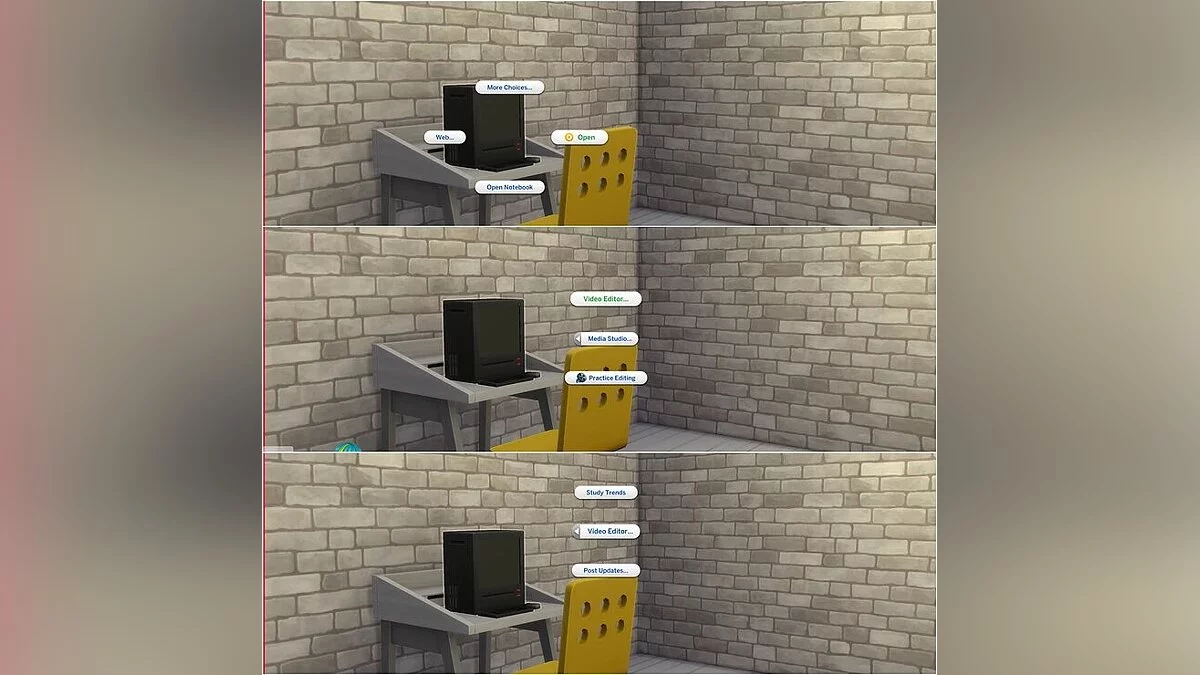
All interactions are available in Media Studio > Video Editor Menu.
There will be specific camera and streaming drone interactions for transferring video to the computer instead of the video station. This interaction is marked with a computer icon. The video will be transferred to the computer closest to the sim and the camera/drone. You can also transfer video on a public lot if your sim has a laptop.
After transferring the video, you can edit and upload it from the computer's inventory as if you were doing it at the video station. All interactions with the video station remain, but interactions with the computer are in the 'Computer' menu.
To record video, you will need a built-in camera. With it, you can record all video clips available at the video station. Just remember to use the cheat bb.moveobjects and place a table next to the camera when you want to record a Product Review. Otherwise, spawned objects will just float in the air.
Этот мод отменяет настройку компьютеров и добавляет инвентарь видеостанции на все компьютеры. Вы можете передавать видео с камеры мода (также работает с камерой AEP) или потокового дрона, редактировать и загружать их в Интернет.
Все взаимодействия доступны в Media Studio> Меню редактора видео.
Будет определенное взаимодействие камеры и потокового дрона для передачи видео на компьютер, а не на видеостанцию. Это взаимодействие отмечено значком компьютера. Видео будет перенесено на компьютер, ближайший к симу и камере / дрону. Вы также можете передавать видео на общественном участке, если у вашего сима есть ноутбук.
После передачи видео вы можете редактировать и загружать их из инвентаря компьютера, как если бы вы это делали на видеостанции. Все взаимодействия с видеостанцией сохраняются, но взаимодействия с компьютером находятся в меню «Компьютер».
Для записи видео вам понадобится встроенная камера. С его помощью вы можете записывать все видеоролики, доступные на видеостанции. Просто не забудьте использовать чит bb.moveobjects и поставить стол рядом с камерой, когда вы хотите записать Обзор продукта. В противном случае порожденные объекты будут просто парить в воздухе.
Useful links: