A simulator of social and public life, a continuation of the popular game series The Sims. The character creator will open new facets of creativity thanks to an... Read more
Players:
Steam:
Metacritic:
DLC Disable v0.8.23 | Tool for Disabling Unwanted Add-ons
Author:
Uploaded by:

Size:
125.62 MB
Date:
January 14, 2024, 04:44 PM
Downloads:
113292
-
Download (125.62 MB)January 14, 2024, 01:56 PMdlc-disable-v0-8-23-programma-dlja_1705229762_602148.zip
-
clck.ruDownload
-
clck.ruDownload
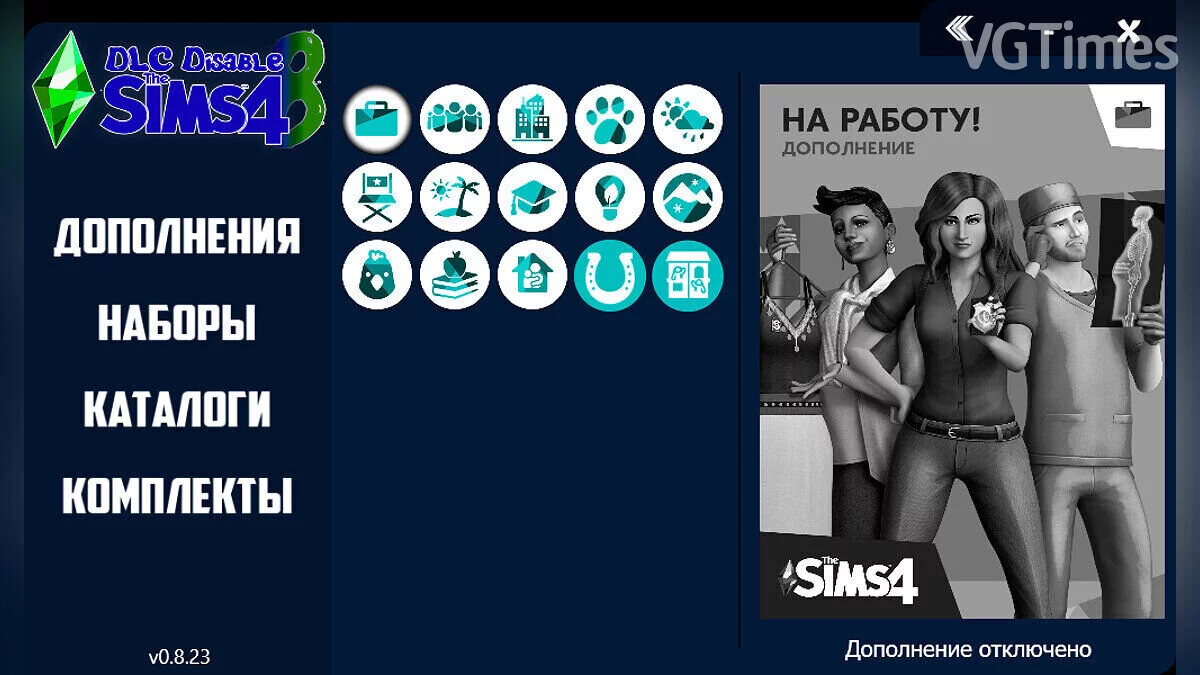
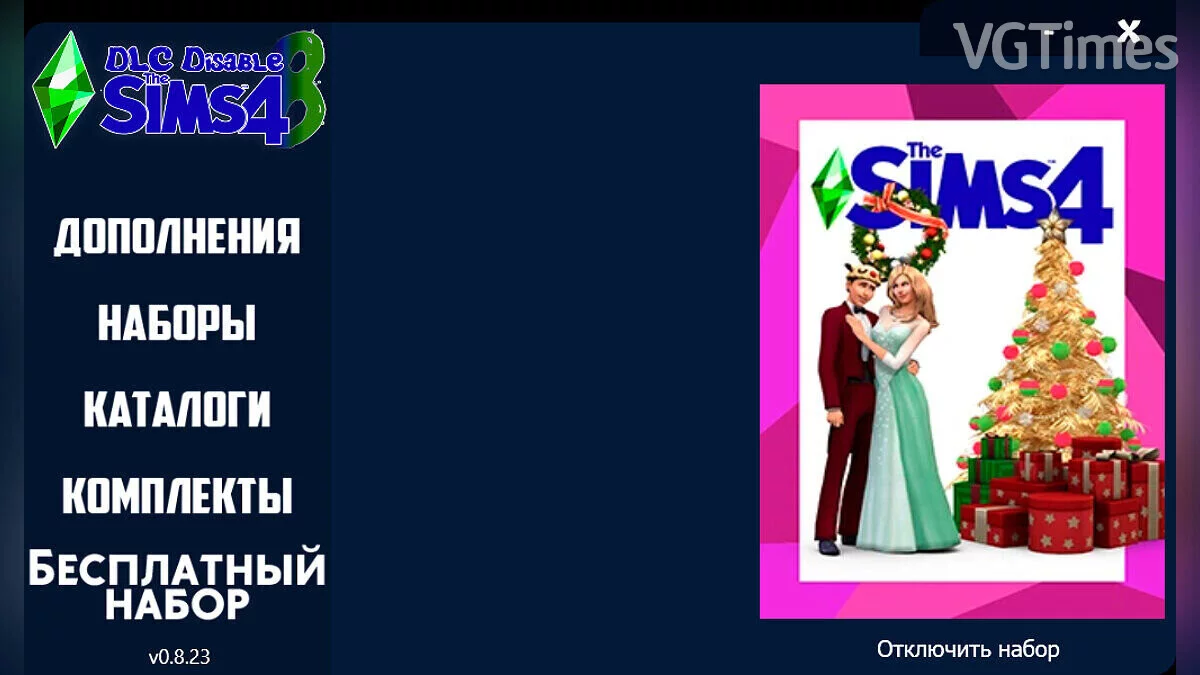
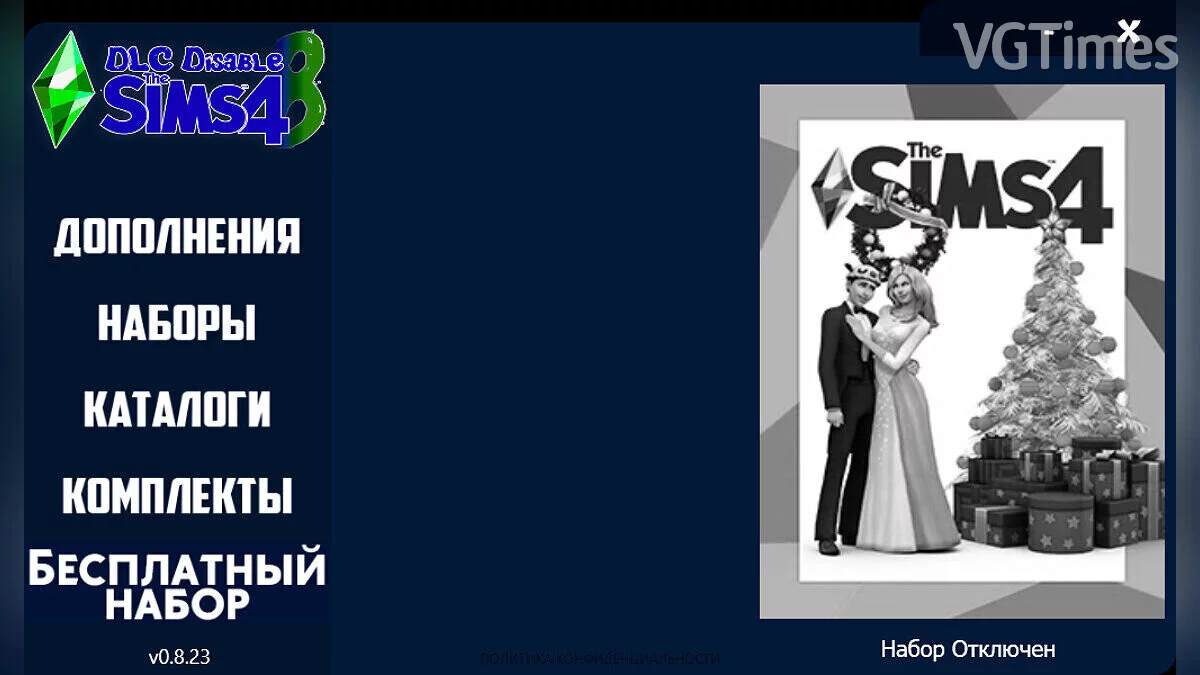
DLC Disable: Disables add-ons in The Sims 4 without loss, also restores deleted add-ons.
Changes in this version 0.8.23:
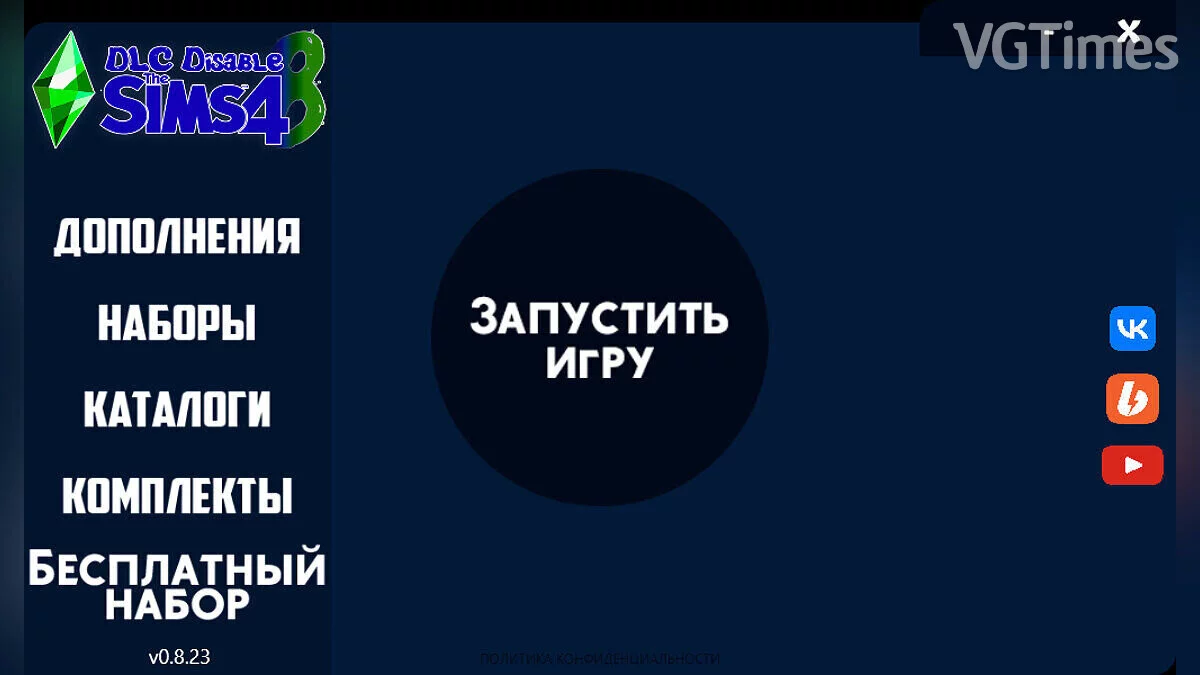
- The interface has been globally changed
- Many bugs have been fixed
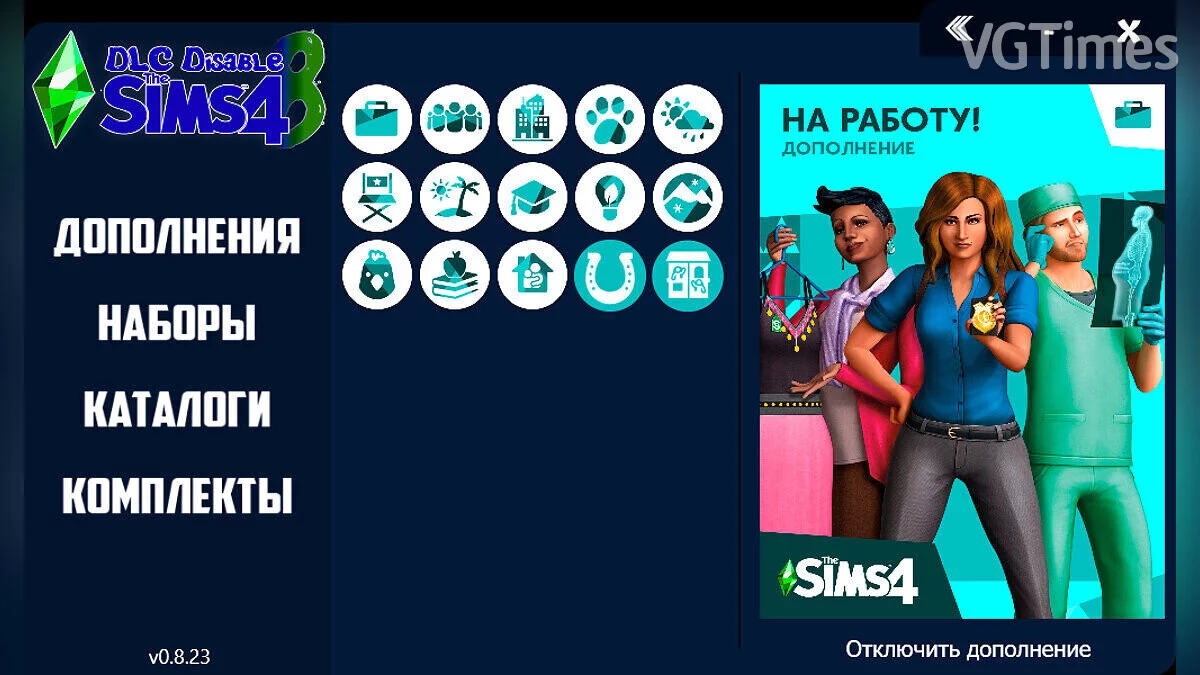
- DLCs have been categorized (Add-ons, Sets, Catalogs, Bundles)
- Each DLC has its own button (like in the game), now it's not a folder number (SP01, SP02 …)
- The game can be launched from the program
- Added “The Sims 4: Renting!” — EP15
Installation order:
- Run Setup (Installer)
- In case of a pop-up window "User Account Control" agree by clicking "Yes", the program will not harm your computer
- Select the installer language, then click "Ok"
- Agree to the privacy policy
- Click "Next" read the brief instructions, then click "Next"
- Follow the brief instructions, specify the folder/disk where the game is located (if a confirmation window appears stating that the The Sims 4 folder already exists, click "Yes"), then click the "Ok" button then "Next". IF YOU DO NOT HAVE Visual Studio and .NET Framework 4.8 INSTALLED, INSTALL BY CLICKING ON THEIR NAMES, YOU WILL BE TAKEN TO THE OFFICIAL SITES (choose Visual Studio according to your architecture)
- After that, at your discretion, you can add a folder to the Start menu — includes (Program shortcut, Website, Program uninstaller). Click the "Next" button
- Again at your discretion you can check the box for "Create a Desktop Icon" After that click "Next" then immediately on the "Install" button
- After the installation is complete you can review the information, then click "Next"
.
The file name and description have been translated Show original
(RU)Show translation
(EN)
DLC Disable v0.8.23 | Программа для отключения ненужного дополнения
DLC Disable: Отключает дополнения в The Sims 4 без потери, так же восстанавливает удалённое дополнение.
Изменения в данной версии 0.8.23:
- Глобально изменён интерфейс
- Исправлено множество ошибок
- DLC были разбиты по категориям (Дополнения,наборы,каталоги, комплекты)
- Каждое DLC имеет свою кнопку (как в игре), теперь это не номер папки (SP01,SP02 …)
- Игру можно запустить в программе
- Добавлено «The Sims 4: Сдаётся!» — EP15
Порядок установки:
- Запускаем Setup (Установщик)
- На случай всплывающего окна "Контроль учётной записи" согласитесь нажав "Да", программа не навредит вашему компьютеру
- Выберите язык установщика, после чего нажмите "Ок"
- Соглашаемся с политикой конфиденциальности
- Нажмите "Далее" прочтите краткую инструкцию, затем нажмите "Далее"
- Делайте всё по краткой инструкции, укажите папку/диск где находится игра(если появится окно с подтверждением о том что папка The Sims 4 уже существует, нажмите "Да"), затем нажмите кнопку "Ок" затем "Далее". ЕСЛИ У ВАС НЕ УСТАНОВЛЕНЫ Visual Studio и .NET Framework 4.8, УСТАНАВЛИВАЕМ НАЖАВ НА ИХ НАЗВАНИЯ, ВАС ПЕРЕНЕСЁТ НА ОФИЦИАЛЬНЫЕ САЙТЫ (Visual Studio выбираем по битности)
- После чего, на ваше усмотрения, можете добавить папку в меню Пуск — входит (Ярлык программы, Сайт, Деинсталлятор программы).Нажмите кнопку "Далее"
- Опять же на ваше усмотрения можете поставить галочку на "Создать значок на Рабочем столе" После нажимаем на "Далее" затем сразу же на кнопку "Установить"
- После завершения установки можете ознакомится с информации, после нажмите на "Далее"
Useful links: