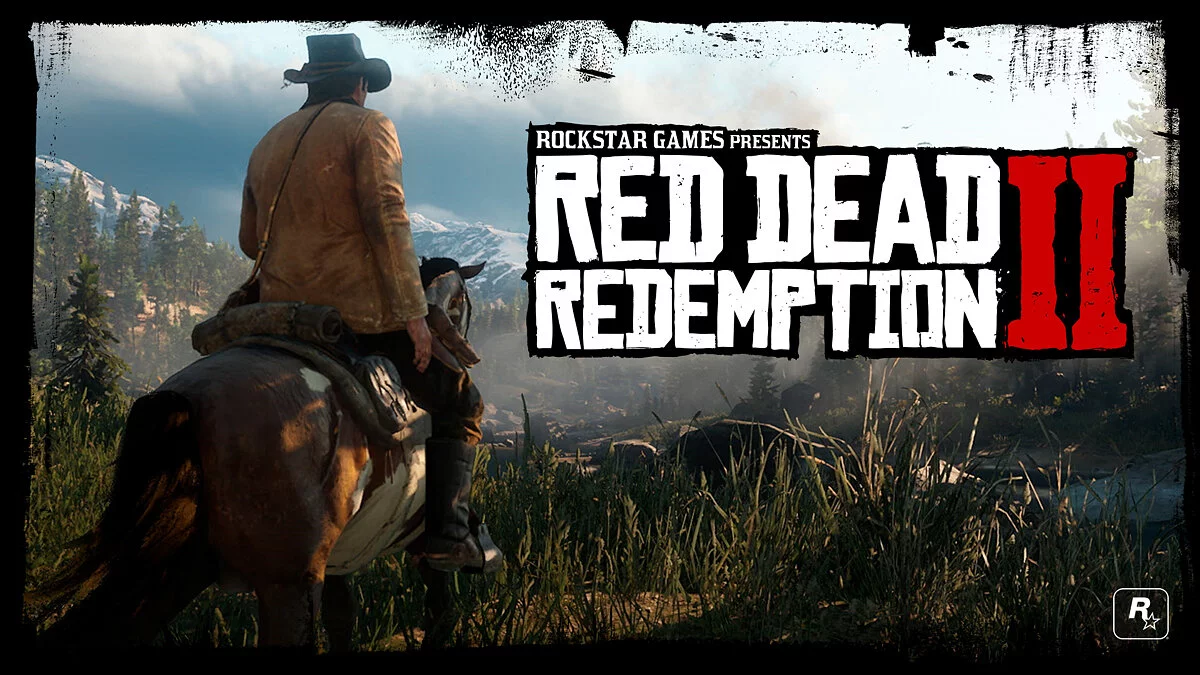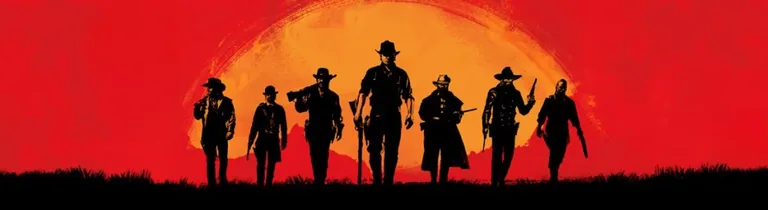
Continuation of the adventure action game from 2008 with a third-person view in a large open world. Players are once again invited to conquer the Wild West... Read more
UHG Reshade


-
1583167298_uhg_reshade_47_1_4_1582504353.rarDownload (22.84 kB)
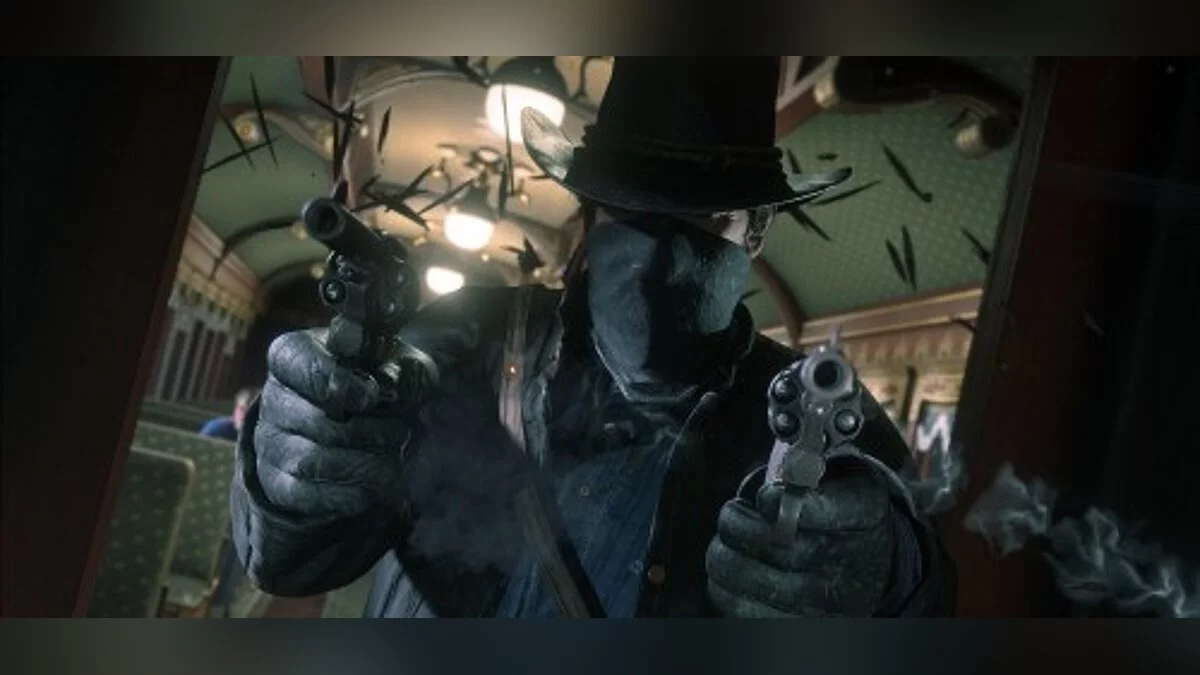
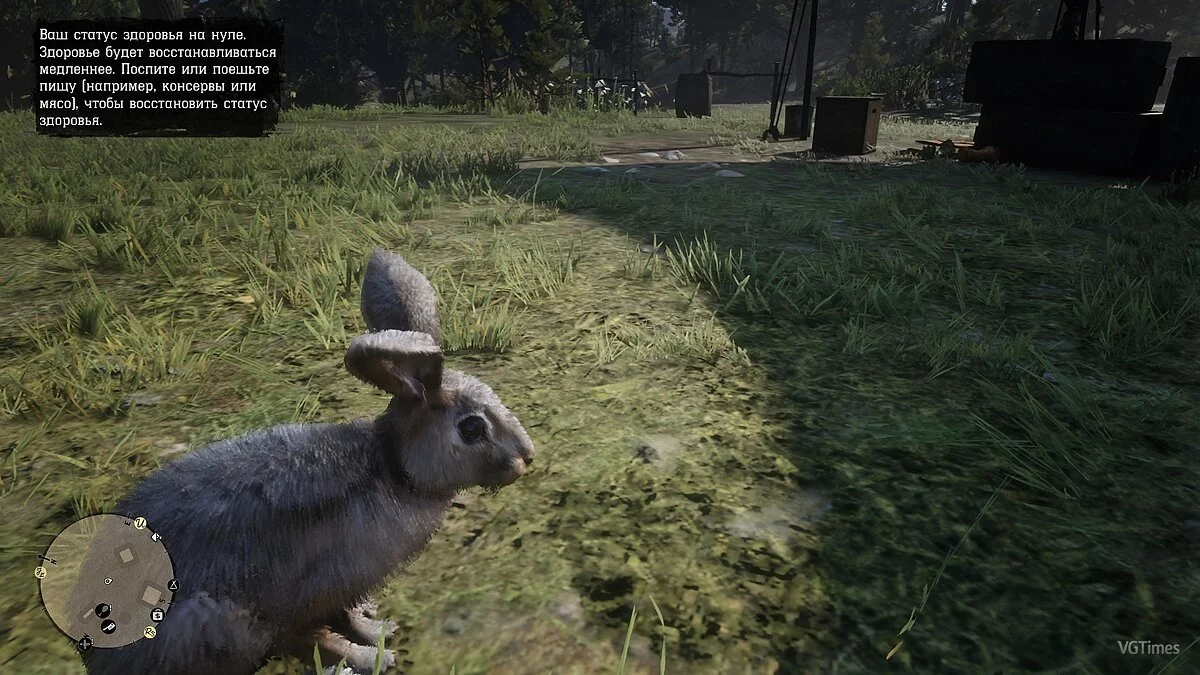
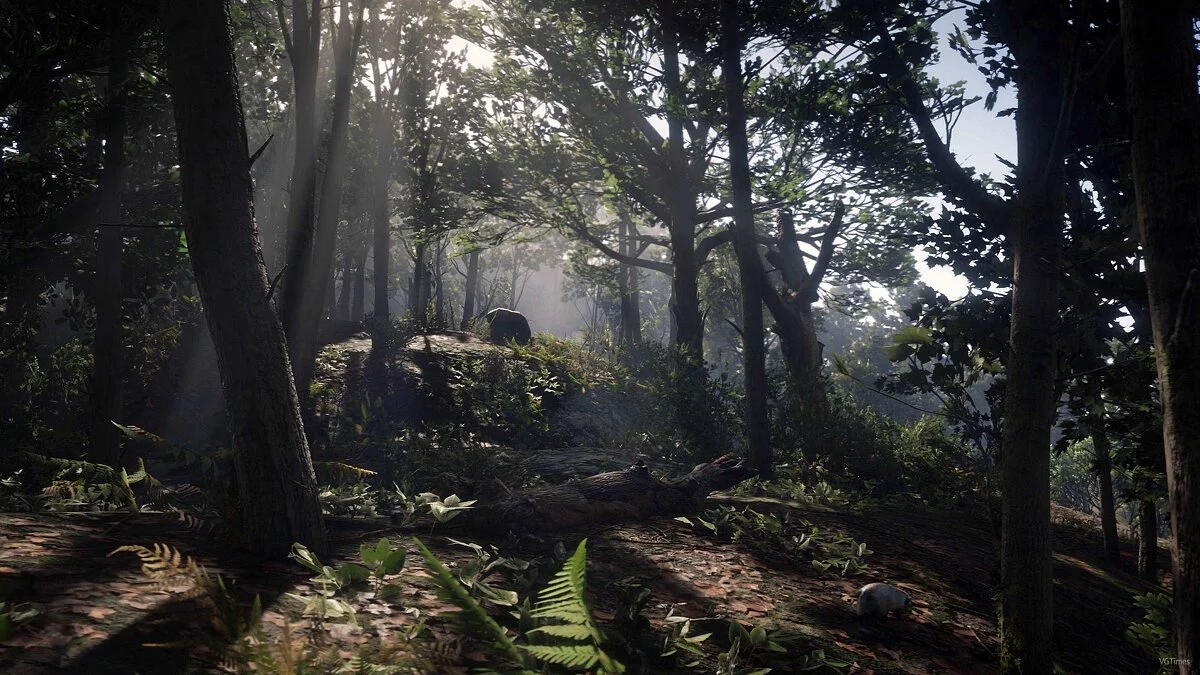
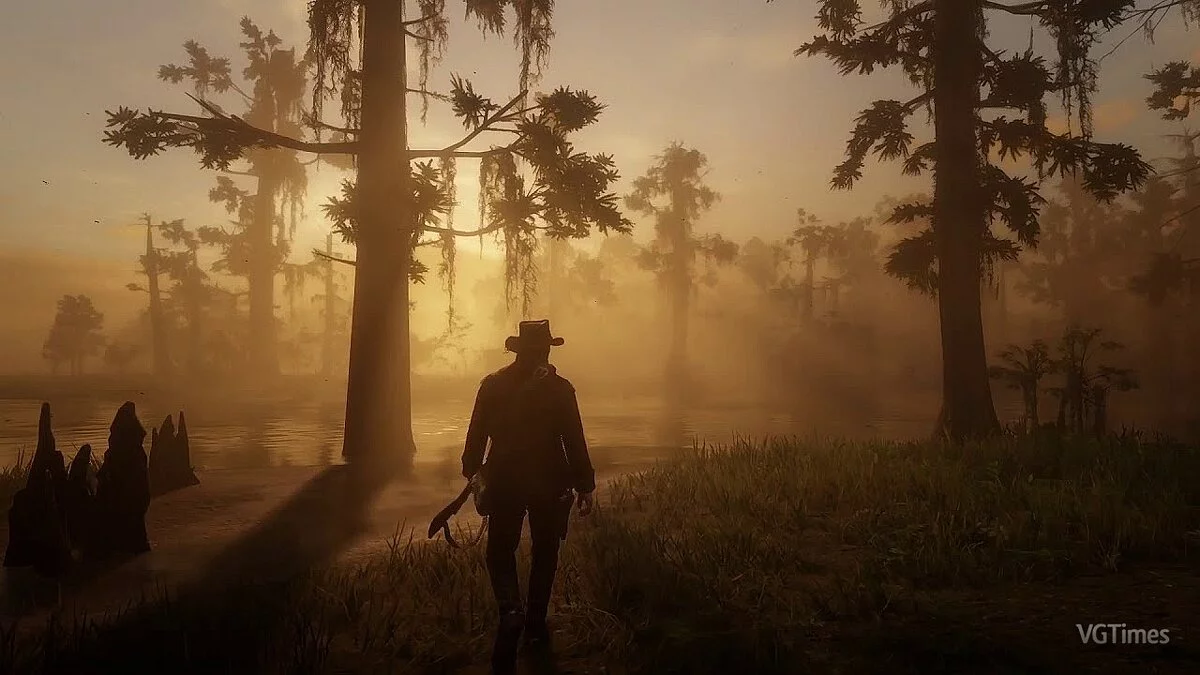
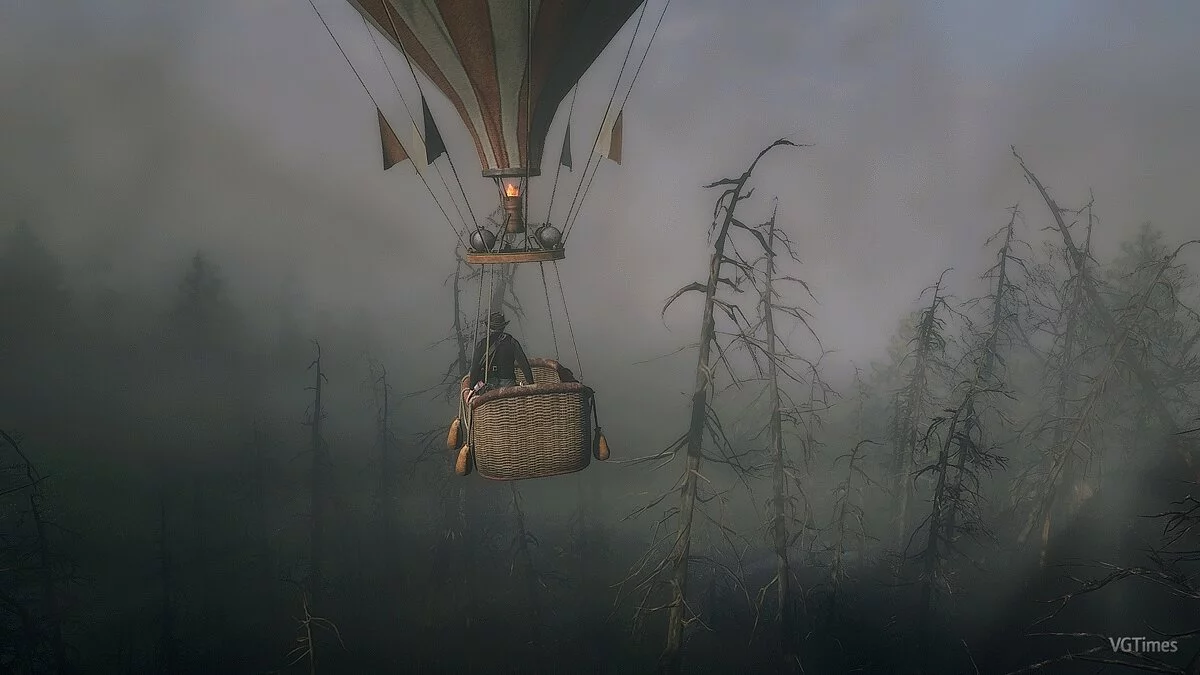
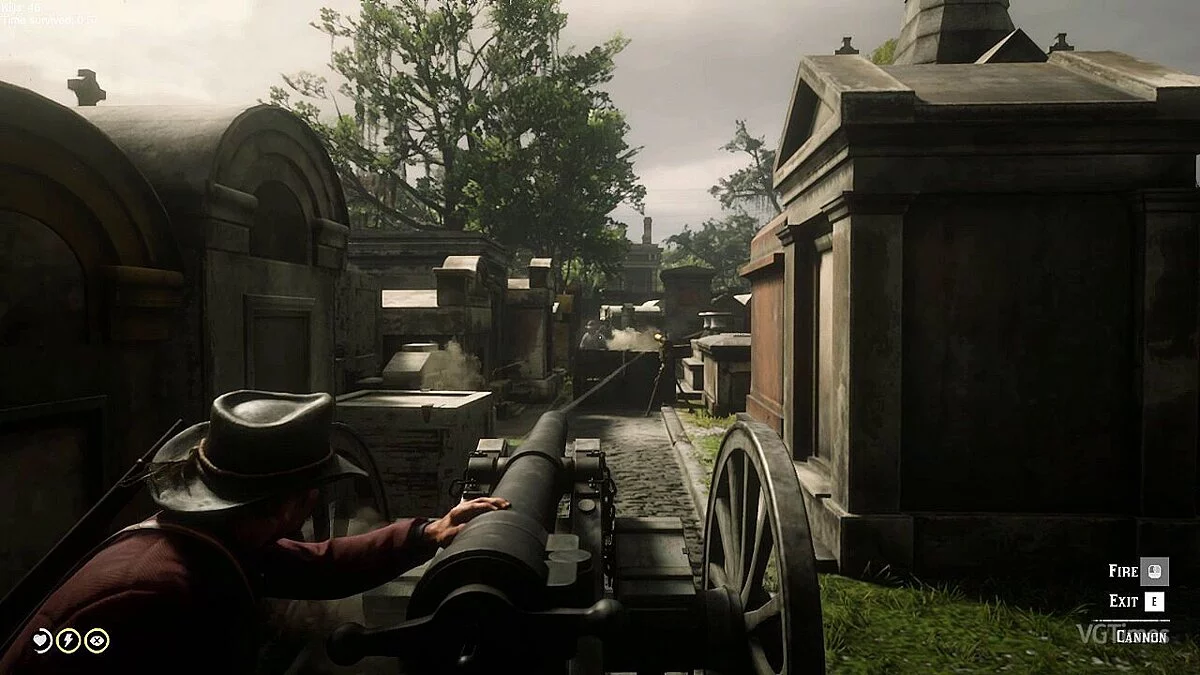
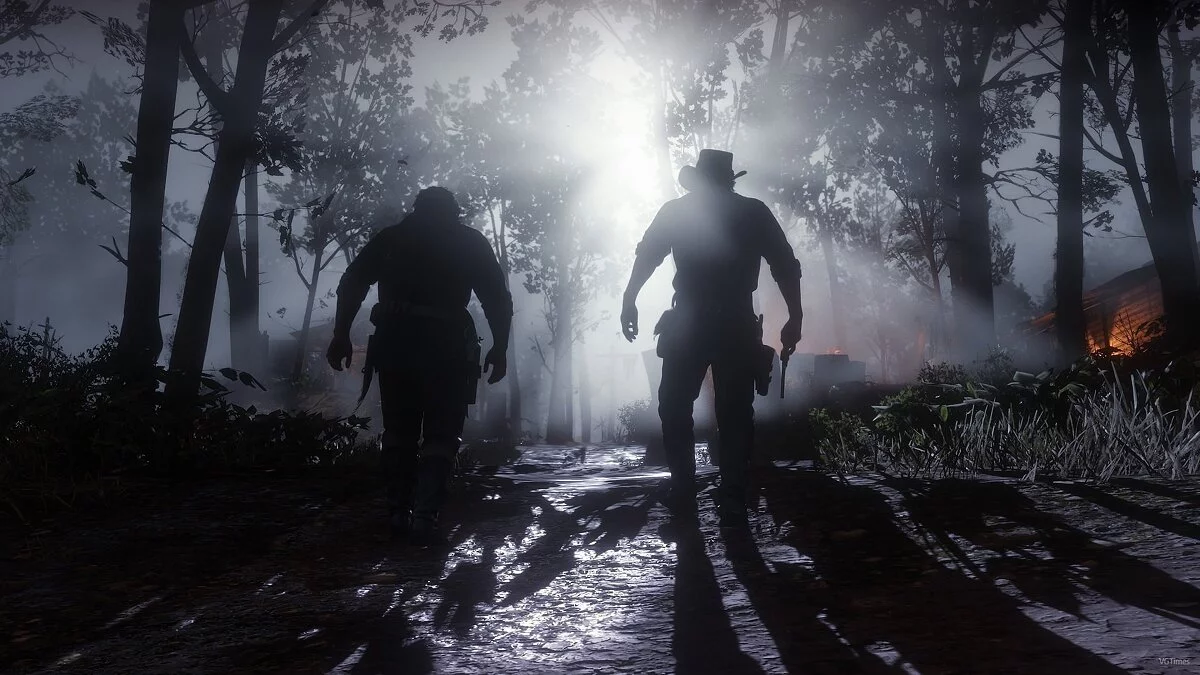
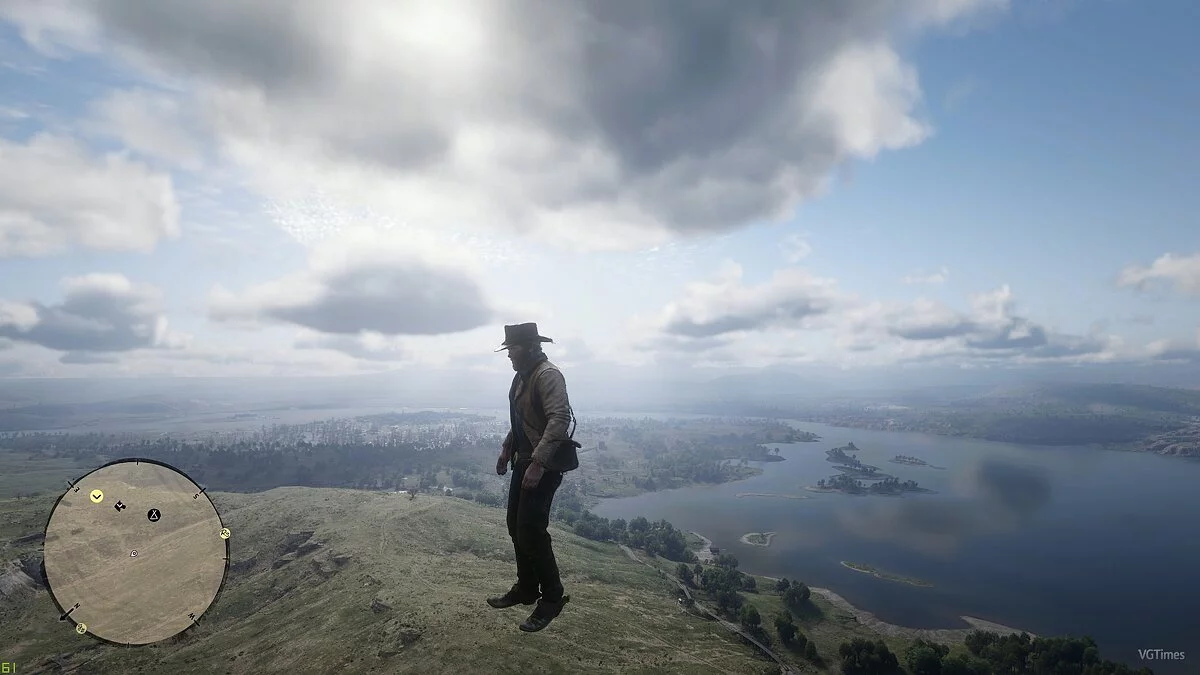
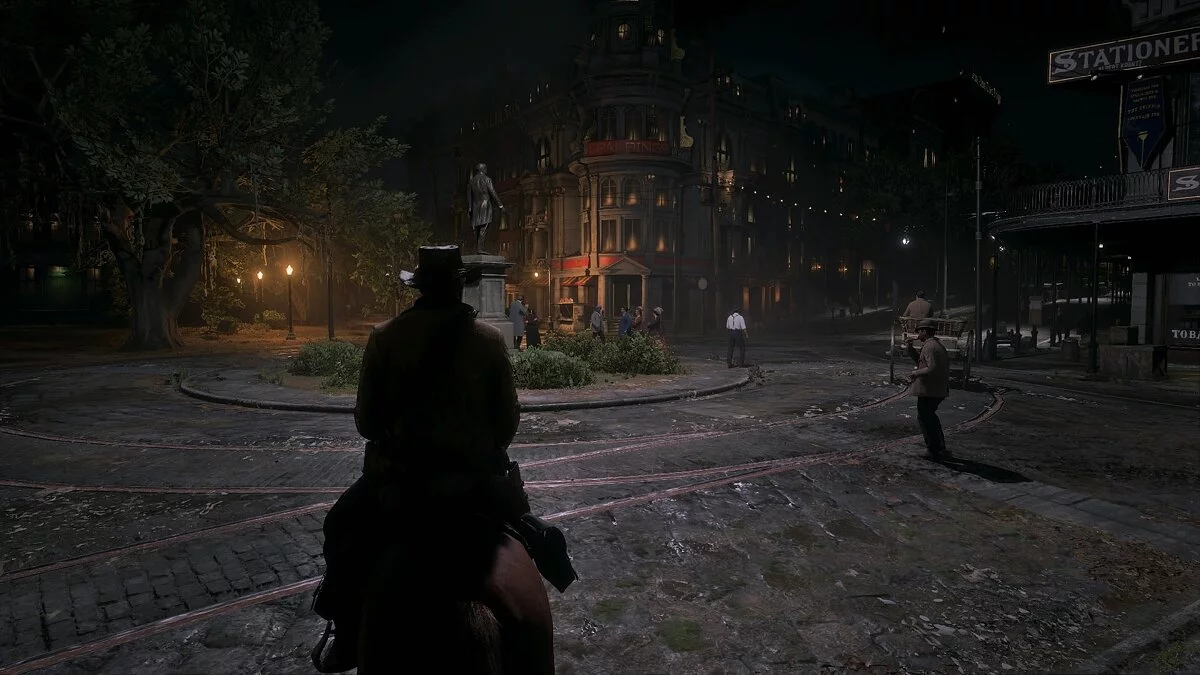
A graphic preset with various graphics settings for Red Dead Redemption 2 aimed at enhancing graphics and color reproduction.
The archive contains 5 different presets:
- Realistic
- Warm
- Cool
- Original
- Clean
Version 1.4:
All existing presets improved
New shaders added
New presets added
Installation:
1) Unzip the archive into the game folder
2) Run the ReShade installer and select the game .exe file
3) Choose the game API — this is DX10 +
4) ReShade will request to download .fx files, select all and click “OK” to download and install them
5) After successful installation, close the program
6) Launch the game and open the ReShade menu by pressing the Home (pos1) key on the keyboard. Then click the dropdown arrow to open the dropdown menu and select the file “LUT.fx” from the list. If you don’t see the file in the list, you will need to add it manually by pressing the + key next to the dropdown arrow, then enter the full name of the file, for example: LUT.fx, and press Enter.
7) Unzip the archive into the game folder
To close the ReShade menu, press the Home (pos1) key on the keyboard.
Графический пресет различный настроек графики для Red Dead Redemption 2, которые направлены на улучшение графики и цветопередачи.
Архив содержит 5 разных пресетов:
- Реалистичный
- Теплый
- Классный
- Оригинальный
- Чистый
Версия 1.4:
Улучшены все имеющиеся присеты
Добавлены новые шейдеры
Добавлены новые пресеты
Установка:
1) Распакуйте архив в папку с игрой
2) Запустите установщик ReShade и выберите файл .exe игры
3) Выберите API игры — это DX10 +
4) ReShade запросит скачивание .fx файлов, выберите все и нажмите «ОК», чтобы загрузить их и установить
5) После успешной установки закройте программу
6) Запустите игру и откройте меню ReShade, нажав клавишу Home (pos1) на клавиатуре. Далее нажмите стрелку раскрывающегося списка, чтобы открыть раскрывающееся меню, и выберите файл «LUT.fx из списка. Если вы не видите файл в списке, вам придется добавить его вручную, нажав клавишу + рядом со стрелкой раскрывающегося списка, а затем введите полное имя файла, например: LUT.fx, и нажмите Enter.
7) Распакуйте архив в папку с игрой
Чтобы закрыть меню ReShade, нажмите клавишу Home (pos1) на клавиатуре
Useful links: