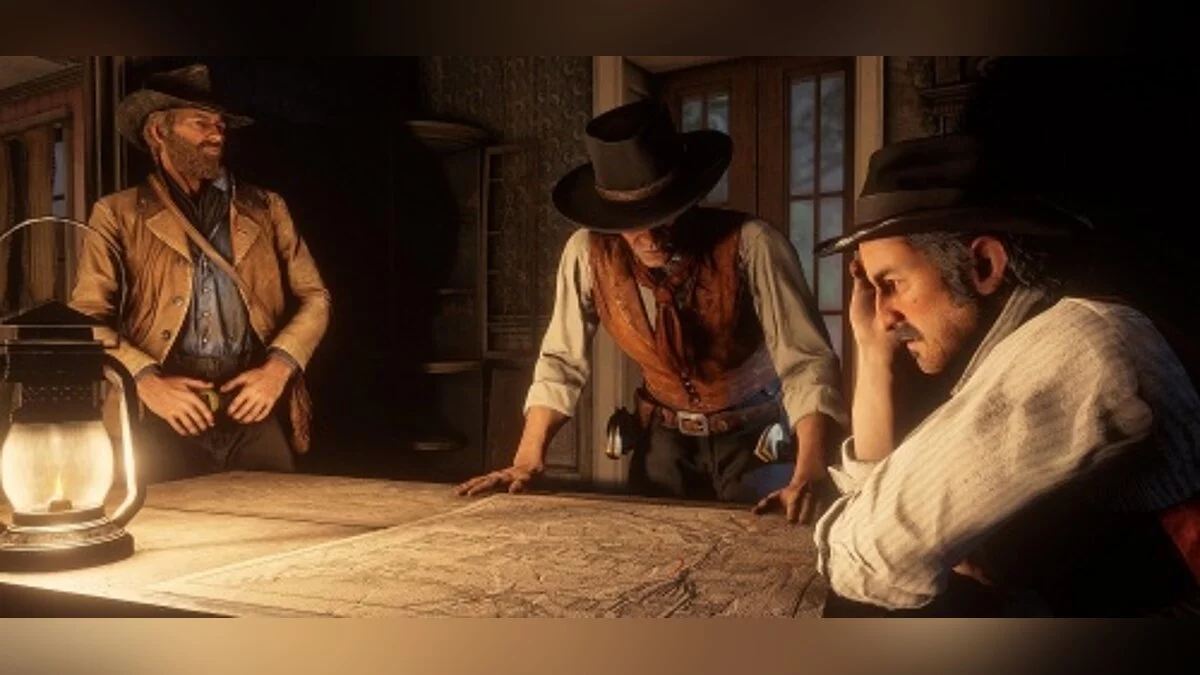
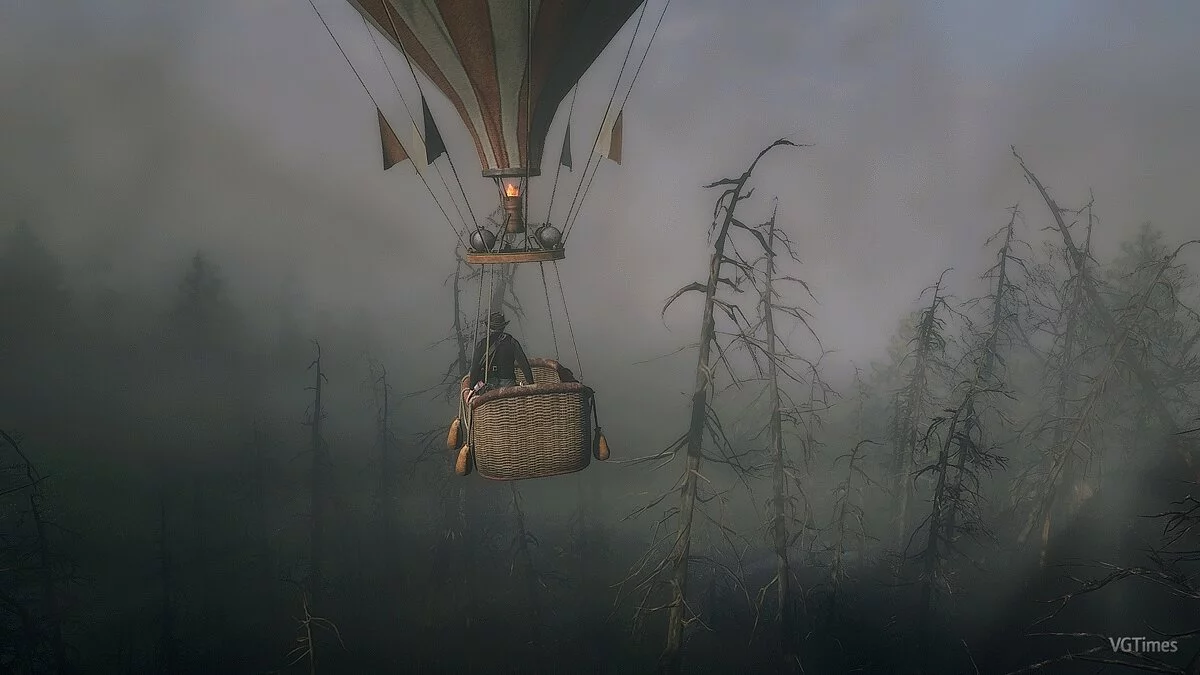
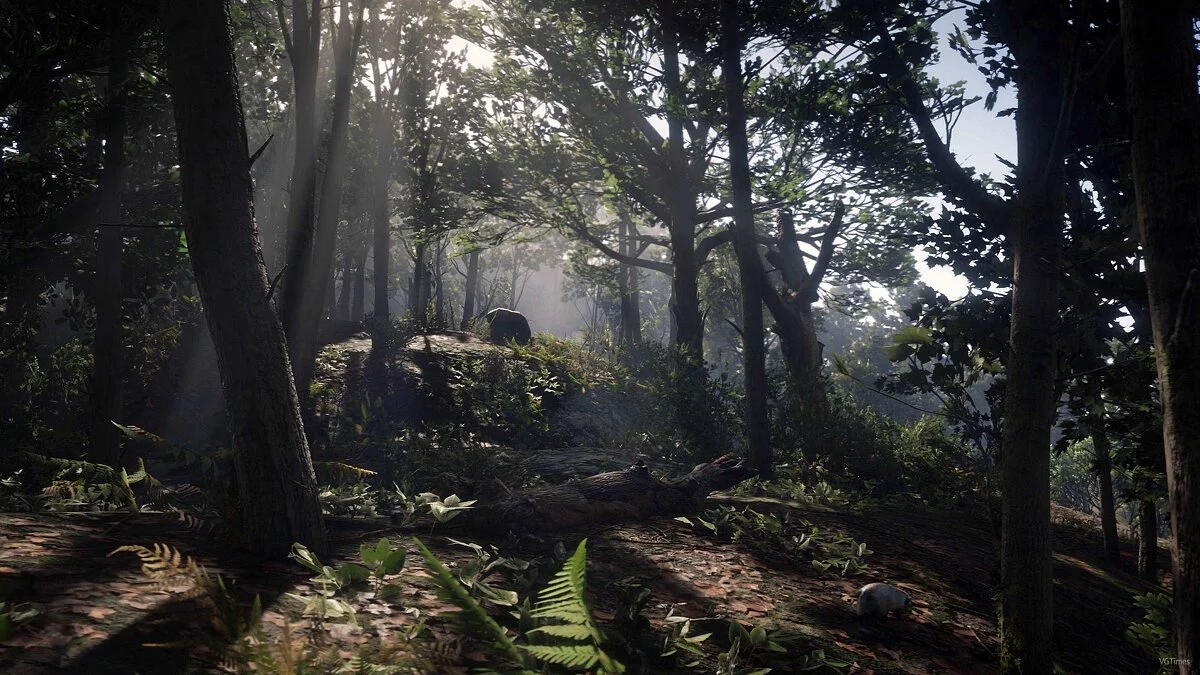
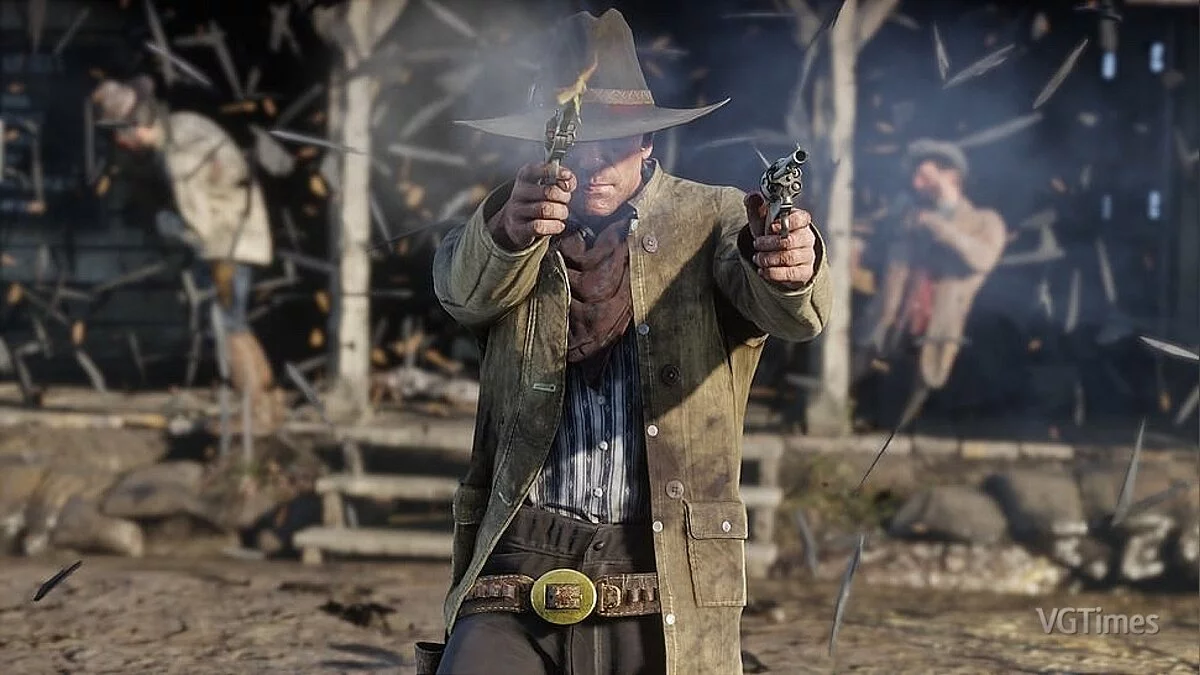
A continuation of the 2008 third-person action-adventure game set in a vast open world. Players once again get to explore the Wild West, with plenty... Read more
Save File (Player Model Replacement)

-
1573820399_model_swap_17_0_1_1573101515.rarDownload (44.23 MB)
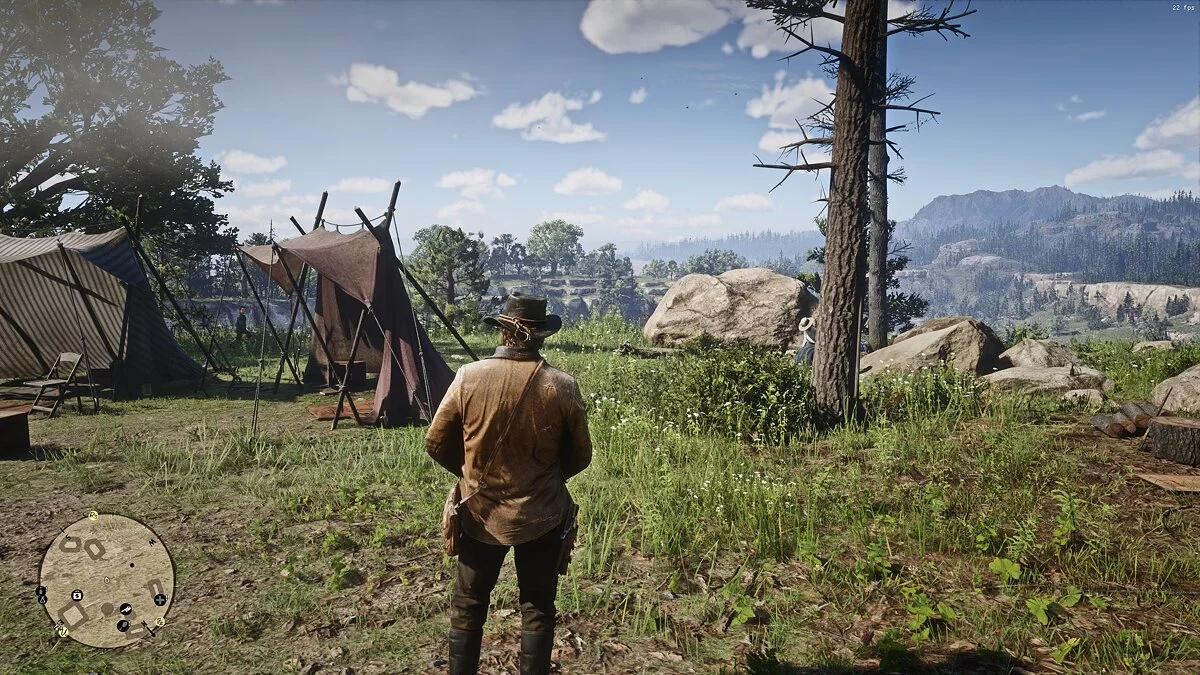
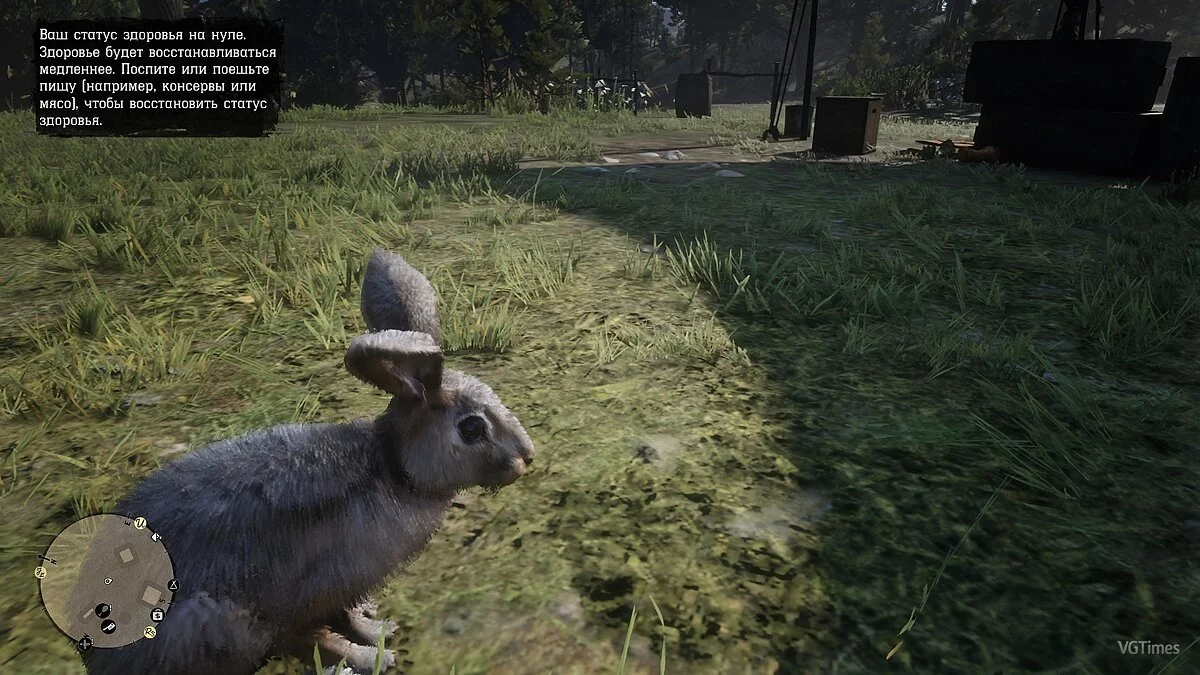
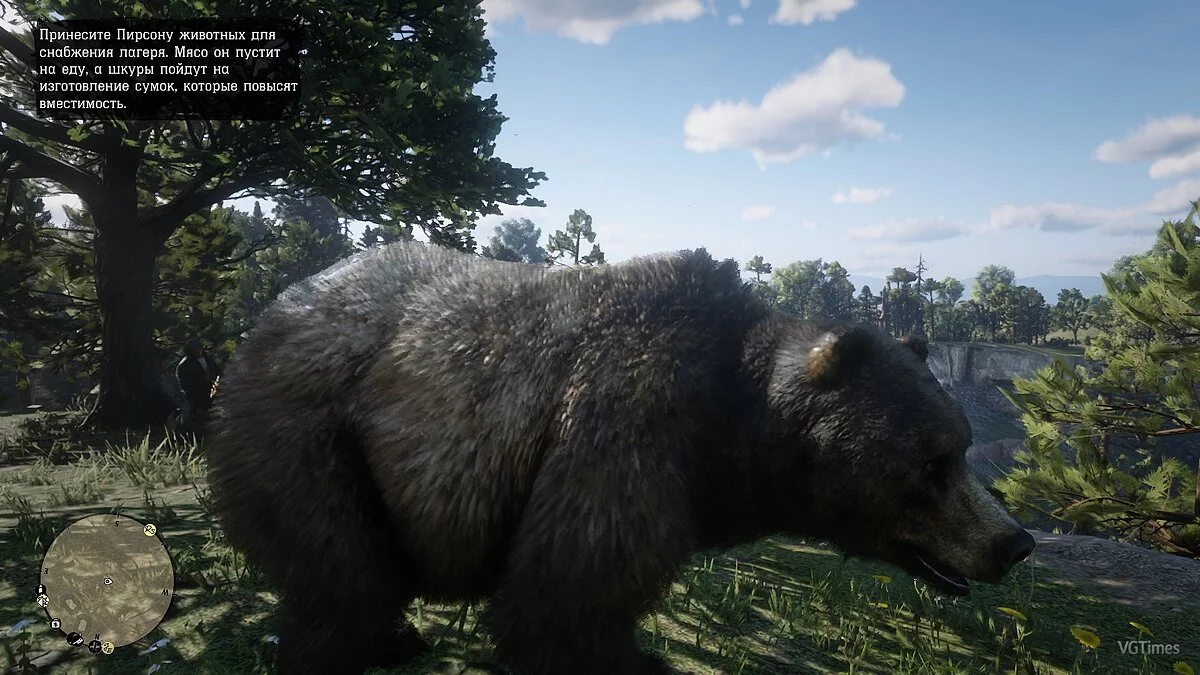
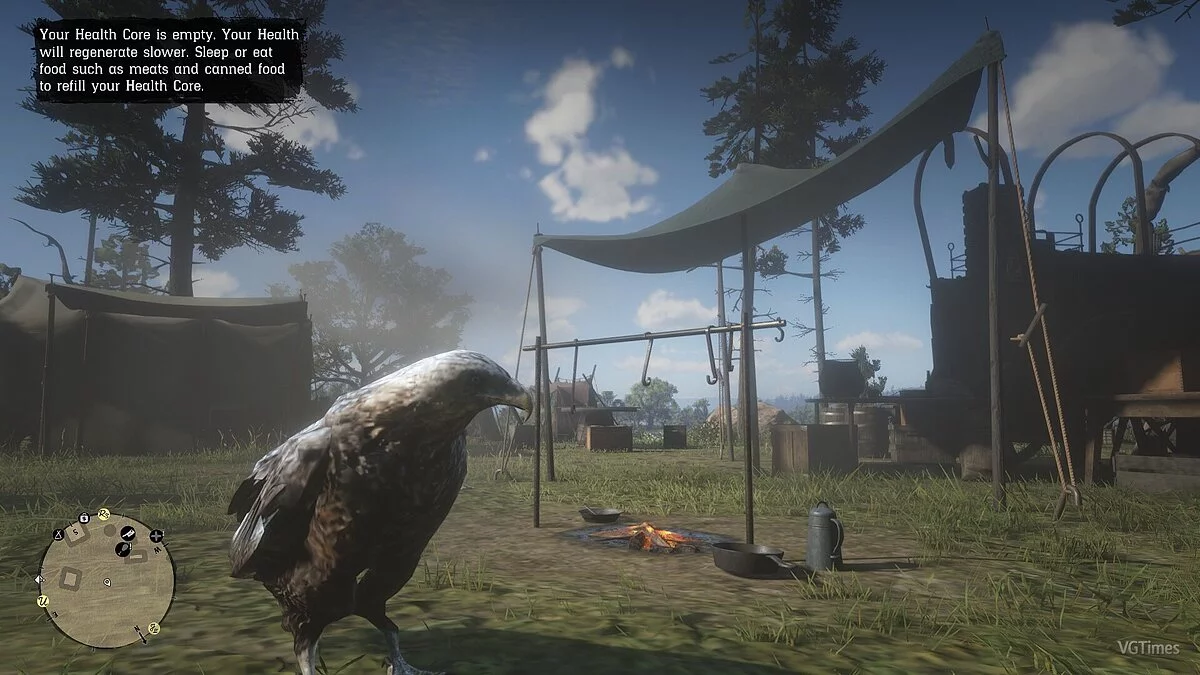
This save file allows you to change the character model to animal/human NPC models.
It is not recommended to complete missions with a replaced model, as crashes may occur.
Not all models work.
INSTALLATION
1. Open Rockstar Games Launcher
2. Go to RDR 2 settings
3. Disable "Activate cloud saves"
4. Click "View saved files"
5. BACK UP YOUR SAVES!
6. In the downloaded archive, select the desired animal/human NPC model
7. Copy and rename (if the last 2 digits differ) the files from the archive (SRDR30000 and SRDR30000.bak) in the save folder
8. Enjoy playing.
Это сохранение, которое позволит вам менять модель персонажа, на животных/человеческих моделей NPC.
Не рекомендуется проходить с заменённой моделью миссии, так как возможны вылеты.
Работают не все модели.
УСТАНОВКА
1. Откройте Rockstar Games Launcher
2. Зайдите в настройки RDR 2
3. Отключите "Активировать сохранения в облаке"
4. Нажмите "Посмотреть сохраненные файлы"
5. СДЕЛАЙТЕ РЕЗЕРВНУЮ КОПИЮ СОХРАНЕНИЙ!
6. В скачанном архиве, выберете нужную вам модель животного/человеческого NPC
7. Скопируйте и переименуйте (если последние 2 цифры разнятся) файлы из архива (SRDR30000 и SRDR30000.bak) в папке с сохранениями
8. Играйте
Useful links:
![Red Dead Redemption 2 — Cheat Engine Table [UPD: 12.11.2019]](https://files.vgtimes.com/download/posts/2019-12/thumbs/1576037359_1576037297_754.webp)