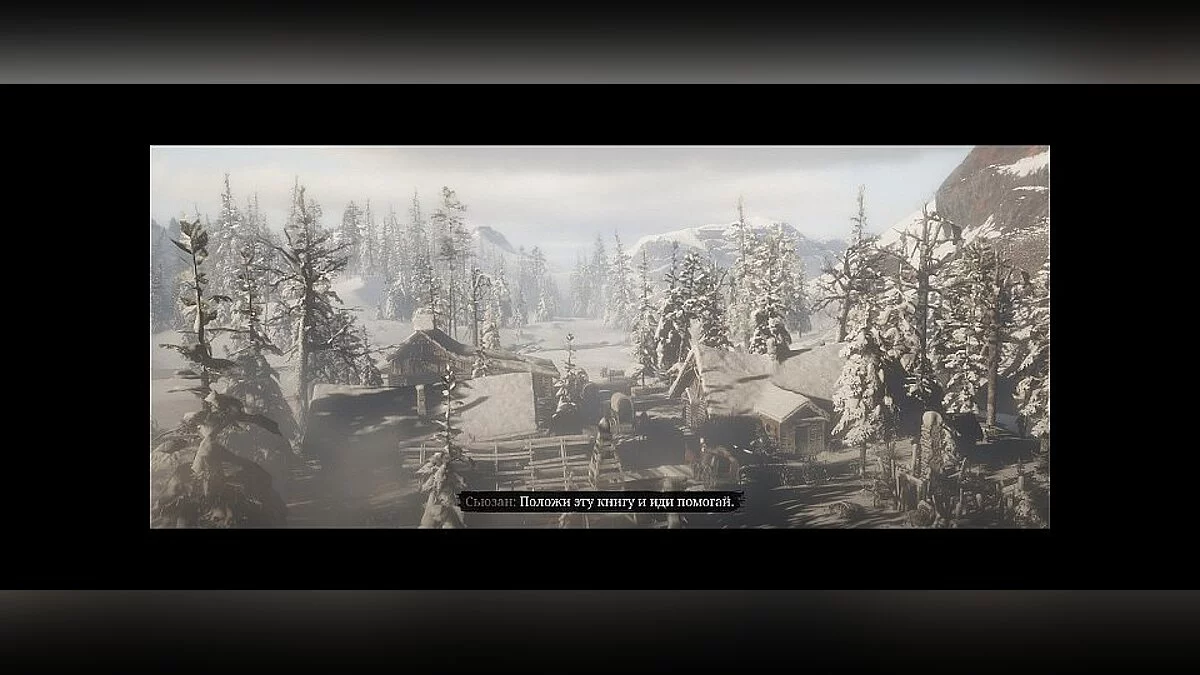
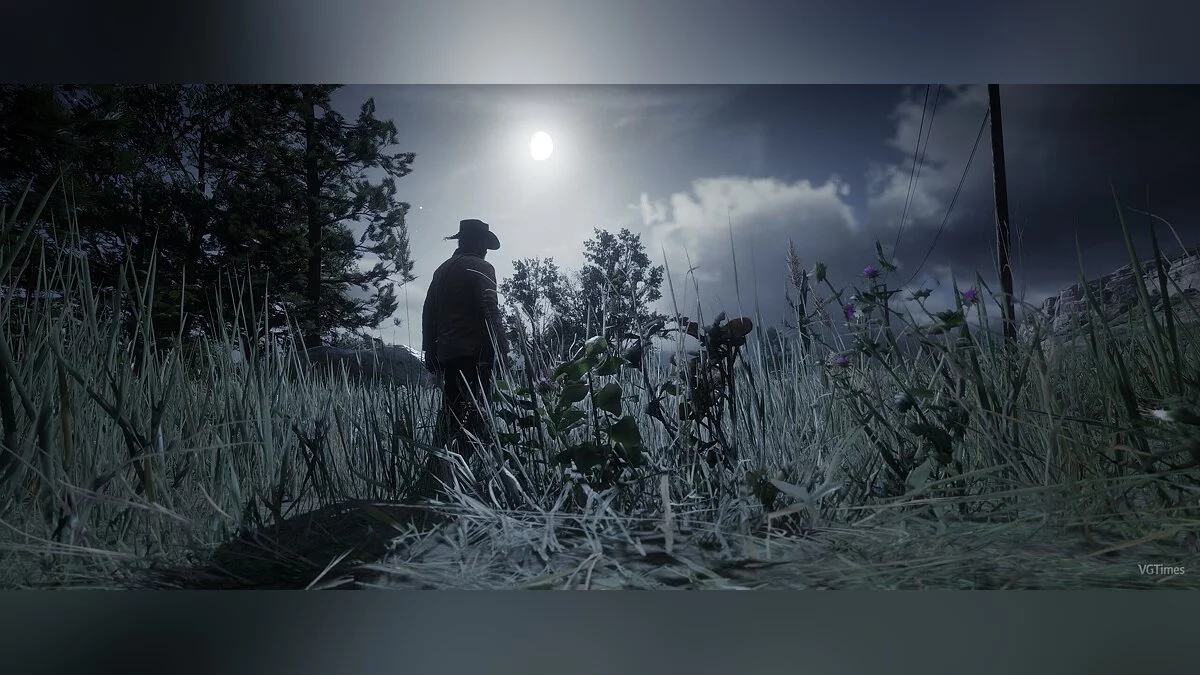
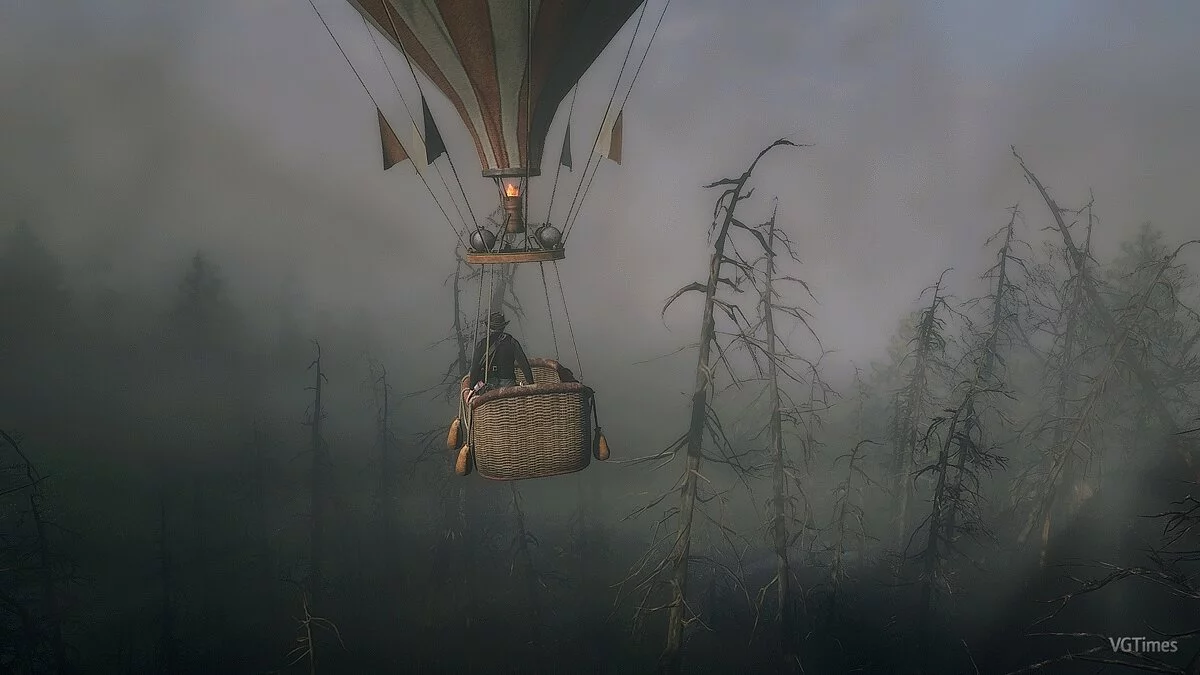
Continuation of the adventure action game from 2008 with a third-person view in a large open world. Players are once again invited to conquer the Wild West... Read more
Optimization for Low-End Graphics Cards
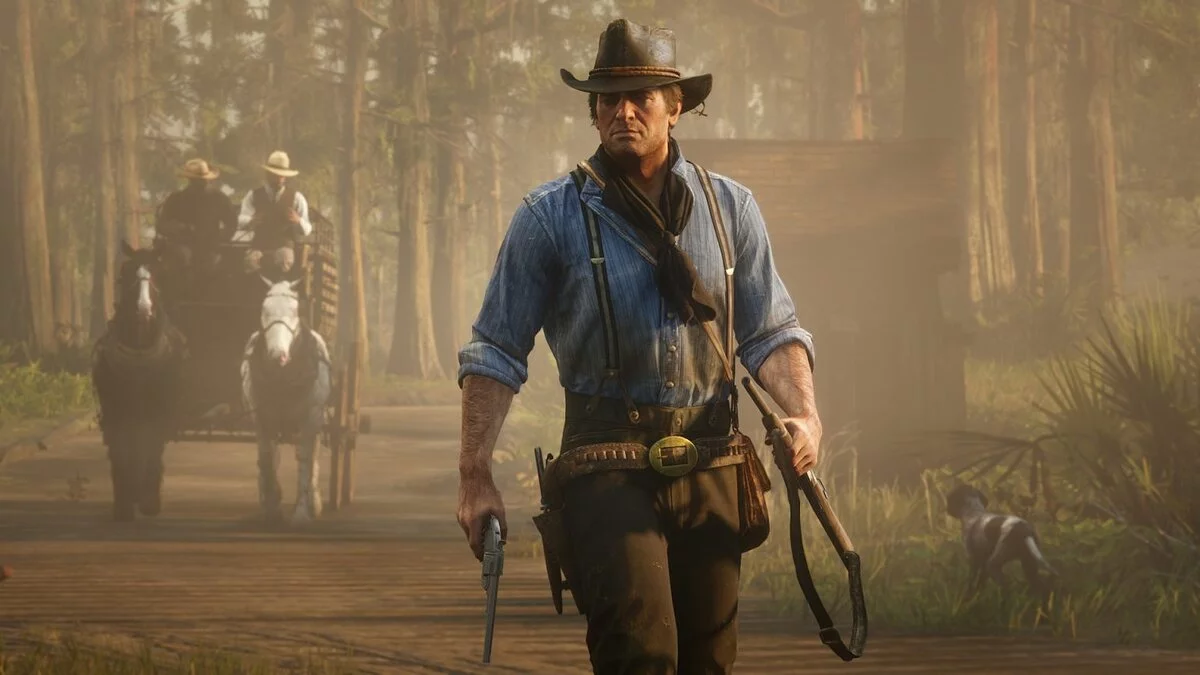
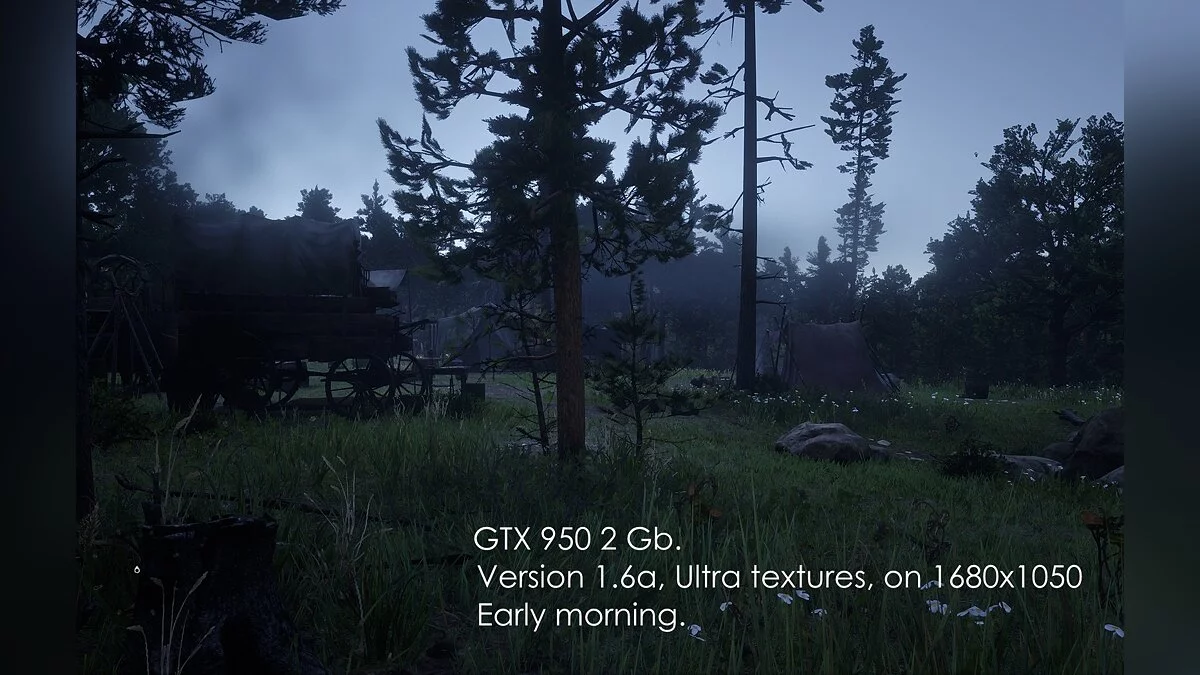

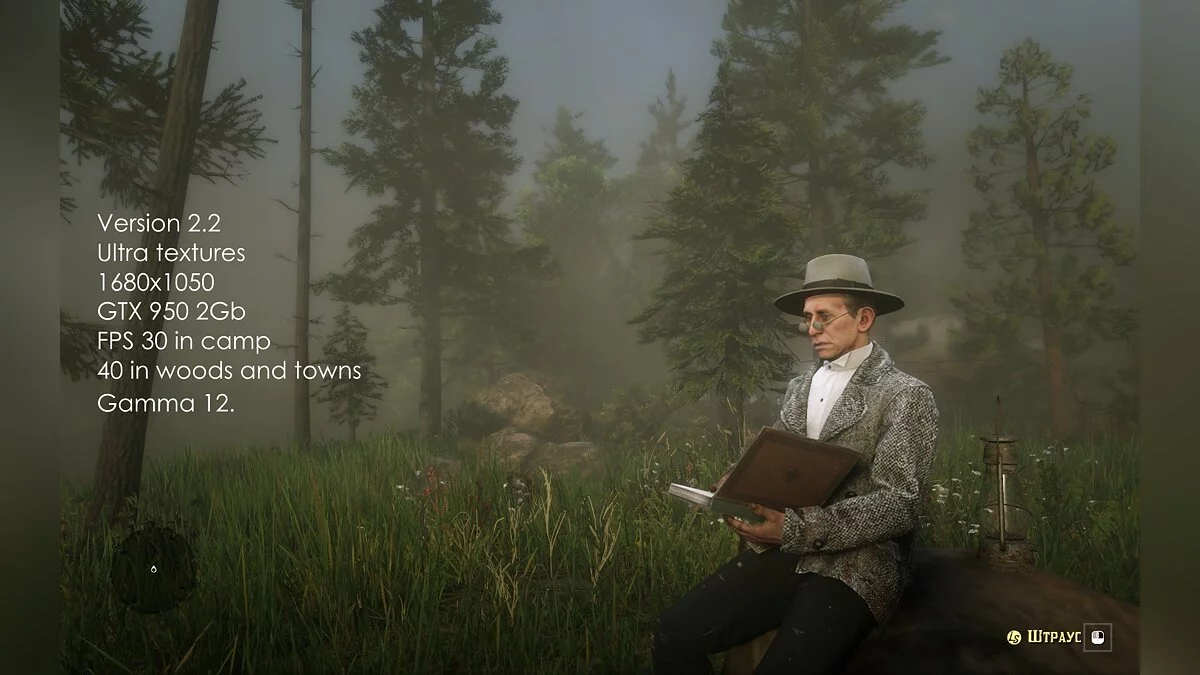

-
www.nexusmods.comDownload
Optimized settings for 2 Gb graphics cards.
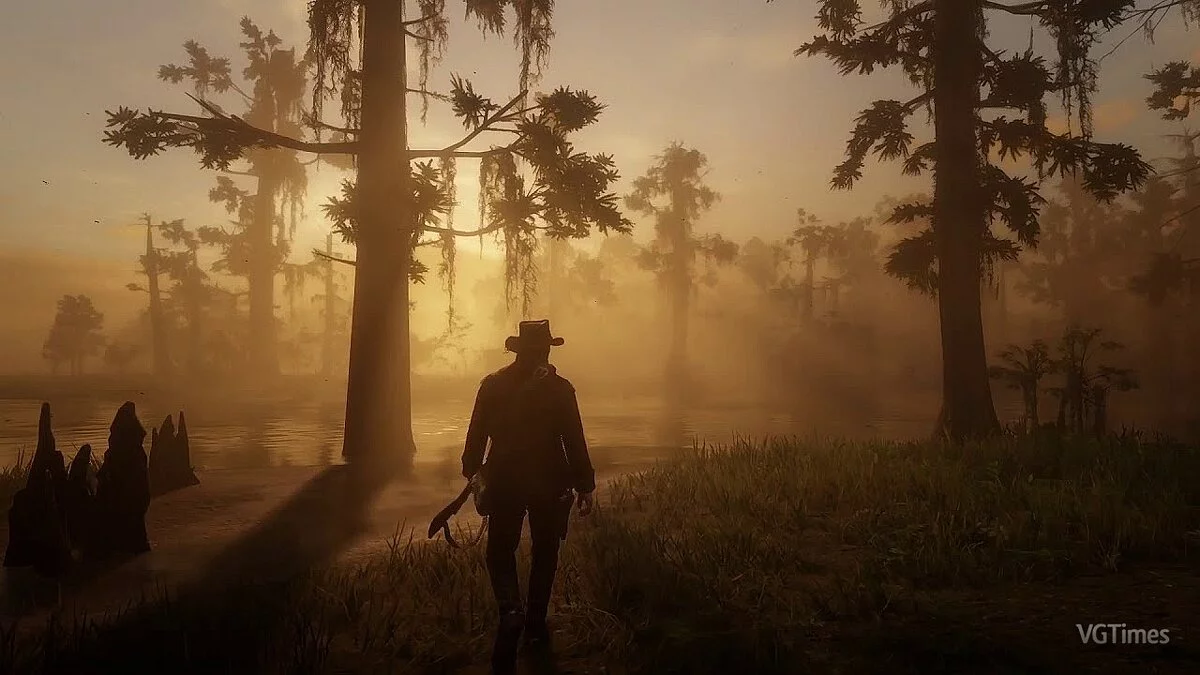
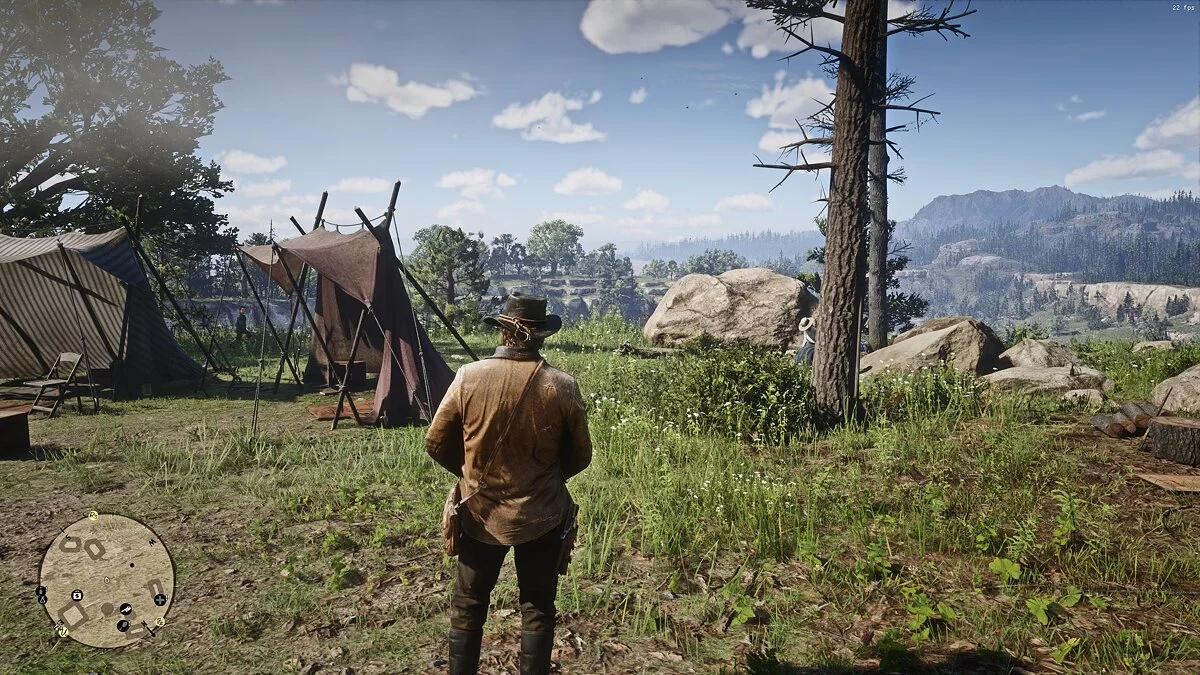
This mod allows for higher quality gameplay, including medium/high quality textures. Additionally, it provides optimized settings for 3-6 Gb graphics cards. The optimized settings are a mix of low, medium, and high settings to balance maximum quality and FPS for a DDR5 2 Gb graphics card.
Installation:
Download, unpack, open your existing system.xml file using WordPad located in Documents/Rockstar Games/Red Dead Redemption 2/Settings, then find and write down the name of your graphics card exactly as it appears. Copy and save the old system.xml file somewhere in a folder as a backup. Place the new modified system.xml file in this folder, overwriting the old file. Open it with WordPad and change the graphics card name from NVIDIA GeForce GTX 950 to yours. This is important. Save and close the file.
Optimized settings for 2 Gb graphics cards.
Этот мод позволяет играть с более высоким качеством, включая текстуры среднего / высокого качества. Плюс оптимизированные настройки для видеокарт 3-6 Гб. Оптимизированные настройки представляют собой сочетание низких, средних и высоких настроек для баланса максимального качества и FPS для видеокарты DDR5 2 Гб.
Установка:
Загрузите, распакуйте, откройте свой старый существующий файл system.xml с помощью WordPad в Documents/Rockstar Games/Red Dead Redemption 2/Settings, затем найдите и запишите название вашей карты на листе бумаги в точности так, как оно есть. Скопируйте и сохраните старый файл system.xml где-нибудь в папке в качестве резервной копии. Поместите в эту папку новый измененный файл system.xml, перезаписав старый файл. Откройте его с помощью WordPad и измените имя видеокарты с NVIDIA GeForce GTX 950 на свое. Это важно. Сохраните и закройте файл.
Useful links: