A simulator of social and public life, a continuation of the popular game series The Sims. The character creator will open new facets of creativity thanks to an... Read more
The Sims 4 Utility | Program to Disable Unwanted Add-ons | DLC Disable v0.7.21 Free

-
Download (4.18 MB)July 9, 2024, 10:11 AM1640789954_dlc-disable-v0.zipArchive password: vgtimes
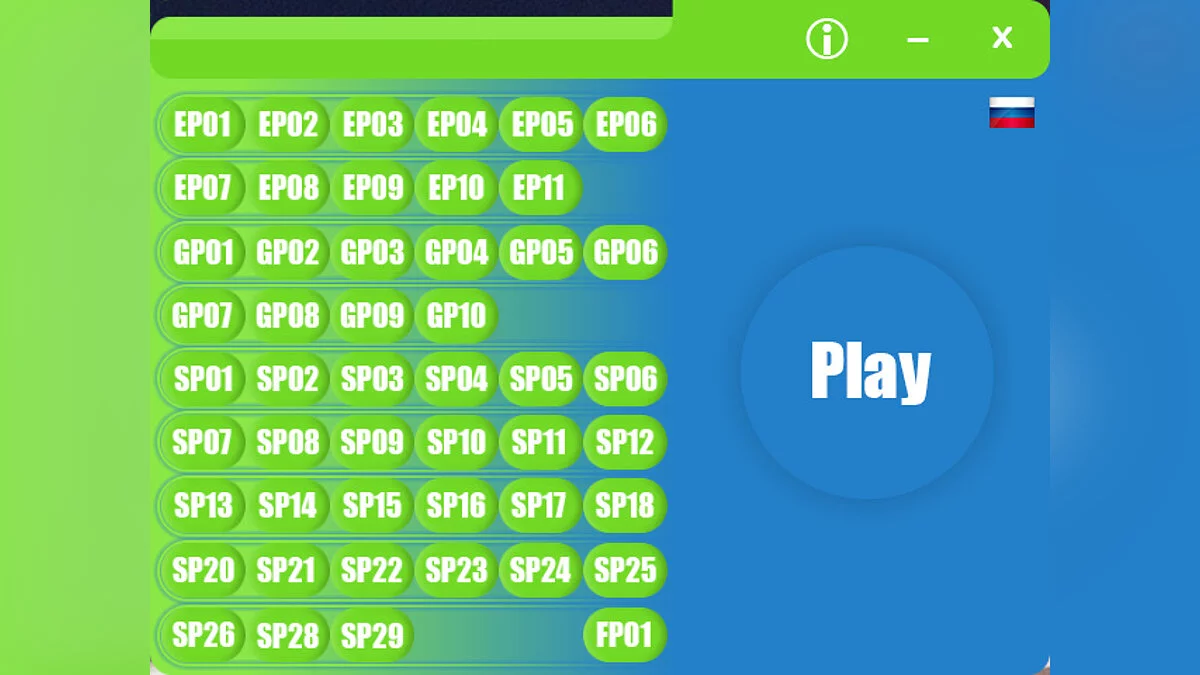
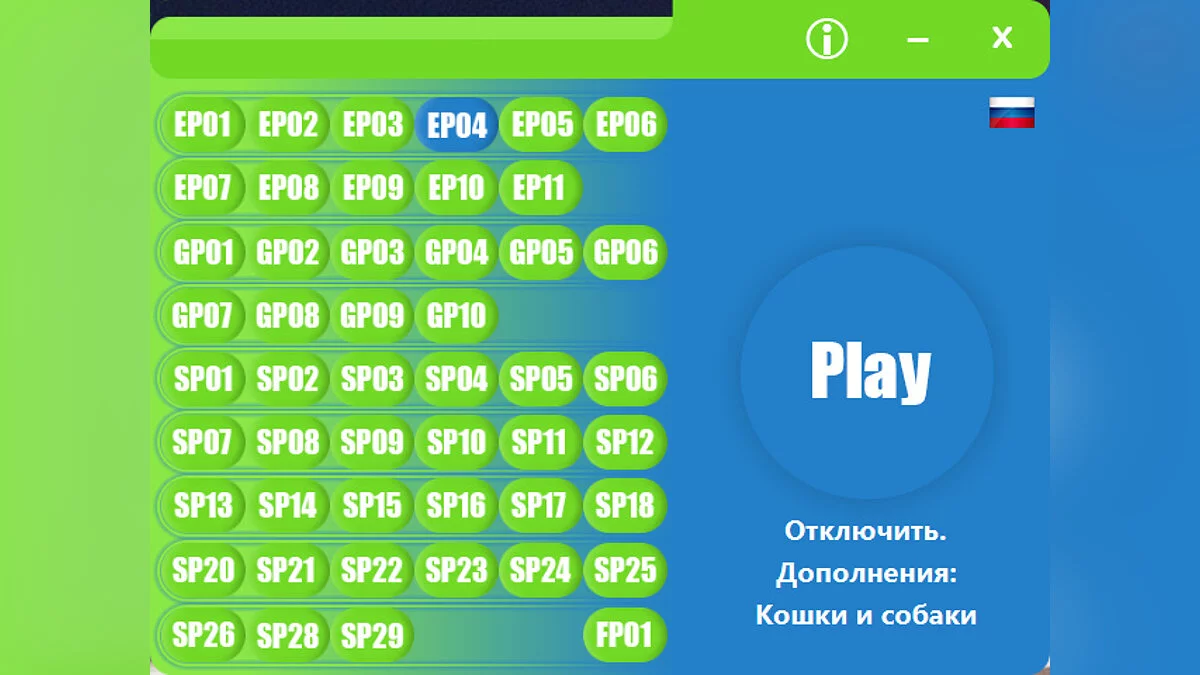
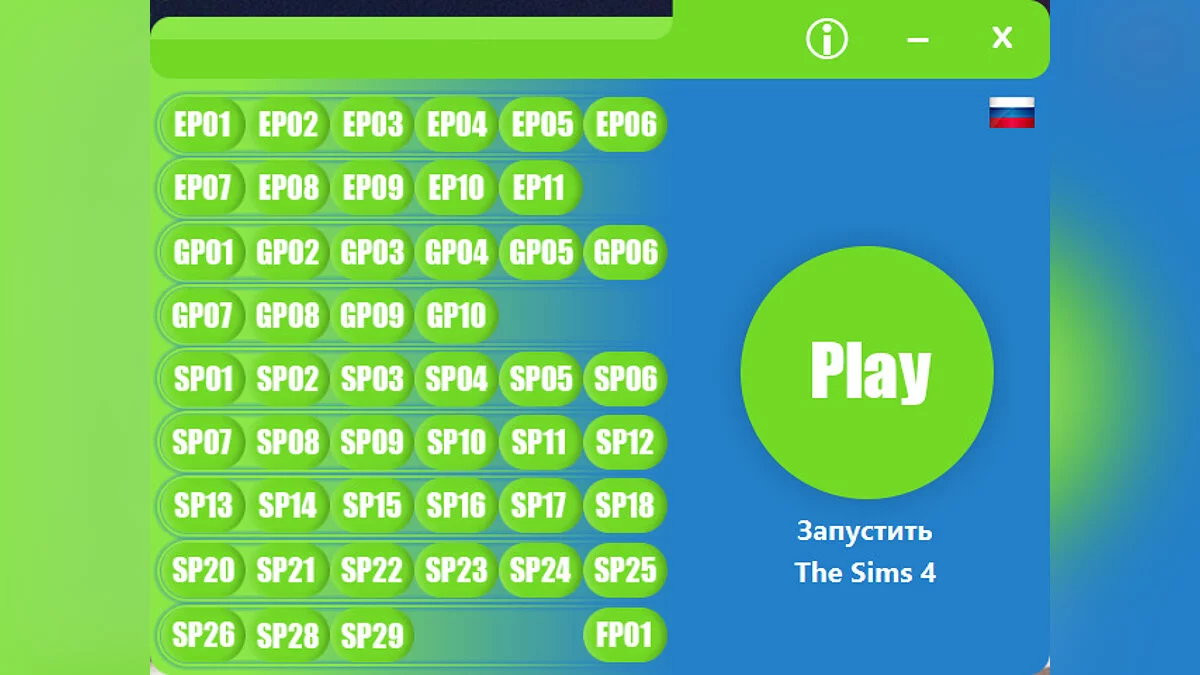
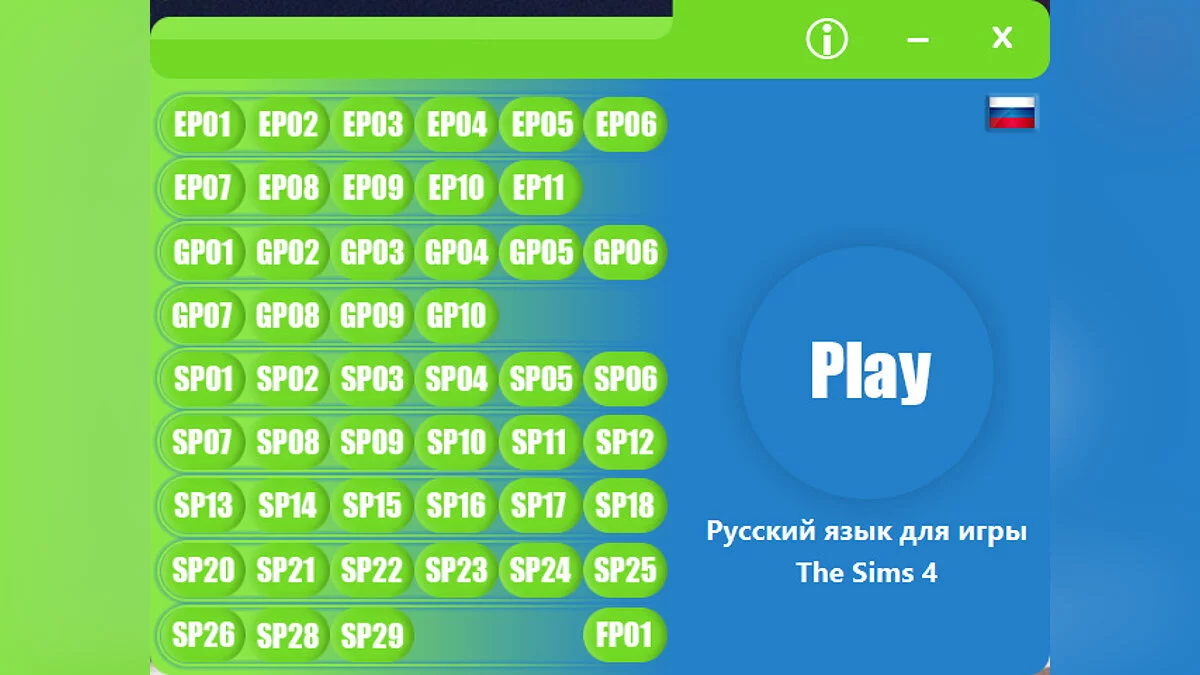
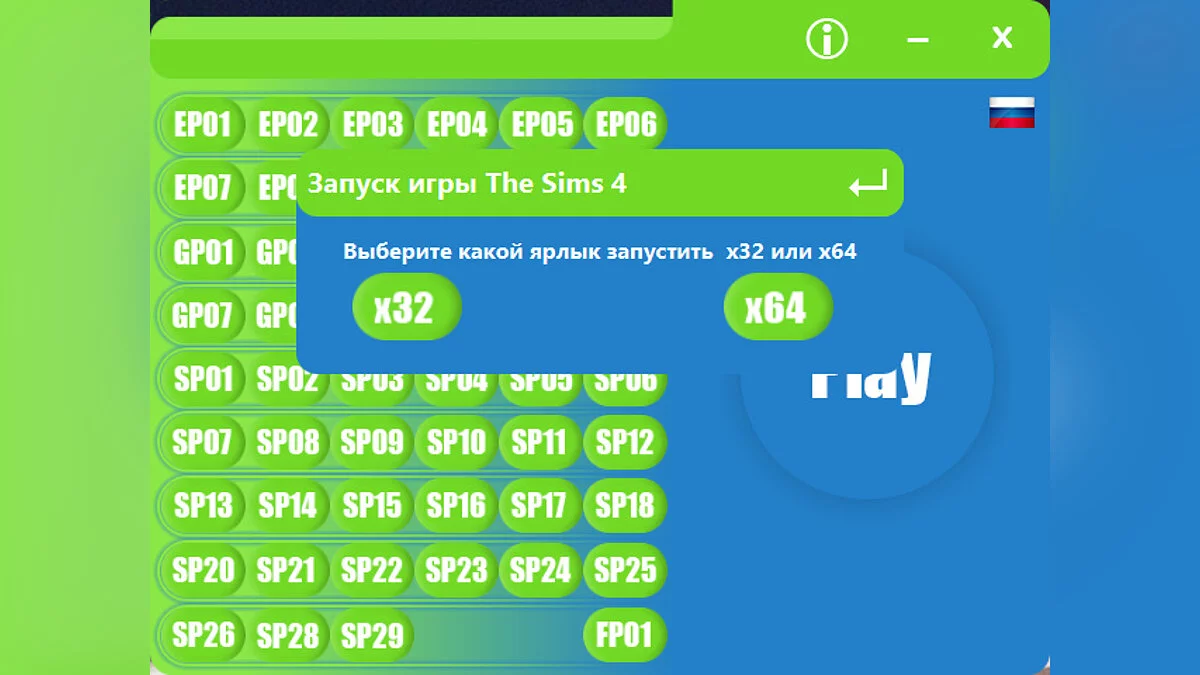
DLC Disable: The program has changed its name from DLC Delete to DLC Disable; it now disables add-ons in The Sims 4 without loss.
Changes in this version (0.7.21 Free):
• Updated interface
• Added DLC (EP11, GP10, SP22, SP23, SP24, SP25, SP26)
• SP19 has been completely removed from the program as there is no such add-on in the game (SP27 is also not included)
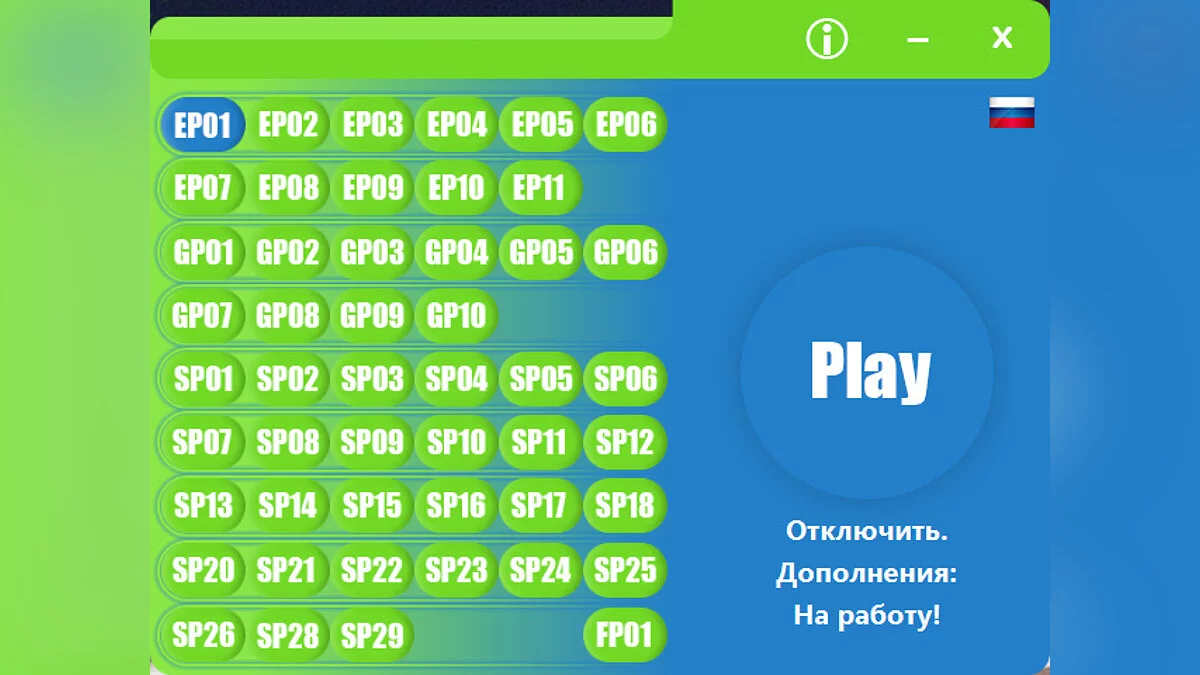
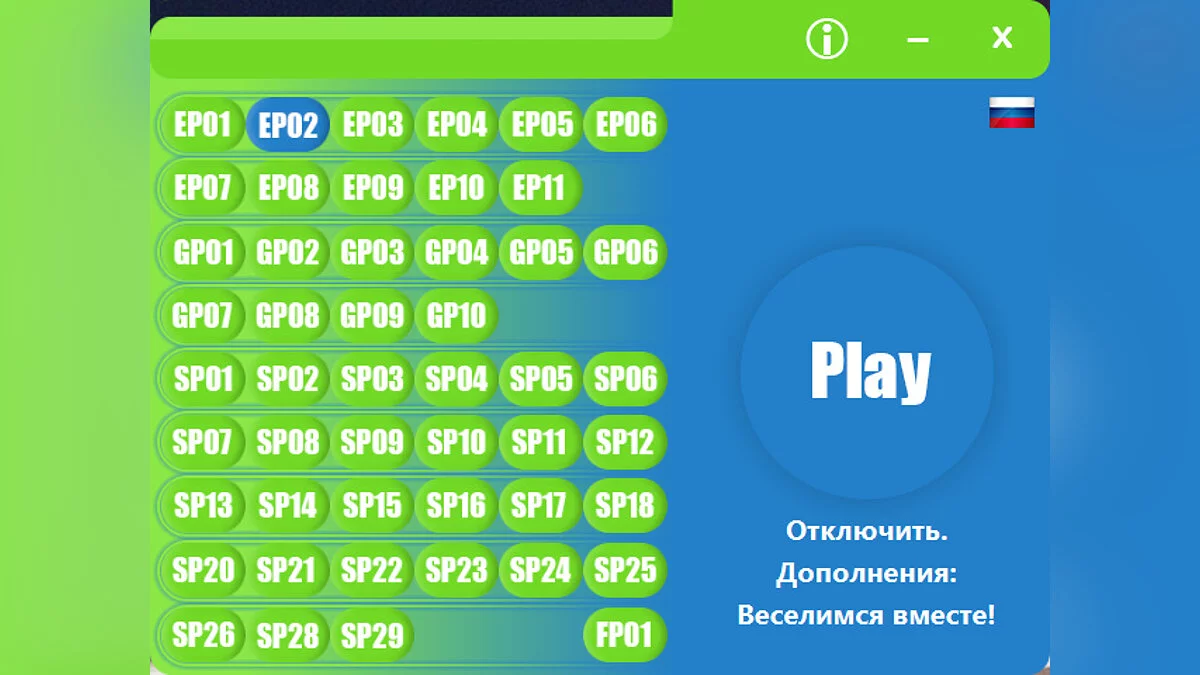
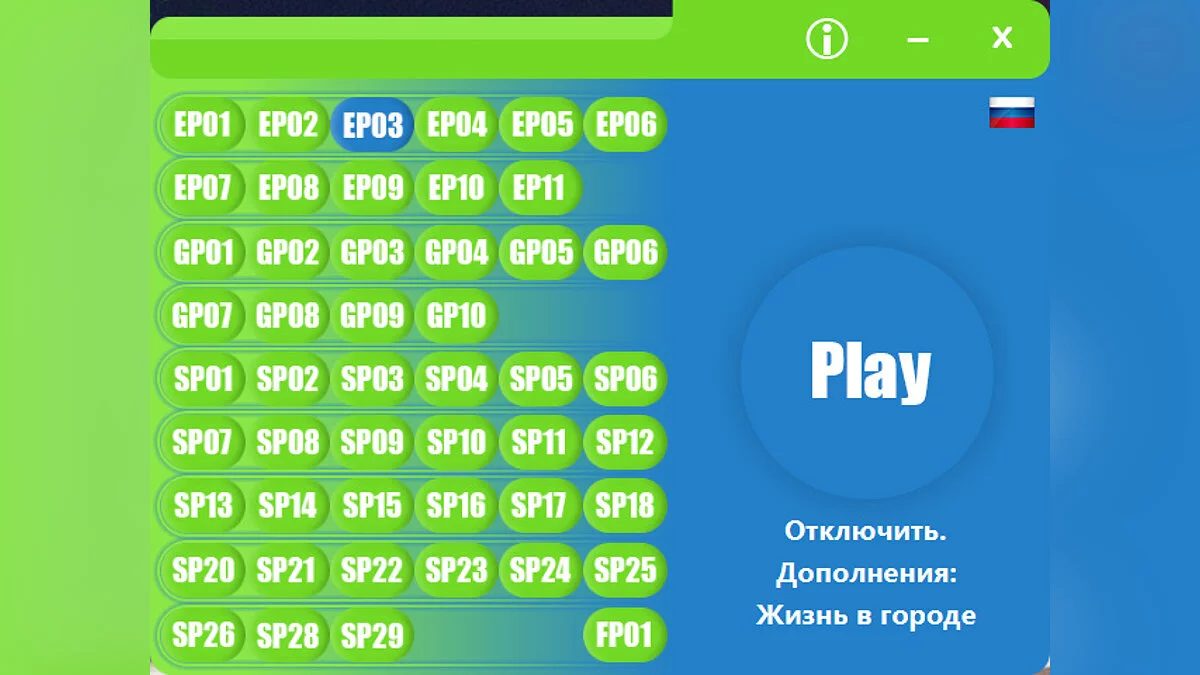
• DLC can be both disabled and enabled; if you do not have a DLC, the program will mark it with a blue button, currently inactive, with plans to make it a restoration button for that DLC
Installation steps:
1. Run Setup (Installer)
2. In case of a "User Account Control" pop-up, agree by clicking "Yes"; the program will not harm your computer
3. Choose the installer language, then click "Ok"
4. Click "Next" read the brief instructions, then click "Next"
5. Follow the brief instructions, specify the path to the game, that is, where it is installed. After selecting the folder with The Sims 4, click the "Ok" button then "Next"
6. After that, optionally, you can add the folder to the Start menu — includes (Program shortcut, Website, Program uninstaller). Then click the "Next" button
7. Then, again optionally, you can check the box for "Create a Desktop Icon". After that, click "Next" then immediately click the "Install" button
8. After the installation is complete, you can read information about us, then click "Next"
9. You can uncheck the box "Run DLC Disable v0.7.21 Free". I recommend unchecking it, then run the program as an administrator (IMPORTANT)
Enjoy using our program!
DLC Disable: Программа поменяла своё названия c DLC Delete на DLC Disable теперь данная программа отключает дополнения в The Sims 4 без потери.
Изменения в данной версии (0.7.21 Free):
• Обновлённый интерфейс
• Добавлены DLC (EP11,GP10,SP22,SP23,SP24,SP25,SP26)
• SP19 — Был удалён вовсе из программы так как в игре такого дополнения нет (так же не и SP27)
• DLC можно как отключить так и включить, если у вас отсутсвует DLC программа пометить её синей кнопкой, в данный момент она не задействована, в планах сделать её кнопкой востановления той или иной DLC
Поряд установки:
1. Запускаем Setup (Установочник)
2. На случай всплывающего окна "Конроль учётной записи" согласитесь нажав "Да", программа не навредит вашему компьютеру
3. Выберите язык установщика, после чего нажмите "Ок"
4. Нажмите "Далее" прочтите краткую инструкцию,затем нажмите "Далее"
5. Делайте всё по краткой инструкции, укажите путь к игре, тоесть там где она у вас установлена. выбрав папку с игрой The Sims 4 нажмите кнопку "Ок" затем "Далее"
6. После чего, на ваше усмотрения, можете добавить папку в меню Пуск — входит (Ярлык программы,Сайт,Деинсталлятор программы).Затем нажмите кнопку "Далее"
7. Затем, опять же на ваше усмотрения можете посавить галочку на "Создать значок на Рабочем столе" После нажимаем на "Далее" затем сразу же на кнопку "Установить"
8. После завершения установки можете ознакомится с информации о нас, затем нажать на "Далее"
9. Можете убрать галочку "Запустить DLC Disable v0.7.21 Free". Советую убрать, после чего запустить программу от имени администратора(ВАЖНО)
Приятного пользования нашей программы!
Useful links: