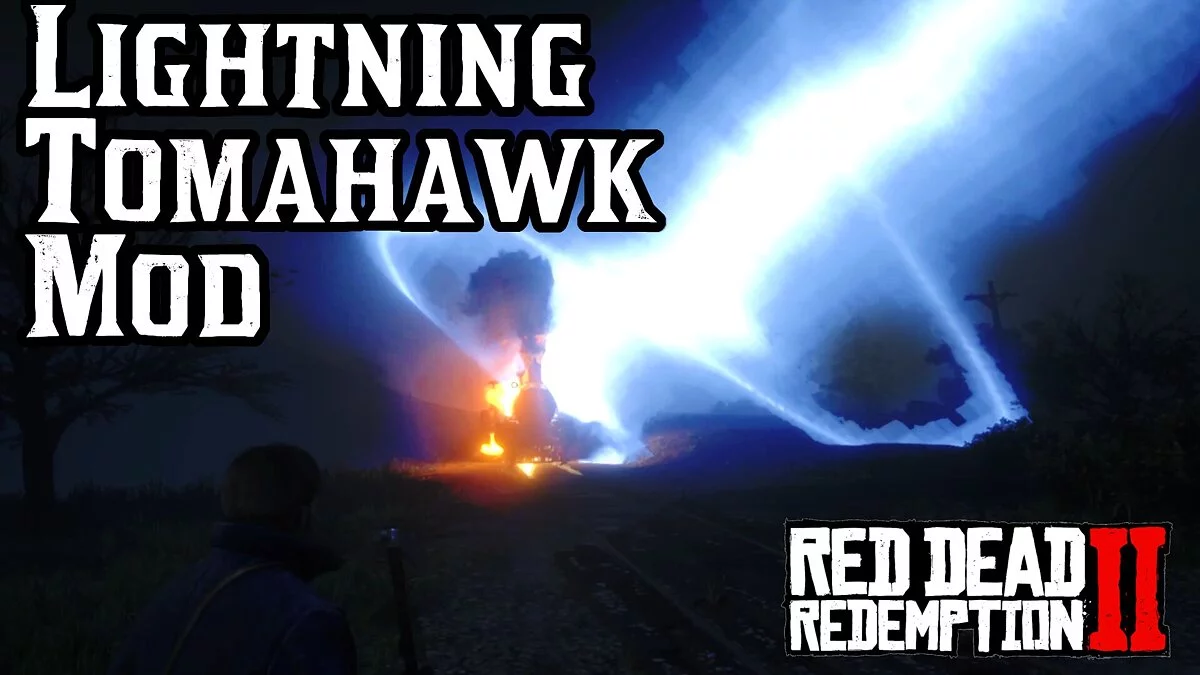
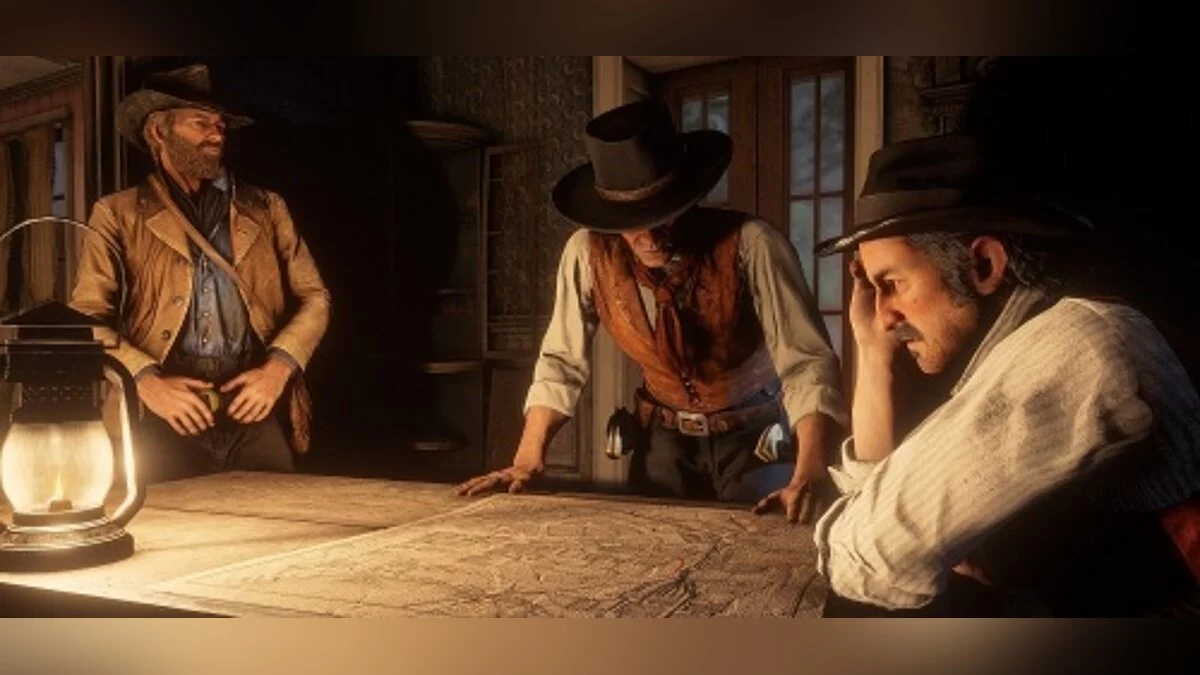
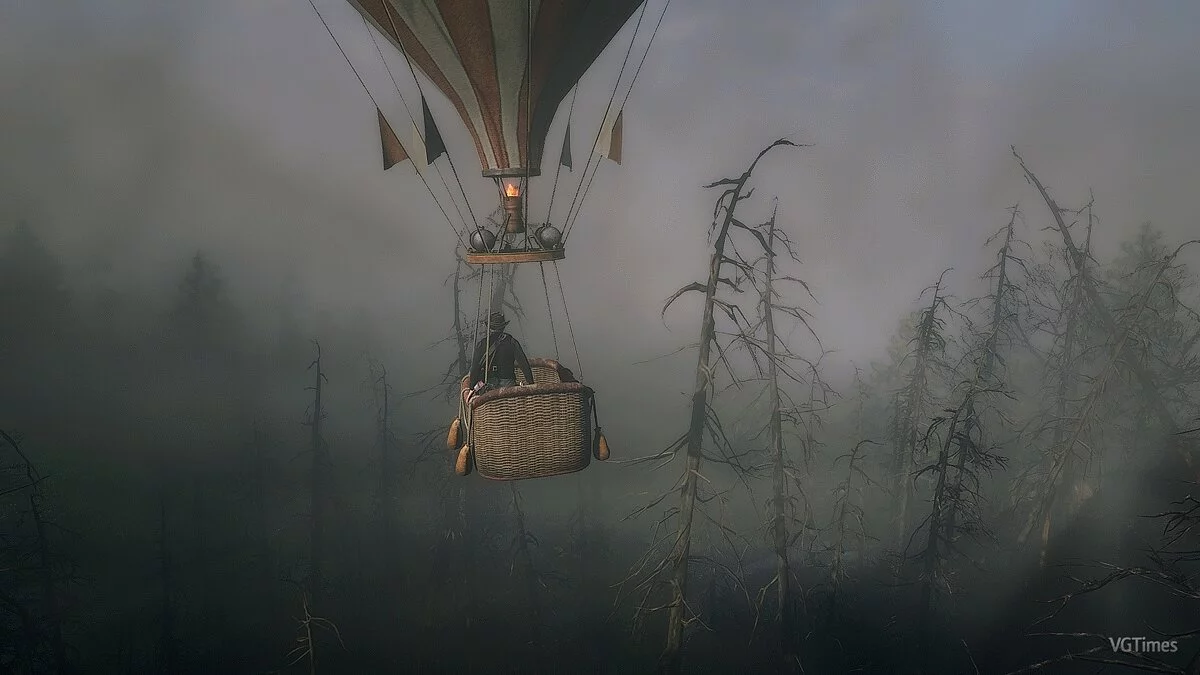
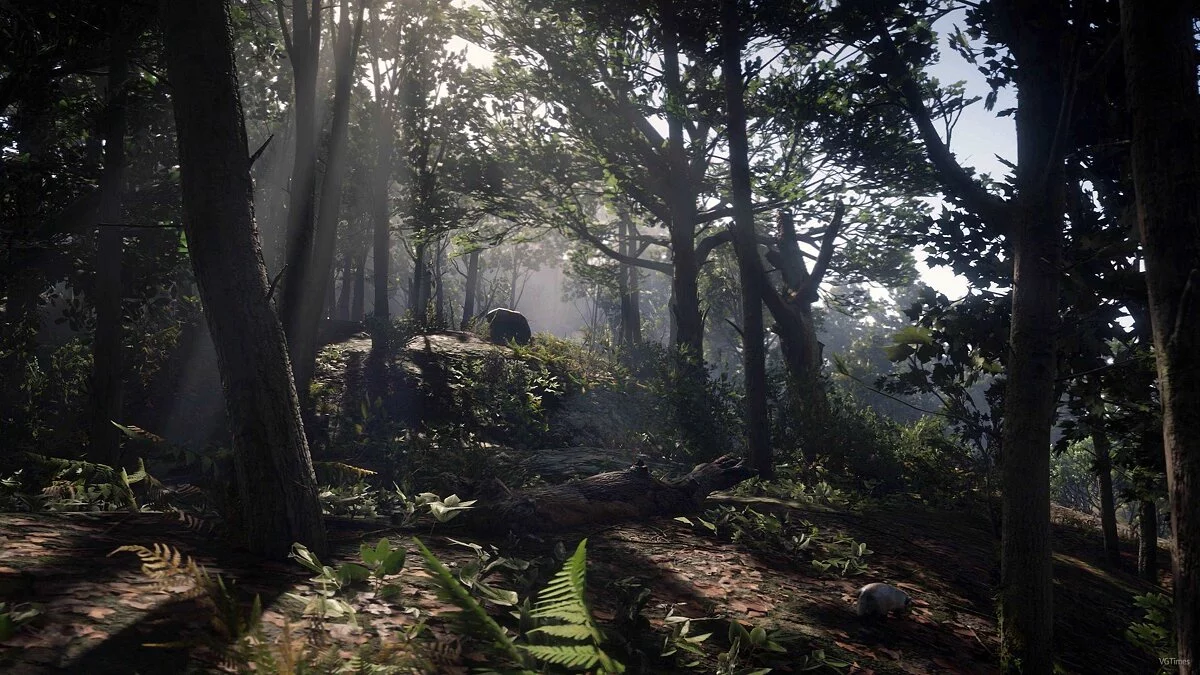
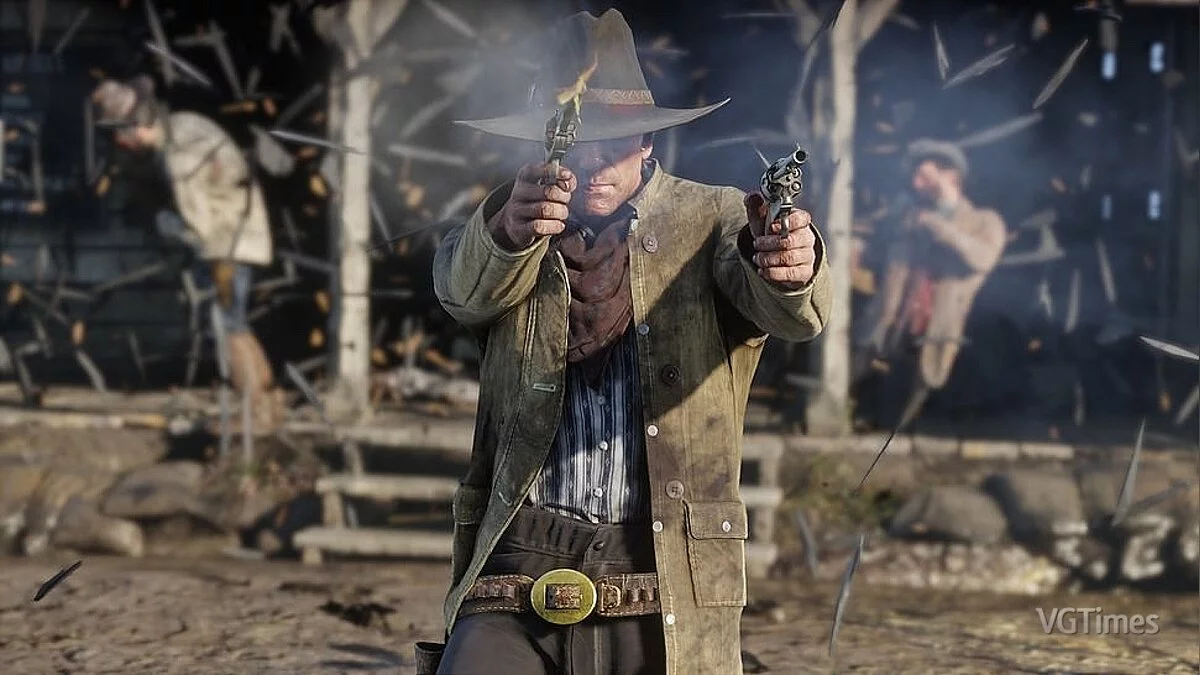
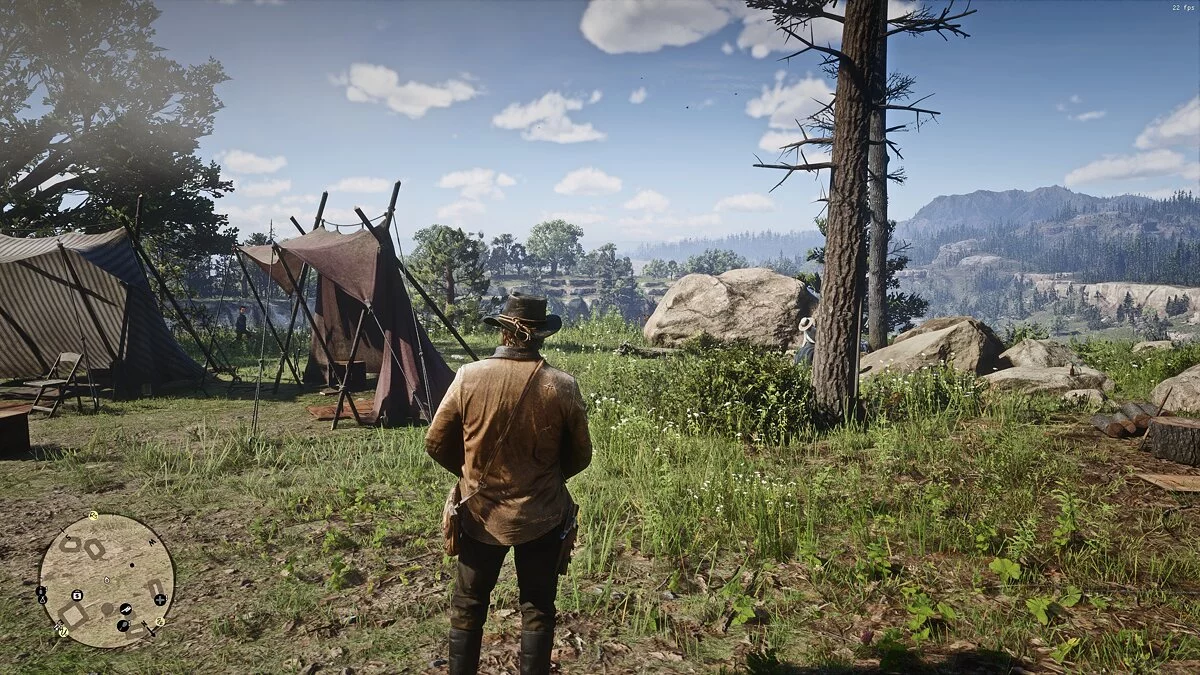
A continuation of the 2008 third-person action-adventure game set in a vast open world. Players once again get to explore the Wild West, with plenty... Read more
Save File (Player Model Replacement)
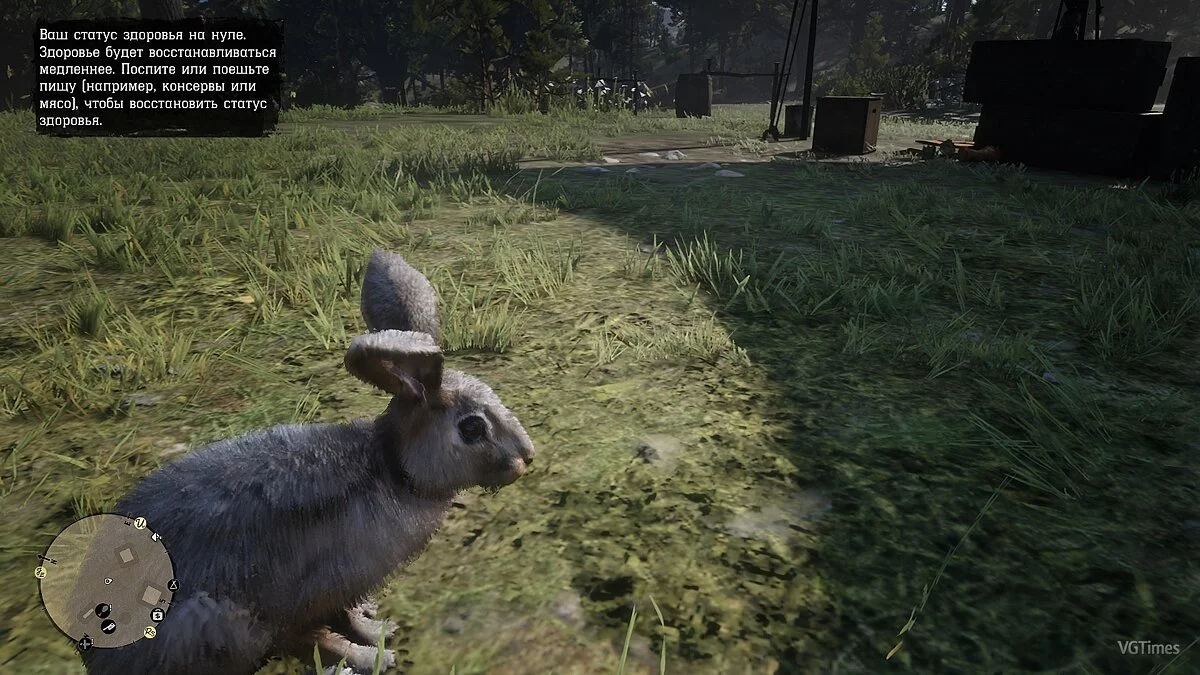
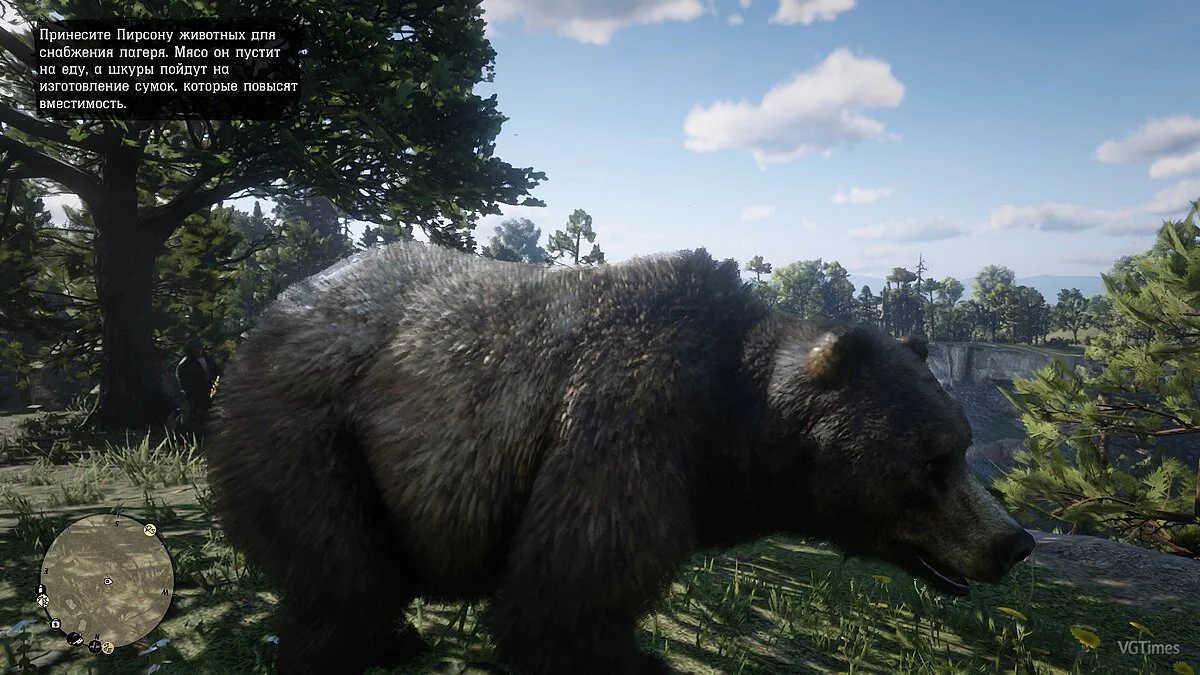
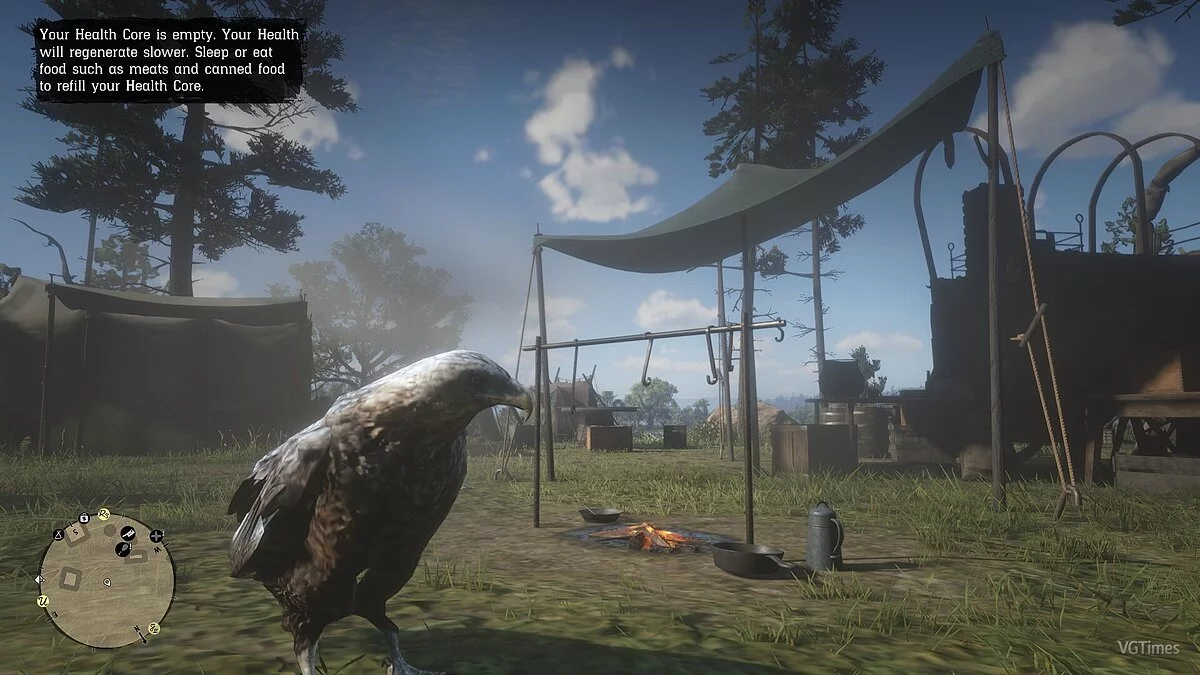

This save file allows you to change the character model to animal/human NPC models.
It is not recommended to complete missions with a replaced model, as crashes may occur.
Not all models work.
INSTALLATION
1. Open Rockstar Games Launcher
2. Go to RDR 2 settings
3. Disable "Activate cloud saves"
4. Click "View saved files"
5. BACK UP YOUR SAVES!
6. In the downloaded archive, select the desired animal/human NPC model
7. Copy and rename (if the last 2 digits differ) the files from the archive (SRDR30000 and SRDR30000.bak) in the save folder
8. Enjoy playing.
Это сохранение, которое позволит вам менять модель персонажа, на животных/человеческих моделей NPC.
Не рекомендуется проходить с заменённой моделью миссии, так как возможны вылеты.
Работают не все модели.
УСТАНОВКА
1. Откройте Rockstar Games Launcher
2. Зайдите в настройки RDR 2
3. Отключите "Активировать сохранения в облаке"
4. Нажмите "Посмотреть сохраненные файлы"
5. СДЕЛАЙТЕ РЕЗЕРВНУЮ КОПИЮ СОХРАНЕНИЙ!
6. В скачанном архиве, выберете нужную вам модель животного/человеческого NPC
7. Скопируйте и переименуйте (если последние 2 цифры разнятся) файлы из архива (SRDR30000 и SRDR30000.bak) в папке с сохранениями
8. Играйте
Useful links: