

A continuation of the 2008 third-person action-adventure game set in a vast open world. Players once again get to explore the Wild West, with plenty... Read more
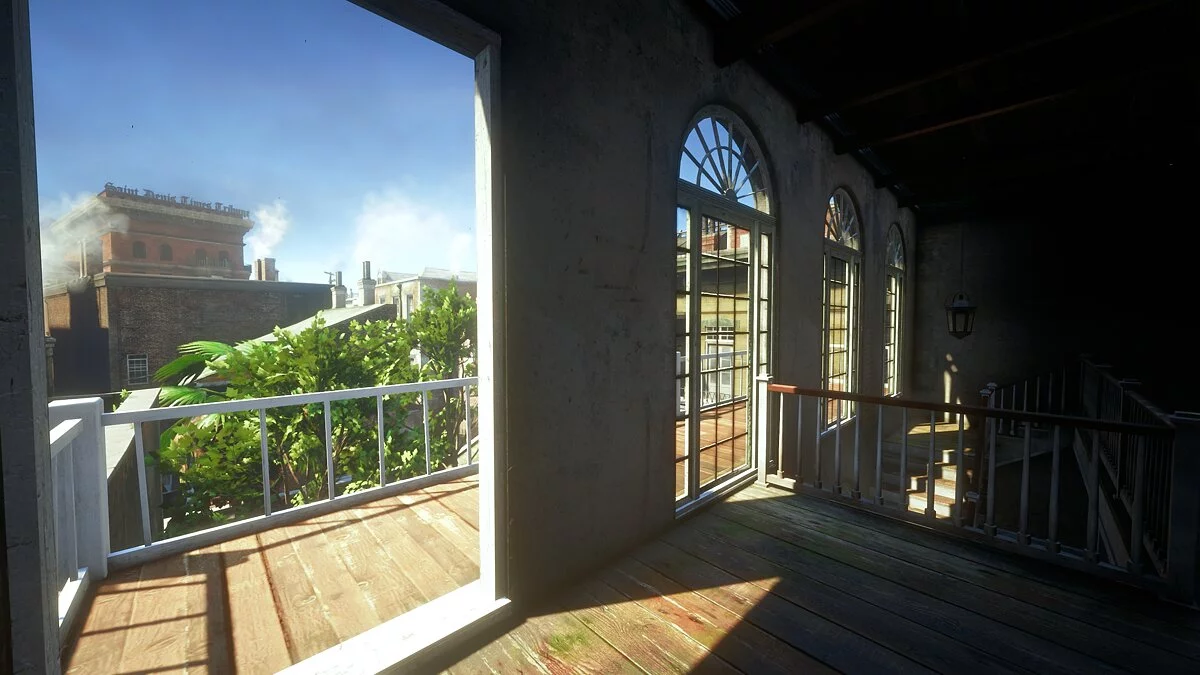
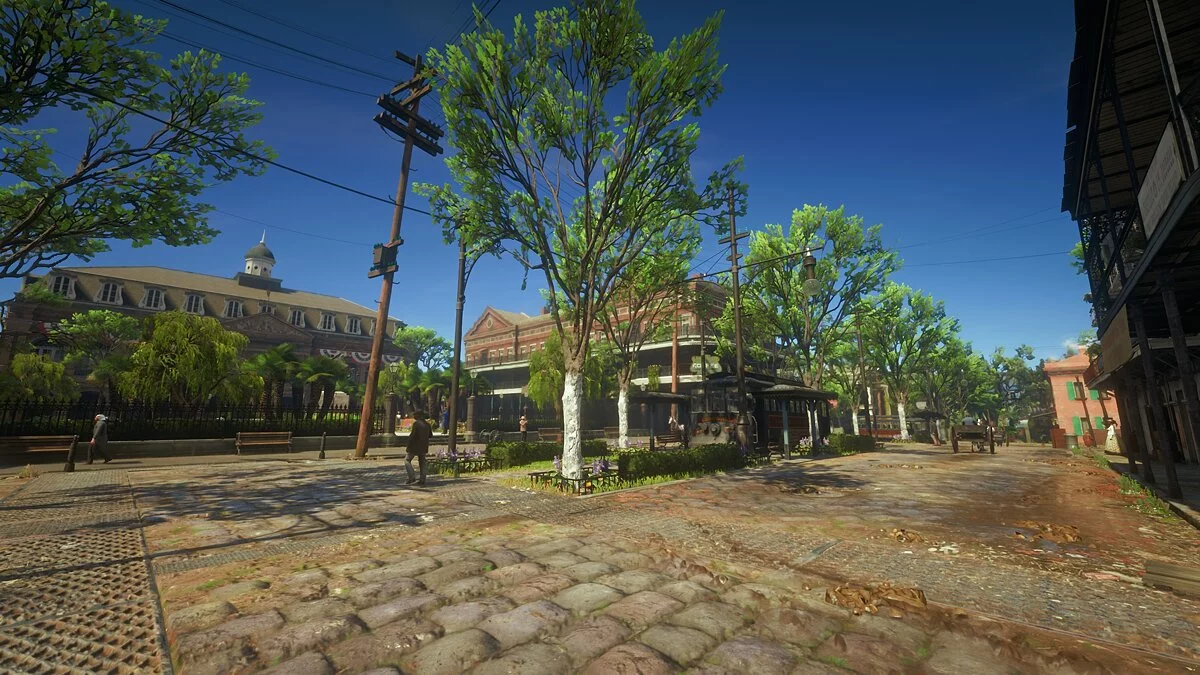
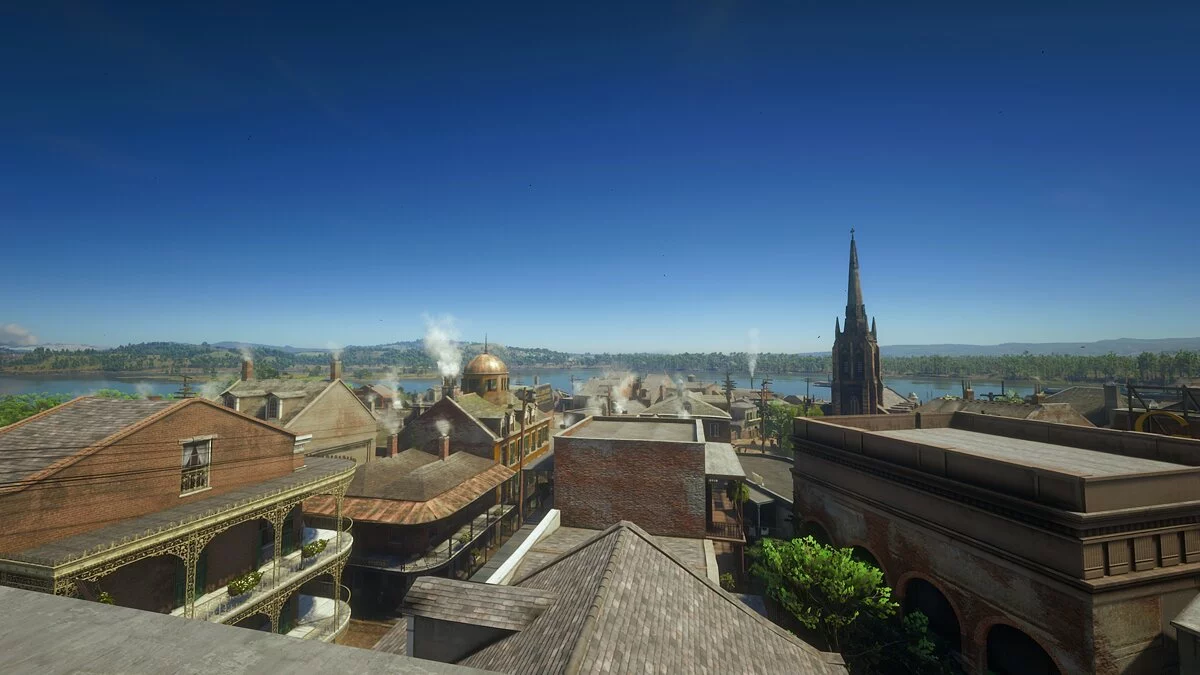
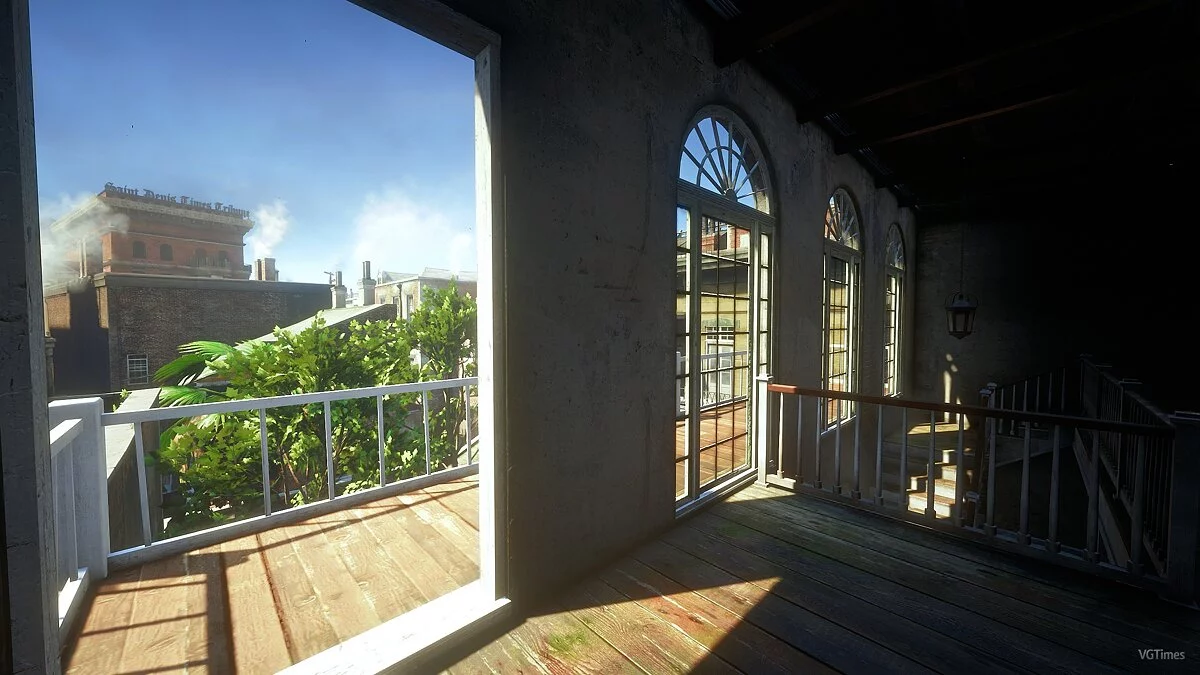
Realistic Lighting

-
1577311674_art_school_final_reshade_150_1_02_1577272072.rarDownload (8.42 MB)
Original Title: Art School Final — Realism ReShade
Graphic settings preset for Red Dead Redemption 2 using photo processing algorithms during editing. The author recommends setting the in-game brightness to 13/30.
Requirements: ReShade
Installation:
1) Extract the archive to the game folder
2) Run the ReShade installer and select the game's .exe file
3) Choose the game API — this is DX10 +
4) ReShade will request to download .fx files, select all and click “OK” to download and install them
5) After successful installation, close the program
6) Launch the game and open the ReShade menu by pressing the Home (pos1) key on the keyboard. Then click the dropdown arrow to open the dropdown menu and select the file “LUT.fx” from the list. If you do not see the file in the list, you will need to add it manually by pressing the + key next to the dropdown arrow, then enter the full name of the file, for example: LUT.fx, and press Enter.
To close the ReShade menu, press the Home (pos1) key on the keyboard.
Оригинальное название: Art School Final — Realism ReShade
Пресет графических настроек для Red Dead Redemption 2 с использованием алгоритмов обрабатывания фотографий при их редактировании. Автор рекомендует устанавливать яркость в игре на 13/30.
Требования: ReShade
Установка:
1) Распакуйте архив в папку с игрой
2) Запустите установщик ReShade и выберите файл .exe игры
3) Выберите API игры — это DX10 +
4) ReShade запросит скачивание .fx файлов, выберите все и нажмите «ОК», чтобы загрузить их и установить
5) После успешной установки закройте программу
6) Запустите игру и откройте меню ReShade, нажав клавишу Home (pos1) на клавиатуре. Далее нажмите стрелку раскрывающегося списка, чтобы открыть раскрывающееся меню, и выберите файл «LUT.fx из списка. Если вы не видите файл в списке, вам придется добавить его вручную, нажав клавишу + рядом со стрелкой раскрывающегося списка, а затем введите полное имя файла, например: LUT.fx, и нажмите Enter.
Чтобы закрыть меню ReShade, нажмите клавишу Home (pos1) на клавиатуре
Useful links:

![Red Dead Redemption 2 — Trainer (+12) [Game Version: v1.0.1436.31]](https://files.vgtimes.com/download/posts/2022-05/thumbs/1653591490_scr.webp)
![Red Dead Redemption 2 — Trainer (+12) [from 29.11.21]](https://files.vgtimes.com/download/posts/2021-11/thumbs/1638287744_scr.webp)
![Red Dead Redemption 2 — Trainer (+12) from 09.17.2020 [WeMod] [Epic]](https://files.vgtimes.com/download/posts/2020-09/thumbs/1600430552_2020-09-18_150044.webp)
![Red Dead Redemption 2 — Trainer (+12) [1.0 - 1232.17]](https://files.vgtimes.com/download/posts/2020-01/thumbs/1579090650_5a3ltkujgyg_p9giisx3vw.webp)
![Red Dead Redemption 2 — Trainer (+11) [1.0 - 1207.73]](https://files.vgtimes.com/download/posts/2019-11/thumbs/1574252003__06_fjftuu2ipxjgfqjjqg.webp)
![Red Dead Redemption 2 — Trainer (+12) [1.0 - 1311.12]](https://files.vgtimes.com/download/posts/2020-07/thumbs/1596091079_kgl2mjicgusgscfd3eotpw.webp)
![Red Dead Redemption 2 — Trainer (+12) from 29.09.2020 [WeMod]](https://files.vgtimes.com/download/posts/2020-09/thumbs/1601388810_2020-09-29_171159.webp)
![Red Dead Redemption 2 — Trainer (+12) from 29.09.2020 [WeMod] [Rockstar Games Launcher]](https://files.vgtimes.com/download/posts/2020-09/thumbs/1601388835_2020-09-29_171241.webp)